

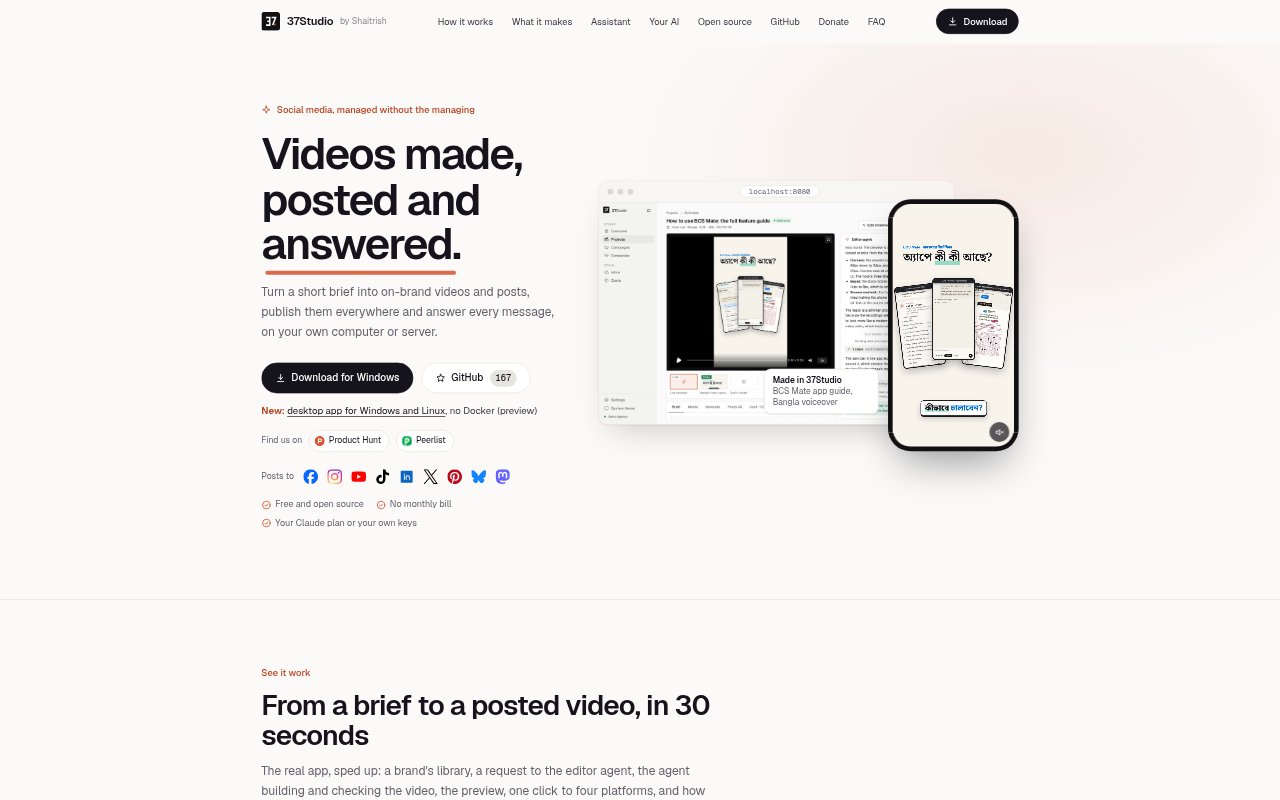
What is 37Studio?
37Studio is a self-hosted social media content and publishing tool for agencies, shops, restaurants, coaching centres and other brands. It turns briefs into videos, ads, posts and graphics, then helps publish them and handle incoming comments and messages. Run it on a Windows PC, Mac, Linux machine or your own server, using a Claude plan or your own AI provider keys.
37Studio Features:
Brand Library: Add a website to collect brand details such as products, prices and tone, along with logos, photos, fonts and colours.
Content Creation: Give the editor agent a brief to build, check and render videos, reels, ads, thumbnails, posts, announcements and covers.
Scheduled Autopilot: Set topics, days, times and accounts so the tool prepares content ahead of schedule and waits for your approval.
Multi-Platform Posting: Connect multiple accounts per brand and publish videos with platform-specific captions to Facebook, Instagram, YouTube, TikTok, LinkedIn, X, Pinterest, Bluesky and Mastodon.
Inbox Replies: Review messages and comments in one inbox, with suggested replies based on the brand knowledge base and its chosen reply rules.
Cost Tracking: See AI usage costs for projects and generated media, with a settings budget that caps Claude spending per turn.
37Studio Benefits:
Less Repetitive Work: A short brief can start a content project, while scheduled plans reduce the need to create and queue every post manually.
Consistent Branding: Working from each brand's collected assets and design details helps keep content aligned with its look and voice.
Human Oversight: Approval steps and configurable reply rules let teams review content and set boundaries before customers see responses.
Clearer Spending: Project-level cost visibility helps users understand AI expenses rather than relying on a bundled, marked-up service fee.
More Local Control: Running the app on your own computer or server keeps footage and messages with you, apart from calls to providers and connected platforms.
Use Cases:
Agency Client Content: Manage social media for several client brands, keeping each brand's assets, content plans and connected accounts separate.
Restaurant Promotions: Turn a promotion or menu update into branded video and posts, then prepare them for the restaurant's social accounts.
Coaching Centre Updates: Create short explainers or announcements from a brief and schedule them for the centre's chosen platforms.
Customer Message Triage: Use the shared inbox to review incoming comments and messages and draft responses grounded in current brand information.
Recurring Social Posts: Set a recurring topic and schedule for a brand, then review prepared videos before they go live.