

What is A2O LITE AI Dance Video Generator?
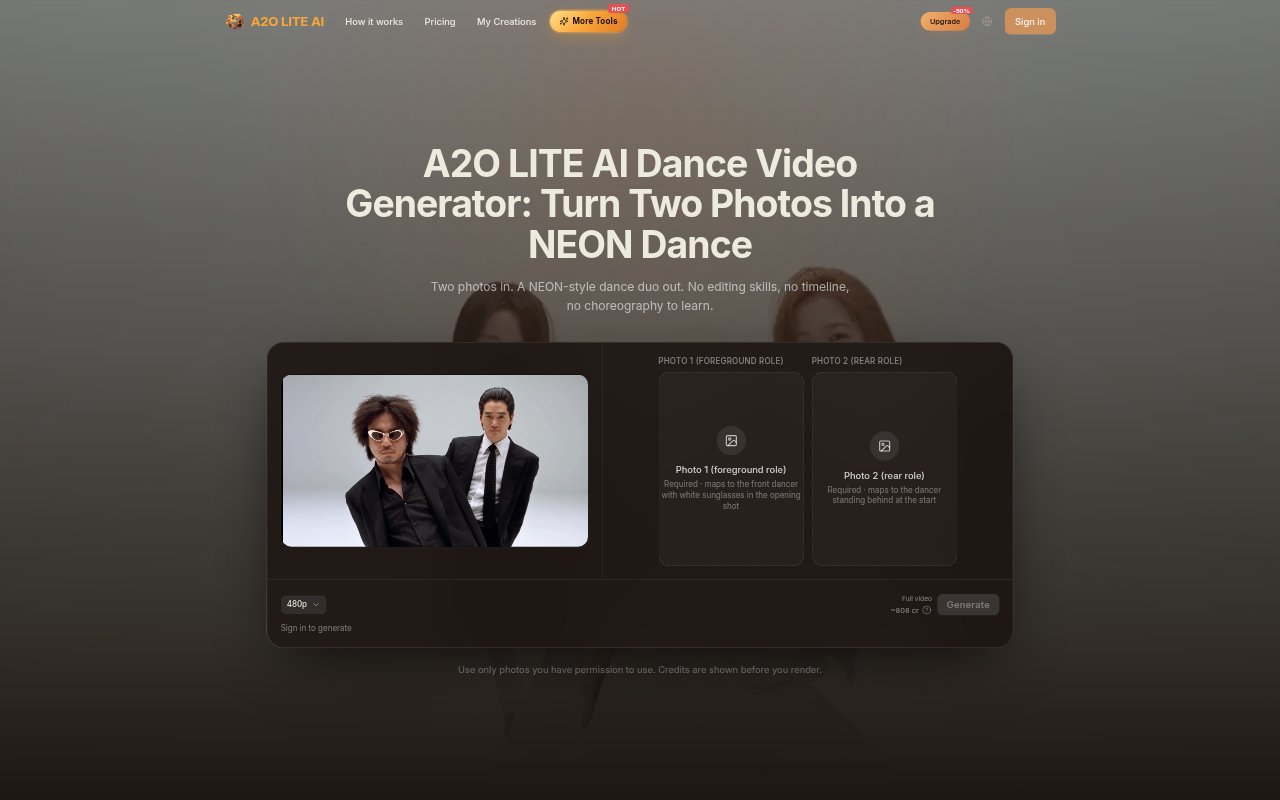
A2O LITE AI turns two photos into a short dance video using a fixed, two-person NEON stage template. You assign one photo to the foreground dancer and one to the dancer behind, then preview the result before rendering and downloading the full video. It is aimed at people who want a dance clip for social sharing without learning choreography or editing a video. The template uses the submitted photos rather than reproducing an A2O LITE member’s face or voice.
A2O LITE AI Dance Video Generator Features:
Two Photo Roles: Upload one photo for the foreground dancer and another for the dancer behind, with each image assigned to a set position in the duo routine.
Fixed Stage Template: Each generated clip uses the same two-person NEON stage framing, lighting and choreography, while the two submitted faces change.
Preview Before Rendering: Check a preview before choosing whether to render the full video, with the credit cost displayed before you confirm the render.
Downloadable Video: Render the full dance video and download it for posting, with a request to credit A2O LITE as the original artist if you publish it with the track.
Photo Preparation: The tool recommends one person per image, a straight-on angle, even front lighting and no heavy filters; phone photos are acceptable.
One-Time Credits: Buy credits in one-time packs and use them for NEON duo dance videos, without taking out a subscription.
A2O LITE AI Dance Video Generator Benefits:
Less Editing Work: A fixed routine and automated generation remove the need to build a timeline, assemble choreography or learn video-editing skills for this type of clip.
Consistent Results: Keeping the stage, framing and choreography unchanged makes outputs more predictable than a process where the scene and movement vary from one generation to another.
Lower Commitment: One-time credit purchases let occasional users pay for generations without signing up for a recurring subscription.
Fewer Cost Surprises: Seeing the render’s credit cost before confirming lets you decide whether the full video is worth generating after checking the preview.
Use Cases:
Friends’ Dance Post: Create a shared clip from two friends’ photos, with each person taking one of the template’s dancer roles for posting on their accounts.
Couple Video: Use separate portraits of a couple even if the photos were taken on different days, in different places or against different backgrounds.
Pet Pairing: Pair a person’s photo with a clear, well-lit headshot of a dog or cat to place the pet in the second dancer role.
Dance Challenge Clip: Make a short-form challenge-style video using the same repeatable cut and two-photo setup, without filming both participants performing the routine.