
What is acplause?
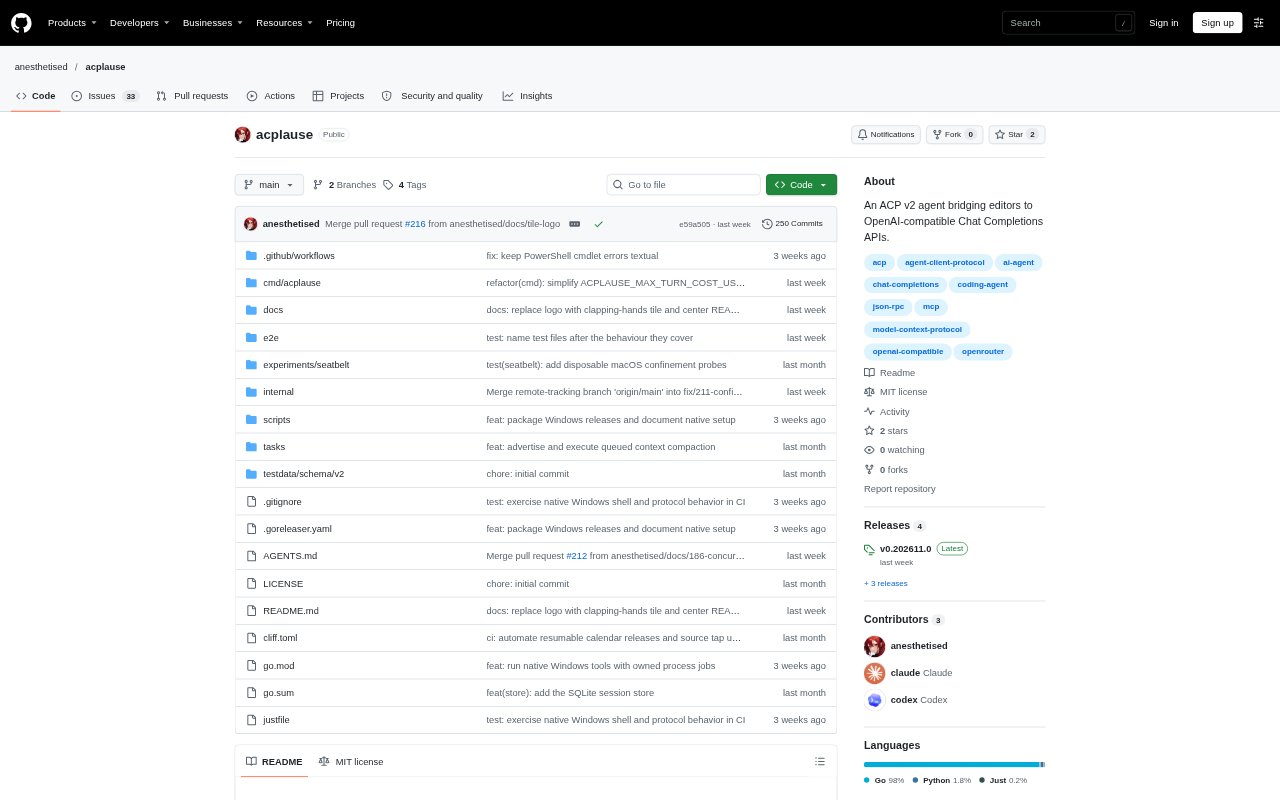
acplause is an experimental Agent Client Protocol v2 agent that connects editors to OpenAI-compatible Chat Completions APIs, using OpenRouter by default. It works in a project workspace through tools, so developers can ask a model to inspect and change files or run commands from an ACP-compatible editor. It streams responses and tool activity, and supports persistent sessions, configurable models, and MCP servers. It is distributed as a command-line application for macOS, Linux, and Windows.
acplause Features:
Streaming Responses: It streams model text and reasoning, tool calls, usage and cost reporting, and live output from shell terminals.
Workspace Tools: The agent can use workspace tools for search, edits, permissions, terminals, and project instructions while working on a codebase.
Permission Controls: It requests permission before changing files or running commands, with Plan and Build modes that enforce different tool restrictions.
Persistent Sessions: Sessions support prompt queues, cancellation, listing, resuming, closing, and deletion, and persist across restarts and editor windows.
Model Selection: Users can select models and reasoning effort from OpenRouter's model list, and use the discoverable /compact command to summarize older context.
MCP And Images: It supports session-owned MCP tools over stdio and Streamable HTTP, plus PNG and JPEG prompt attachments and images returned by MCP tools.
acplause Benefits:
Visible Progress: Streaming lets developers follow an answer and terminal activity as work unfolds instead of waiting for a single final response.
Controlled Changes: Permission prompts and mode restrictions give developers a chance to review consequential actions before files change or commands run.
Continuity Across Work: Persistent sessions help developers return to ongoing tasks without rebuilding their conversation after a restart or moving to another editor window.
Resource Awareness: Usage and cost reporting gives developers information to consider when choosing a model or deciding how much work to delegate.
Flexible Setup: Support for OpenAI-compatible APIs, OpenRouter, and compatible local providers lets teams use a provider that fits their environment.
Use Cases:
Codebase Changes: Ask an ACP-compatible editor agent to search a project, edit relevant files, and carry out a requested implementation with permission prompts.
Command Line Tasks: Use the agent to run workspace commands and watch terminal output when a coding task involves shell work.
Plan Before Building: Use Plan mode to explore an implementation approach before switching to Build mode for work that can change files or run commands.
Image-Based Prompts: Attach PNG or JPEG images to a prompt when a coding task depends on visual material the model can accept.
Ongoing Editor Work: Resume a saved session in another editor window or after a restart when returning to a longer-running project task.