

What is Agent Display?
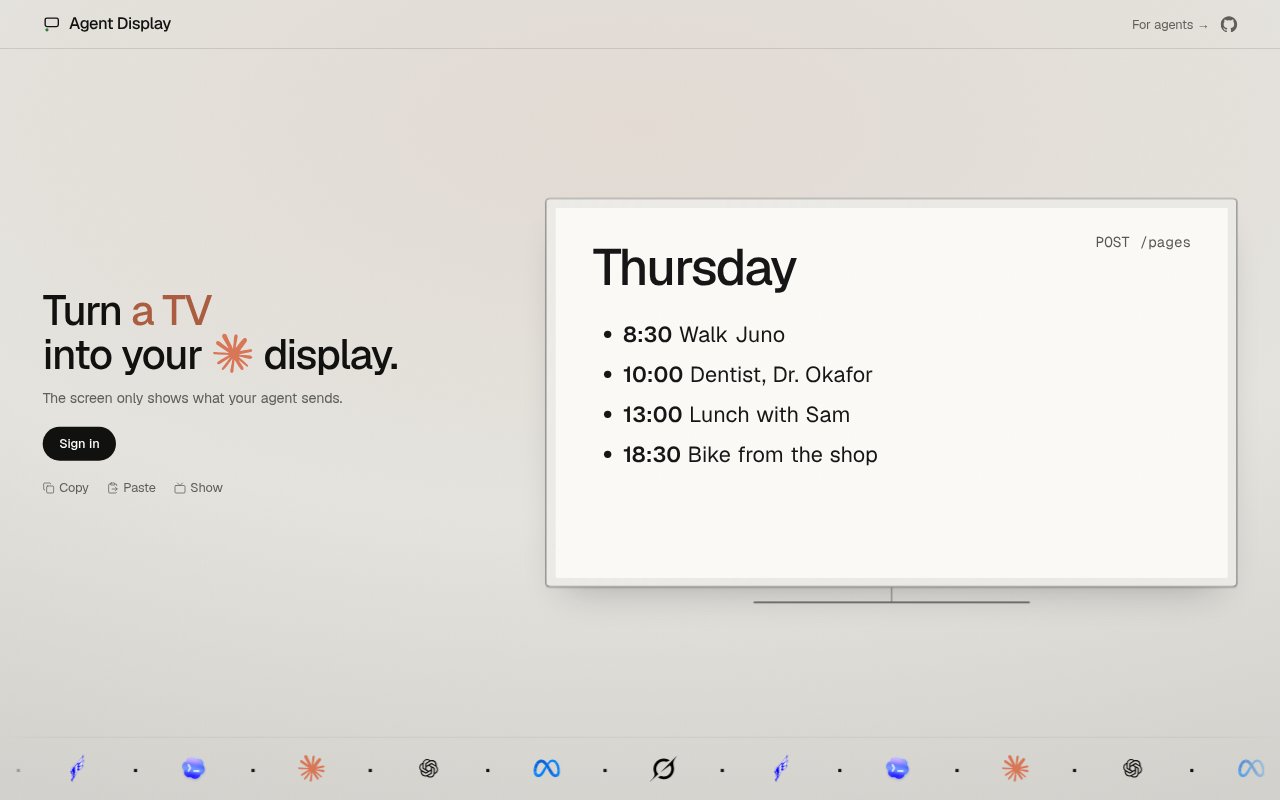
Agent Display turns a screen into a display for an AI agent, showing the content the agent sends. It is intended for people using Claude, Hermes, Dot, Codex, Muse or Grok who want to use a TV, tablet, phone, laptop, Kindle, spare monitor or Raspberry Pi as the display. The product presents the screen as something an agent keeps up to date.
Agent Display Features:
Agent-Sent Content: The display shows what the agent sends, defining the content shown on the screen as agent-provided rather than a general-purpose screen feed.
TV Display: A television can be used as the agent’s display, providing a screen option beyond a computer or mobile device.
Portable Screens: Phones and tablets are among the supported screen choices, so either type of mobile device can serve as the display.
Computer Screens: The tool can use a laptop or spare monitor as an agent display, making existing computer screens possible destinations for agent content.
Older Devices: An old Kindle or a Raspberry Pi can also be used as the screen, extending the stated device options beyond common phones and computers.
Agent Display Benefits:
Use Existing Screens: A screen you already own can serve as the agent’s display, giving you a way to use spare or older equipment for this purpose.
Choose the Setting: With options ranging from a TV to a phone, you can pick a screen type that suits where you want to view agent output.
Clearer Content Scope: Because the screen shows what the agent sends, its role is focused on agent-provided content rather than serving as an unspecified display feed.
Keep Agent Output Visible: Using a dedicated screen for agent content gives you a separate place to look for what the agent sends.
Reuse Older Hardware: The inclusion of an old Kindle and Raspberry Pi offers alternatives for people who want to put those devices to use as displays.
Match Screen to Need: The choice of device types lets you select between larger, portable or computer-style screens without limiting the display to one format.
Use Cases:
TV Agent Display: Use a television as the screen for content sent by Claude, Hermes, Dot, Codex, Muse or Grok when a TV suits the viewing setup.
Portable Agent View: Set up a phone or tablet as the display when one of those supported mobile screen types is the device you want to use.
Laptop Output: Use a laptop as the agent display when you want agent-sent content shown on a computer screen rather than a TV or tablet.
Spare Monitor: Turn a spare monitor into a place to show what your agent sends, making use of an existing screen that is not otherwise in use.
Old Kindle Screen: Use an old Kindle as the display for agent-sent content when that device is the screen you want to put to work.
Raspberry Pi Display: Choose a Raspberry Pi as the screen for your agent when you want to use one of the specifically listed device options.