

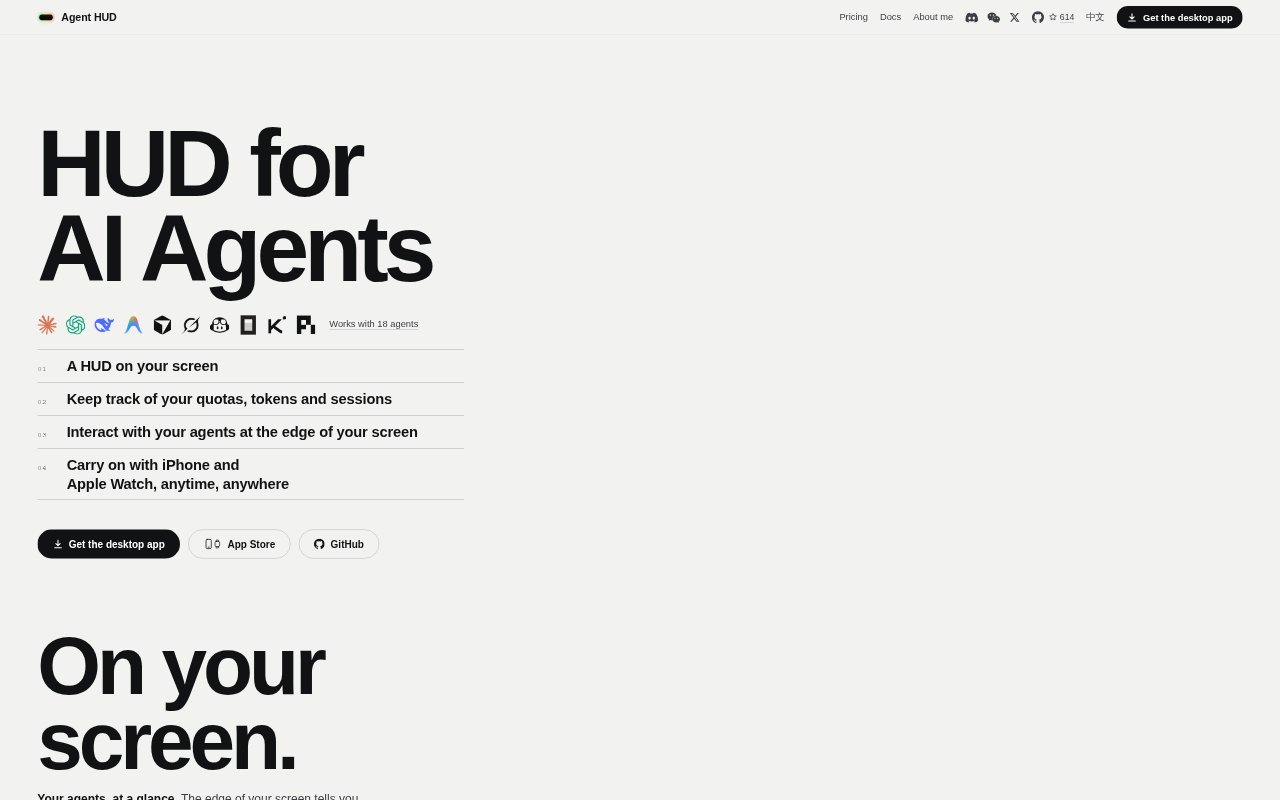
What is Agent HUD?
Agent HUD is a desktop companion for people who work with coding agents, bringing session activity, quota usage and token statistics into a small panel at the edge of the screen. It supports 18 agents, including Claude Code and Codex, and lets users handle requests and return to an agent’s session from the HUD. The Mac app is free; iPhone and Apple Watch access is available, with Agent HUD Remote adding connections over any network.
Agent HUD Features:
Edge HUD: A floating panel shows each agent’s activity and most-used quota, with color changes as usage rises and a warning before a quota runs out.
Quota And Token Details: Hovering reveals quota resets or burn rates, balances, recent token use and sessions that are waiting for attention.
Request Handling: Approve or deny tool requests, choose to always allow them, and answer agent questions directly from the HUD.
Session Shortcuts: A single click returns to an agent’s session thread, tab or terminal pane so work can continue in its original context.
Phone And Watch: The iPhone app can show progress, replies and decisions, while Apple Watch lets users send an idea to their Mac and read the latest reply.
Agent Messaging: A built-in MCP server lets supported agents message one another or start new Claude Code, Codex or Antigravity sessions.
Usage Breakdown: Token statistics can be viewed by time, token kind, agent, model, session, turn, call and cache hit, alongside estimated cost and activity.
Agent HUD Benefits:
Fewer Context Switches: Seeing which agents are busy, finished or waiting helps users decide where to focus without opening each coding tool to check its status.
Earlier Quota Decisions: Usage indicators and reset details make it easier to spot a limit approaching and plan which work to continue or defer.
Quicker Follow-Through: Handling questions and approvals in the HUD reduces the steps between an agent needing input and work moving forward.
Clearer Usage Review: Detailed token views help users understand how usage is distributed across agents, sessions and activity, rather than seeing only a remaining quota.
Work Away From Mac: Remote access lets users keep up with agent progress and decisions from an iPhone or Apple Watch when they are away from their computer.
Use Cases:
Monitoring Parallel Agents: A developer running several coding agents can check which sessions are still working and which ones need a response from one compact view.
Managing Usage Limits: Someone working against agent quotas can watch usage, check reset timing and decide when to switch tasks before a limit runs out.
Handling Agent Approvals: A user can respond to a tool request or question from the HUD instead of searching through terminals and session windows.
Reviewing Agent Changes: A developer can have a Claude Code session ask Codex to review a change, then receive Codex’s response through agent messaging.
Checking In Away: A Mac user away from their desk can read an agent’s reply on iPhone or Apple Watch and continue a conversation from the phone.