
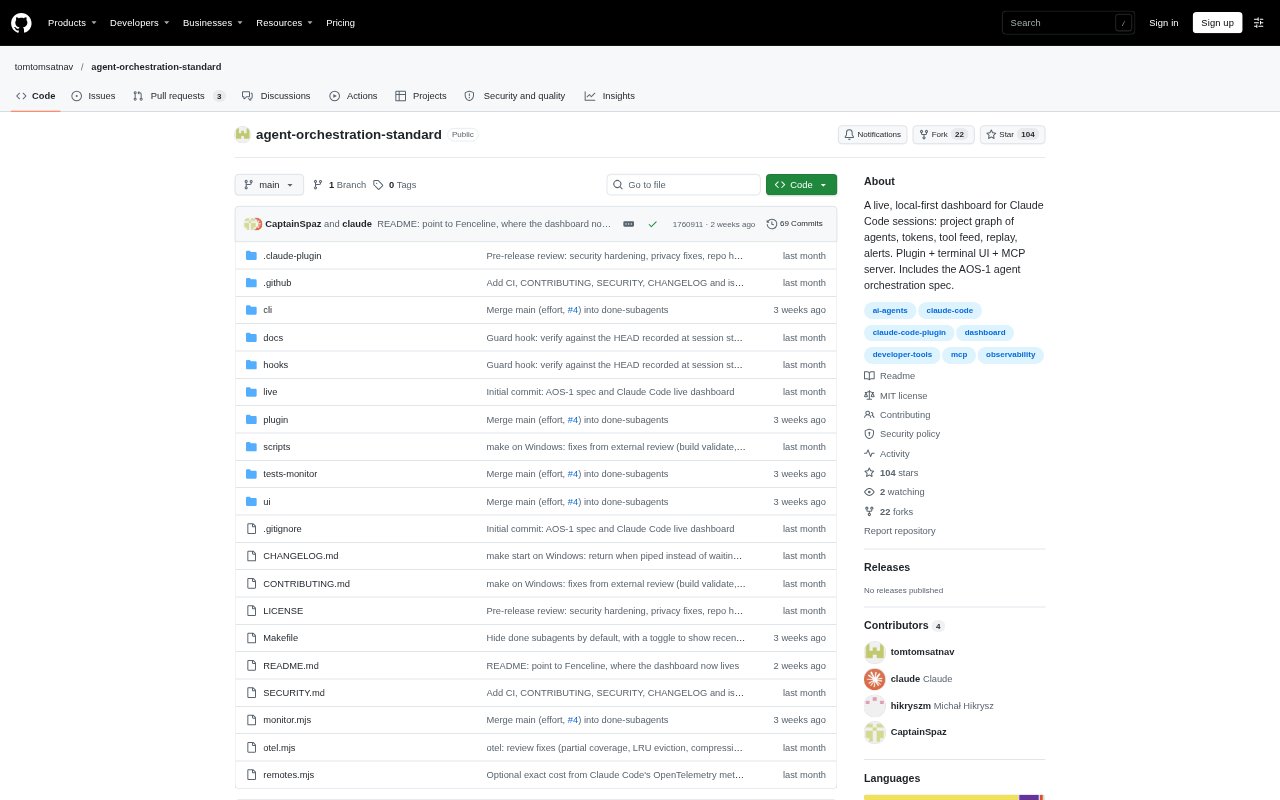
What is Agent Orchestration Standard?
Agent Orchestration Standard’s dashboard is a local, read-only monitor for people running Claude Code, not a system that plans or controls agents. It streams session and subagent activity in a browser or terminal, with an MCP server and status line also available. The monitor runs on the developer’s machine and is designed to show work without capturing prompts, file contents, or tool output; its hooks do record event and tool names, file and working-folder paths, transcript paths, and a redacted task summary. The dashboard has since moved to Fenceline.
Agent Orchestration Standard Features:
Live Session Graph: The browser view streams a graph of Claude Code sessions and subagents as they work.
Session Activity: The dashboard displays agents, tasks, tokens, costs, file conflicts, and alerts.
Terminal Dashboard: The aos-dash command presents the same monitor in a terminal, without a browser tab or animation.
Activity Replay: Replay lets users review recorded agent activity after it happens.
MCP and Status Line: The monitor is also available as an MCP server and a Claude Code status line.
Local Event Capture: Hooks record event and tool names, paths, transcript locations, and a redacted task description, but not prompts, file contents, or tool output.
Agent Orchestration Standard Benefits:
Shared Overview: See concurrent session activity in one view instead of checking each agent separately.
Earlier Conflict Awareness: Seeing file conflicts alongside active work can help developers notice overlapping edits sooner.
Lower Distraction: The terminal view and the graph’s Lines mode offer ways to monitor activity with less visual movement.
Usage Visibility: Token and cost information helps developers understand resource use while sessions are running.
Prompt Privacy: Keeping prompt text, file contents, and tool output out of the event log limits what the monitor records.
Use Cases:
Parallel Coding Sessions: Watch several Claude Code sessions and their subagents while they work in the same project.
Reviewing File Overlap: Check for file conflicts when multiple agents are editing a repository at once.
Terminal-Based Monitoring: Follow agent activity from a terminal when a browser dashboard is not convenient.
Tracking Run Costs: Check token and cost figures during a Claude Code task to understand its usage.
Inspecting Past Activity: Replay agent activity to review what happened during a coding session.