

What is Agent Trace?
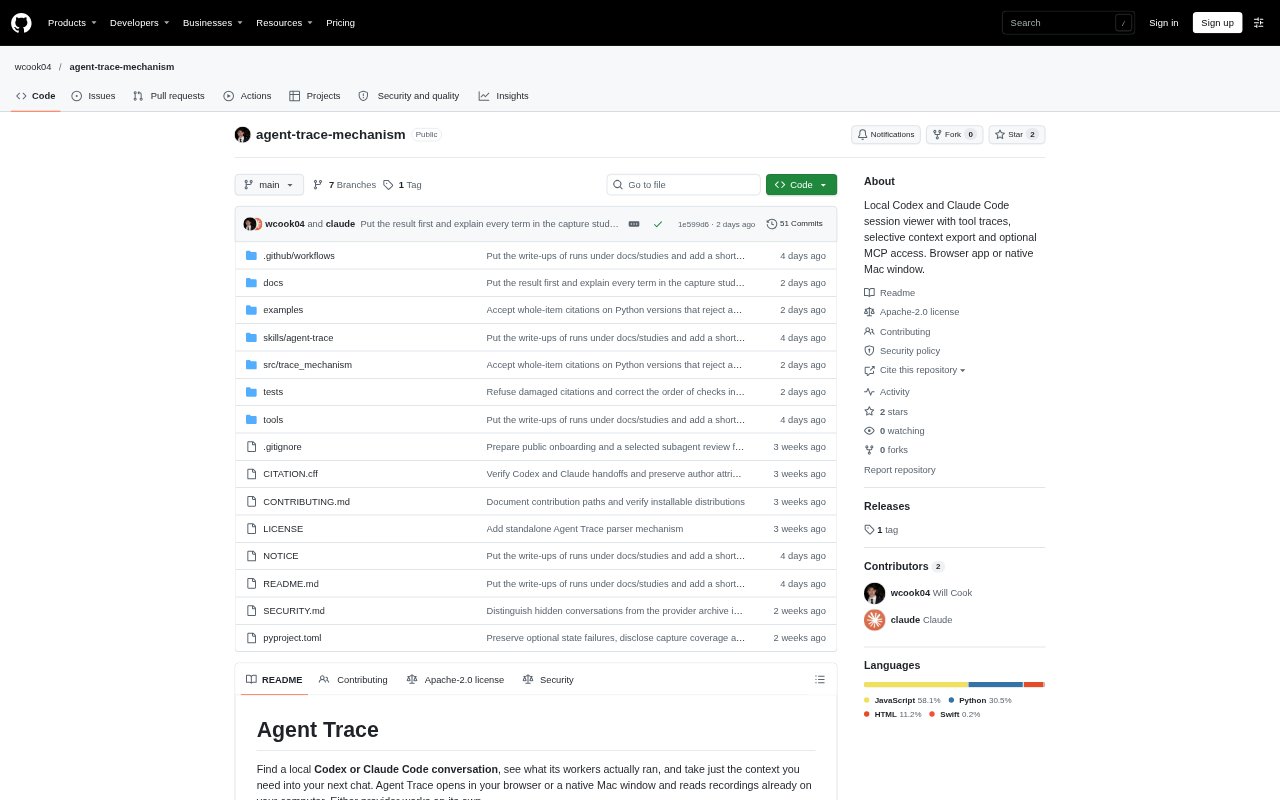
Agent Trace is a local viewer for recorded Codex and Claude Code conversations and agent runs. It opens as a browser-based workbench or, on Mac, a native window, and reads histories stored on the computer. Users can inspect worker activity, review recorded command outcomes, and prepare selected conversation context for another chat. An optional MCP server lets Codex or Claude Code read files that the user explicitly registers.
Agent Trace Features:
Session History: The Missions list gathers recorded conversations and agent runs from configured history folders, including archived Codex chats.
Command Traces: Select a recorded command to see its outcome, an output excerpt when available, and its location in the source file.
Selective Context: Choose which sessions and workers to include in a conversation copy, leaving out unrelated recordings or activity.
Copy Previews: Preview the exact text to be copied, or refresh the recordings before creating a new copy for another chat.
Context Views: Choose compact or detailed views, with compact copies omitting tool bodies and detailed views able to excerpt large outputs.
Optional MCP Server: Connect Codex or Claude Code to search registered recordings, read a selection by recording ID, or page through a native Codex command's output.
Local Workbench: Run the workbench on macOS, Linux, or Windows, or install the optional native-window extra for Mac.
Agent Trace Benefits:
Faster Debugging: Seeing a failed command, its output, and the following change together helps users trace what happened without reconstructing the sequence from memory.
Focused Handoffs: Selecting only relevant sessions gives the next chat investigation context without adding unrelated worker activity.
Clearer Reviews: A counted note identifies what a copied conversation leaves out, helping a reviewer understand the limits of the handoff.
Deliberate Access: Explicit registration keeps MCP retrieval limited to the files the user chooses to make available.
Local Inspection: Reading recordings already on the computer lets users inspect work without first moving their history into a separate service.
Use Cases:
Failed Test Review: Trace a failing test through its recorded output, the code change, and a later test run to understand how the issue was addressed.
Worker Investigation: Review a coordinator's conversation and selected worker runs while excluding workers that are irrelevant to the question.
Coding Chat Handoff: Copy the investigation and its chosen context into a new chat when asking another model to continue or review the work.
Cross-Provider Review: Gather selected recordings from Codex and Claude Code histories for a review that spans both providers.
Repeated Queries: Register specific recordings for MCP access when a coding assistant needs to search or retrieve them across repeated questions.