

What is Agenta?
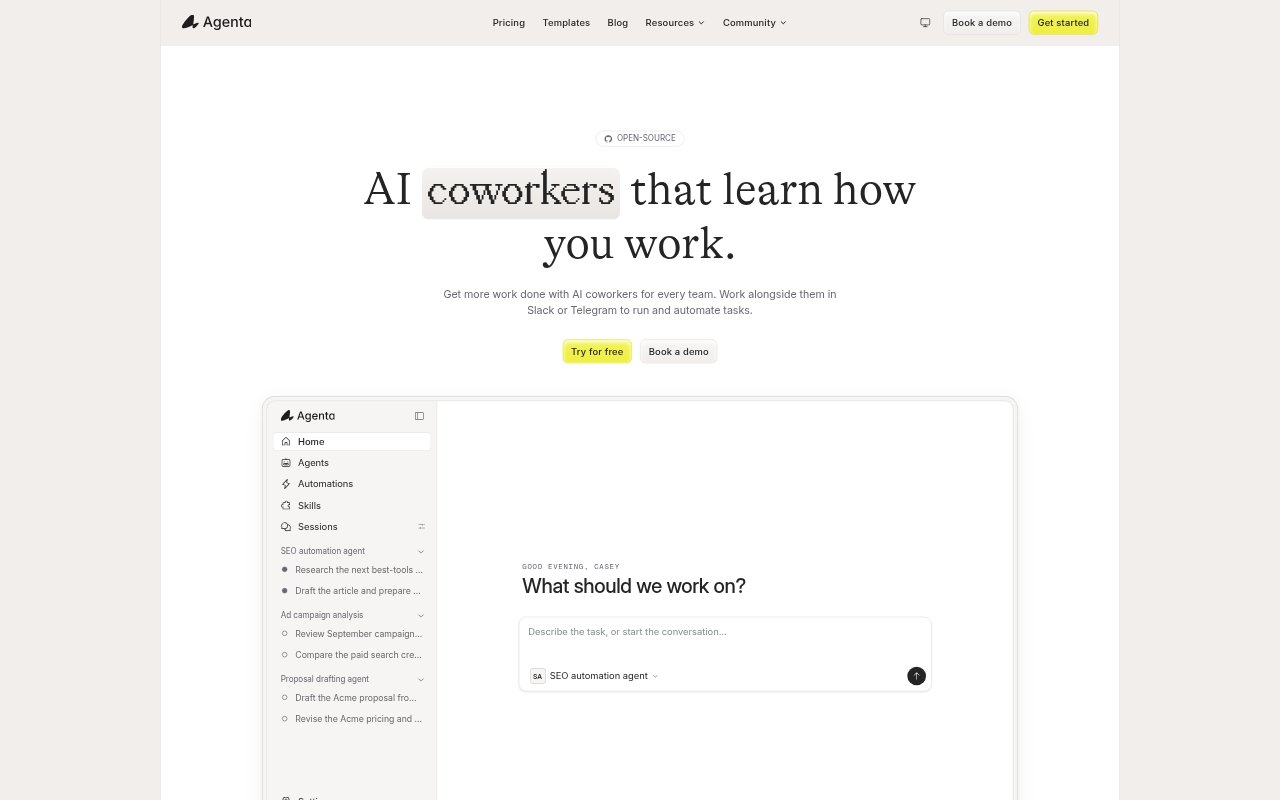
Agenta is an open-source workspace for building and running AI coworkers. Teams can start with pre-built templates, create agents through chat, and improve them with feedback. Agents can use connected apps, a browser, and workspace files, while people can interact with them in Slack or Telegram. Teams can use Agenta Cloud or host the platform on their own infrastructure.
Agenta Features:
Agent Templates: Start with pre-built templates for common jobs, including a code review agent, then adapt them for your team.
Chat-Based Building: Create agents through chat, give them instructions, and refine their work with feedback.
App Integrations: Connect agents to more than 1,000 integrations so they can work with the apps your team uses.
Browser and Files: Give agents a browser for research and a workspace where they can browse and create files.
MCP and Skills: Connect tools over MCP and add skills as reusable know-how, with the option to swap either without rewriting the agent.
Permissions and Secrets: Choose which actions agents can run automatically and which need approval, and store credentials in a vault agents can use but not read.
Schedules and Triggers: Run agents on a schedule or in response to activity in a connected tool, with each run logged.
Agenta Benefits:
Less Repetitive Work: Delegating recurring tasks to agents gives teams more time for work that needs their attention.
Shared Workflows: Teammates can use and improve the same agents, making it easier to share working approaches across a team.
Controlled Delegation: Approval settings let teams hand off selected steps without giving up oversight of actions that need review.
Flexible Hosting: Teams can choose a managed cloud setup or operate Agenta in their own infrastructure and control where their data is stored.
Team Access: Paid Cloud plans have no per-seat price, so adding teammates does not increase the bill by user count.
Use Cases:
Code Reviews: Use the code review agent template to help with reviewing code changes.
Web Research: Have an agent use its browser to find information and save the finished work in its workspace.
Chat Requests: Let teammates send an agent a request in Slack or Telegram, review its result, and give feedback there.
Recurring Tasks: Schedule an agent to handle a repeated team task instead of asking someone to start it manually each time.
App-Triggered Work: Start an agent when something happens in a connected tool, then review the logged run.