

What is AgentFlux?
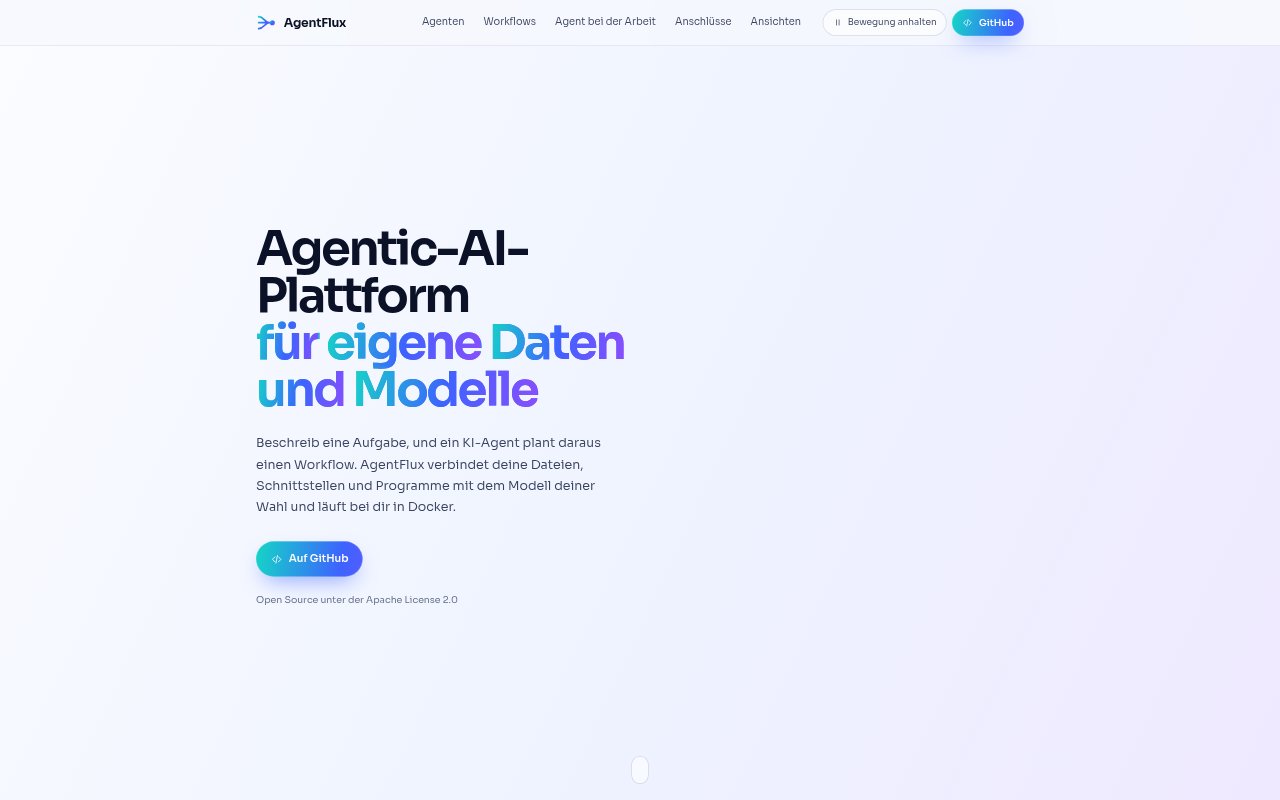
AgentFlux is an open-source platform for building AI agents and workflows around your own data and models. Describe a task and an agent can plan and run a workflow, either on demand or on a schedule; you can also build workflows in a visual editor. It runs in Docker and connects to files, folders, HTTP services, programs, and supported models, making it suited to teams that want to automate work with their own data sources.
AgentFlux Features:
Agent-Planned Workflows: Give an agent a task and select its model and data sources, then let it choose workflow steps, connect them, and run the process.
Visual Workflow Editor: Build workflows by placing and connecting blocks, with 17 preconfigured blocks, eight templates, branching, undo, and JSON import.
Screen Recording Workflows: Record a process on screen and have an agent identify its steps from the video and turn them into a workflow.
Data Source Connections: Connect files, folders, HTTP services, programs, and pasted text or JSON, then reuse those connections across workflows and agents.
Model Connections: Use local models through Ollama or connect to LM Studio, vLLM, and other local or cloud OpenAI-compatible endpoints.
Workflow Blocks: Use blocks for filtering and sorting data, rule-based branches, personal-data masking, model prompts, agent tasks, storage, and JSON or CSV output.
AgentFlux Benefits:
Less Workflow Setup: Delegating workflow design to an agent can reduce the manual effort of deciding which steps to use and how to connect them.
Reusable Connections: Setting up a data source once means you can use it across multiple agents and workflows instead of configuring it repeatedly.
More Control Over Data: Running AgentFlux in Docker and choosing local models gives teams options for keeping workflows close to their own systems and data.
Clearer Automation Logic: The visual editor makes workflow steps and branches visible, helping people review how a process is put together.
Fewer Manual Handoffs: Scheduled runs and automated output can move recurring data tasks forward without someone starting each run by hand.
Use Cases:
Support Issue Review: Collect delivery problems from support notes, remove contact details, and group the issues by cause in a workflow.
Document Intake: Read documents from a shared folder, process incoming files, and store extracted results in the local knowledge store.
API Data Processing: Fetch data from an internal or external HTTP service, filter or transform the response, and export results as JSON or CSV.
Recorded Process Automation: Capture a repeatable sequence of screen actions and use the resulting workflow as a starting point for automation.
Scheduled File Review: Run a recurring workflow against a shared folder to process newly available files and save the resulting information.