

What is AgenticOS?
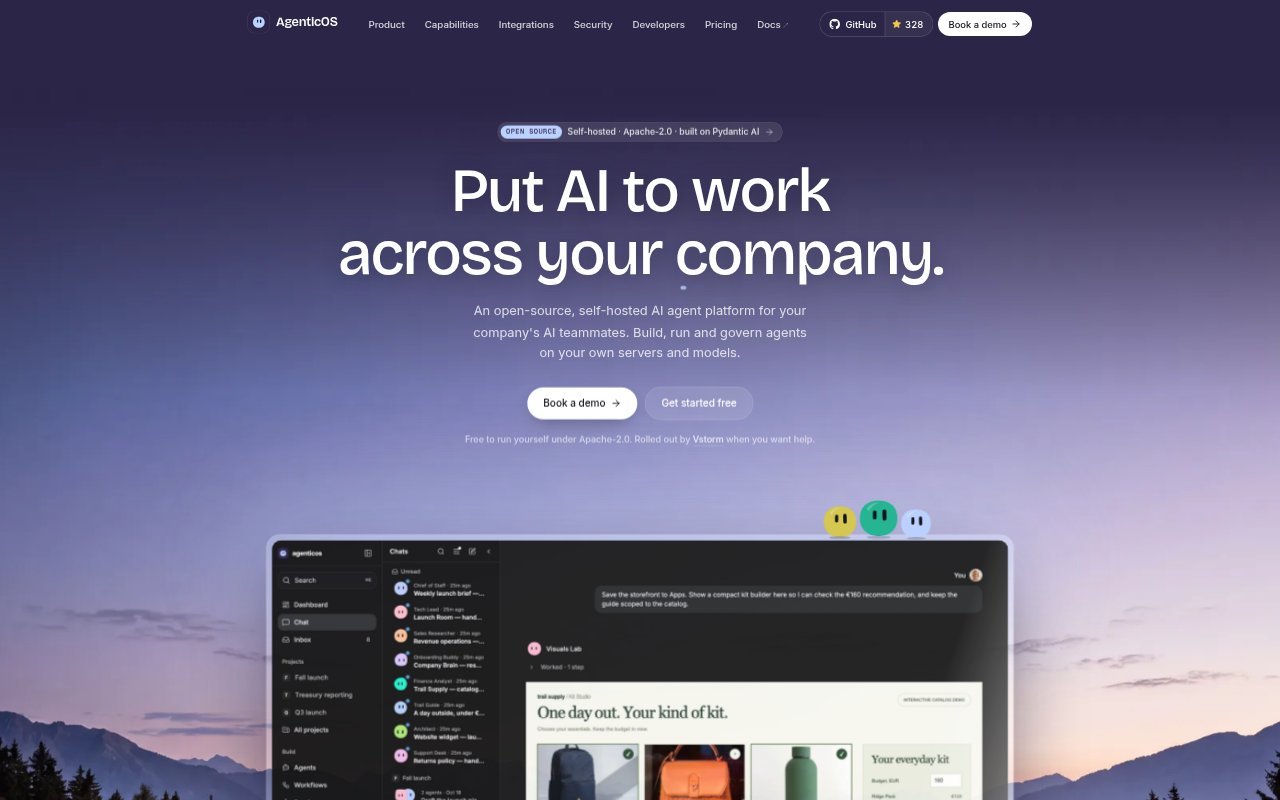
AgenticOS is an open-source, self-hosted platform for building, running and governing AI agents for company teams. Agents can work with files, run code, browse the web and use connected company tools and knowledge. Teams can build agents in a browser, share them with colleagues, and interact through chat, Slack or an API. It is intended for organizations that want to run agents on their own servers and choose their models.
AgenticOS Features:
Self-Hosted Deployment: Run the platform on servers you own, with agents and company knowledge kept together under the same account and access controls.
Model Choice: Connect models from providers including Anthropic, OpenAI, Gemini, Mistral, DeepSeek, Azure, Bedrock and Ollama.
Agent Configuration: Give each agent its own instructions, tools, knowledge and budget, then publish a version for colleagues to use.
Shared Projects: Create projects with shared files, instructions and a computer, where colleagues can see agent responses as they are written.
Tool Connections: Connect services such as HubSpot and Notion or choose from MCP servers, then control which tools an agent can call.
Scheduled Workflows: Start routines on a schedule or from events such as a new GitHub issue, Gmail message or webhook, and keep a dashboard current.
AgenticOS Benefits:
Data Control: Keeping deployment on your own servers gives teams greater control over where their agents and company knowledge run.
Shared Context: Colleagues working from the same project files and instructions have less need to repeat background or reconcile separate versions of a task.
Visible Collaboration: Seeing agent work as it happens makes it easier for teammates to correct a plan or add context before work moves forward.
Fewer Hand-Offs: Agents can pass work to other agents or coding tools, helping teams avoid moving requests and results manually between conversations.
Reviewable Actions: Approval prompts for tools that change data give teams a chance to check consequential actions before an agent proceeds.
Use Cases:
Company Knowledge Assistant: Build an internal assistant that answers questions from handbooks and other company documents, with answers citing the page they came from.
Team Project Workspace: Keep a launch brief, source files and shared instructions together while colleagues ask agents to draft and revise the plan.
Customer Support Agent: Create a support agent grounded in help-centre documents and make its draft responses available for approval.
Scheduled Reporting: Set up an agent to refresh a dashboard from recurring work or events such as a new email or webhook.
Software Fixes: Route a bug report from a team conversation to an agent that can hand coding work to Claude Code or Codex.