
What is Agentopia?
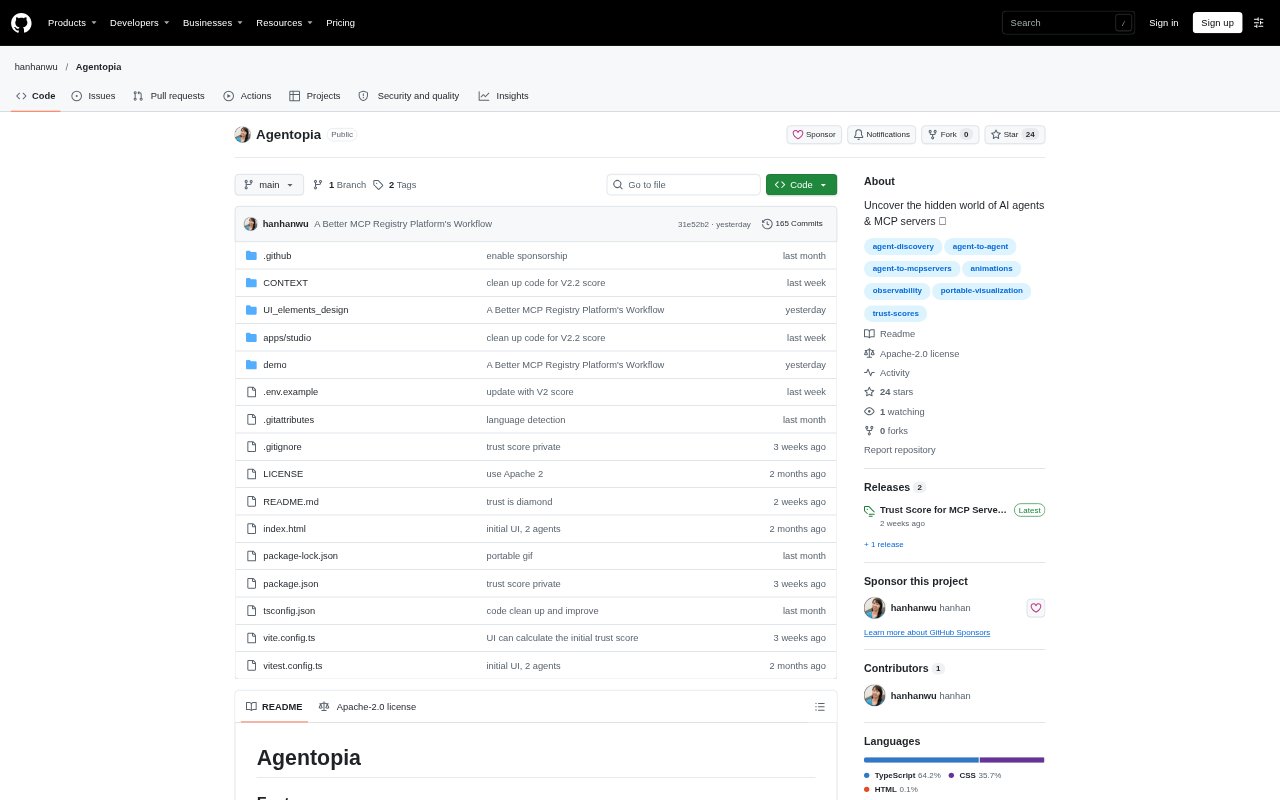
Agentopia is a local studio for exploring AI agents and MCP servers through visualizations, including trust scores for both. It also offers a way to look behind the scenes of AI agents and presents a portable-visualization capability. The project is suited to people exploring agent systems and the servers they use. A local run requires Node.js 20.19 or later in the 20.x line, or 22.12 or later.
Agentopia Features:
Trust Scores: Agentopia presents trust scores for both MCP servers and AI agents, bringing these two categories into its trust-focused view.
Agent Inspection: A visual interface is designed to let users peek behind the scenes of AI agents, with a game-style UI shown in the project demo.
Portable Visualization: The project highlights portable visualization as a capability alongside its views of agents and MCP servers.
Local Studio: Users can install the dependencies, start the trust service and run the Agentopia app locally, with the studio opening on port 8678.
Trust Service: The local setup starts a Trust Service separately from the Agentopia app as part of the studio workflow.
Project Exhibition: A separate exhibition entry provides another way to explore a presentation of Agentopia beyond the local studio.
Agentopia Benefits:
Early Trust Signal: A trust score gives users a starting point for deciding which agent or MCP server may deserve closer attention.
More Agent Context: Looking behind the scenes can help users build a broader picture of agents than they would get from considering an agent’s outputs alone.
Visual Exploration: The visual approach gives people a way to explore agent systems without relying only on written explanations.
Local Access: Running the studio locally lets users explore the project in their own development environment.
Flexible Presentation: Portable visualization gives users another way to work with Agentopia’s visual material beyond a single studio session.
Use Cases:
Reviewing MCP Servers: A user considering an MCP server can consult its trust score as an initial signal before deciding whether to investigate it further.
Exploring Agents: People learning about AI agents can use the visual interface to get a view of what happens behind the scenes.
Local Evaluation: A developer can start the trust service and studio locally to explore Agentopia in a development environment.
Project Demonstration: Someone introducing Agentopia can use its exhibition presentation to show the project beyond the local setup steps.
Trust Exploration: A team exploring both agents and MCP servers can use the studio to view trust scores for each category.