

What is agentring?
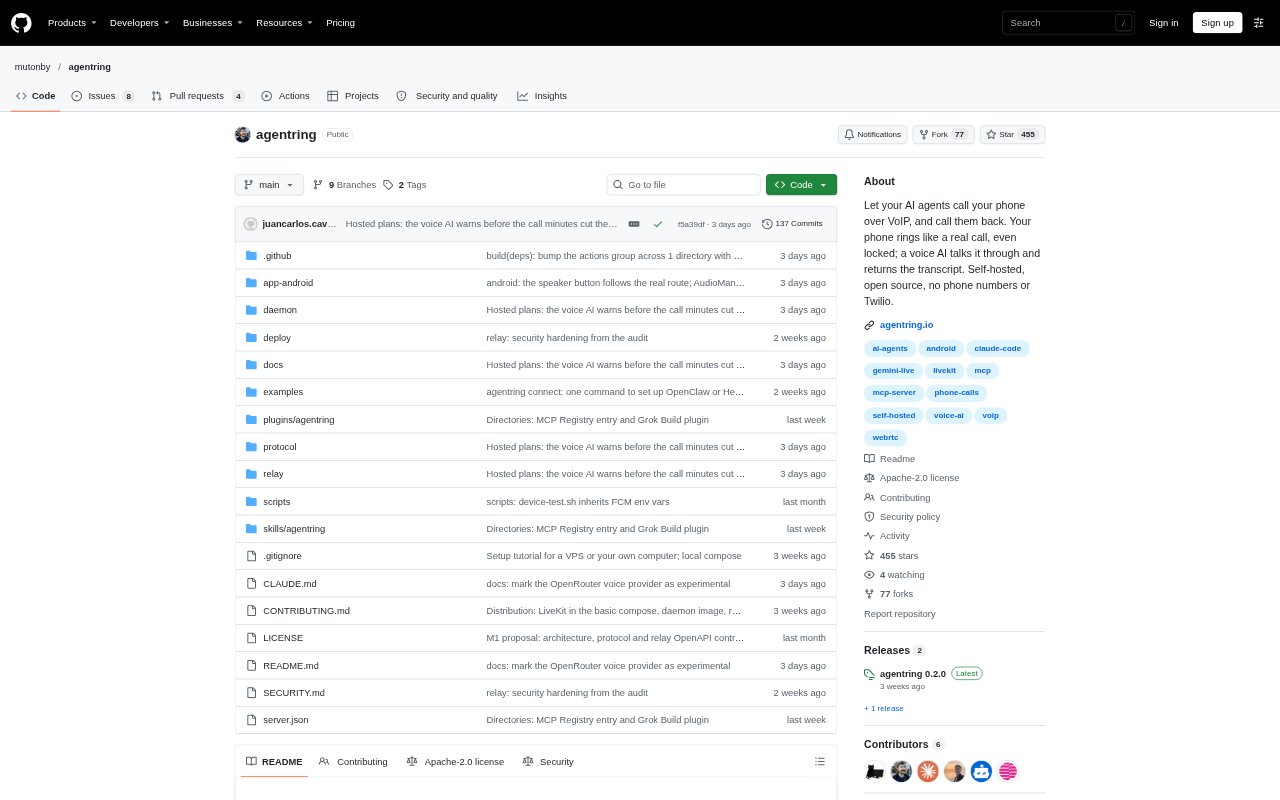
agentring connects AI agents running on a computer to an Android phone, so an agent can send a message, wait for a reply, or start an internet voice call when it needs human input. A realtime voice AI explains the situation and talks with the user; after the call, the agent receives the transcript. It works with MCP-compatible agents and provides REST and CLI options for other workflows, with a hosted service or self-hosted setup. The Android app is required, and the hosted free plan supports one phone, 10 voice-call minutes per month, and 100 messages a day.
agentring Features:
Phone Call Alerts: Agents can start a VoIP call that uses Android’s native full-screen call interface, including when the phone is locked.
Voice Conversations: A realtime voice AI explains the context provided by the agent, talks with the user, and returns a transcript.
Agent Replies: The send_message and get_replies tools let an agent notify the user and wait up to an hour for an answer.
Call Agents Back: Users can start a call from the app and ask the voice AI to consult a connected agent or command-line tool.
Missed Call Messages: If a call is missed, it becomes a message that can be answered from the phone’s notification.
Multiple Connection Options: MCP-compatible agents connect through MCP, while scripts and other workflows can use the REST API or CLI.
agentring Benefits:
Work Away From Terminal: Users can step away from their computer without having to keep checking whether a long-running agent needs attention.
Make Timely Decisions: A direct call can bring an urgent request to the user’s attention while there is still time to choose what happens next.
Keep Context Available: Returning the conversation transcript gives the agent the user’s decision and instructions to continue the task.
Reduce Notification Noise: Reserving calls for situations that need attention helps distinguish important agent requests from routine messages.
Avoid Telephony Fees: Internet-based calls go directly to the app, so the setup does not require a phone number, carrier, or Twilio.
Use Cases:
Failed Database Migration: Have an agent call if a migration fails so you can decide whether to retry, wait, or roll back.
Pre-Deployment Approval: Ask an agent to prepare a deployment and message you for approval before it proceeds.
CI Status Check: Call an agent from the app to ask what happened in CI while you are away from your computer.
Long Job Completion: Use a message to hear when a training run or scheduled job finishes without checking the laptop.
Daily Inbox Review: Have a personal assistant call to go through inbox items and discuss them with you by voice.