

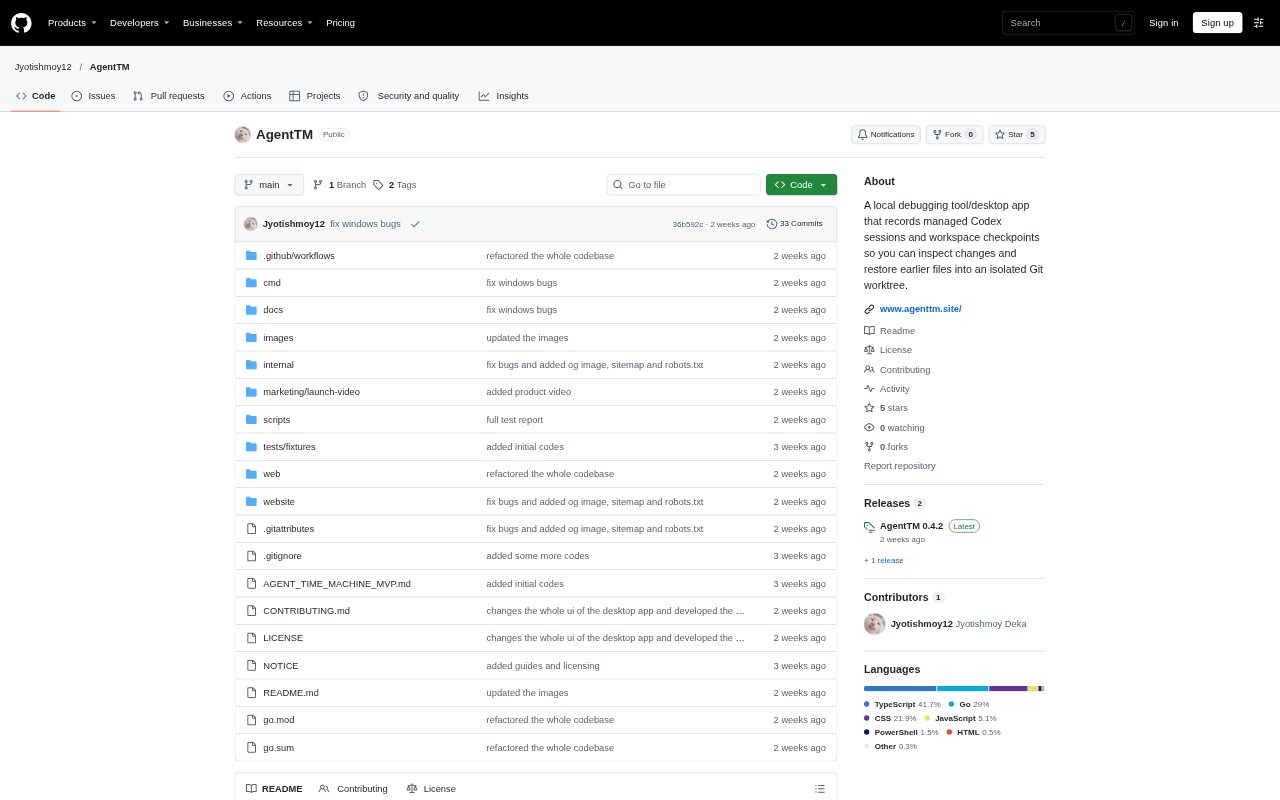
What is AgentTM?
AgentTM is a local debugging tool for developers who use Codex to make changes in Git projects. It records managed Codex sessions and workspace checkpoints, then provides a browser dashboard or Windows desktop preview for reviewing timelines, files, and differences. Developers can restore eligible captured files into an isolated Git worktree to examine an earlier workspace without replacing the original; AgentTM complements Git rather than replacing commits, branches, or code review.
AgentTM Features:
Managed Codex Runs: Run Codex through AgentTM to record supported events and workspace observations from sessions it manages.
Session Timeline: Review recorded session activity in a timeline alongside operation details and workspace checkpoints.
Historical File Browser: Browse captured files and compare a checkpoint with its parent to inspect file differences.
Worktree Restoration: Restore eligible captured files into a separate Git worktree rather than replacing the source workspace.
Local History Storage: Store session records, manifests, and file blobs in the project's .agenttm directory, with no telemetry or cloud sync.
Windows Desktop Preview: Use the native Windows preview for Codex chat, model discovery, supported approval prompts, conversation continuation, and encrypted history backups.
AgentTM Benefits:
Understand Changes: A timeline paired with observed file states helps developers investigate how a managed run relates to changes in the workspace.
Review Before Keeping: Historical files and parent diffs let developers examine edits before deciding whether to retain them.
Protect Source Work: Testing restored files in a separate worktree avoids overwriting the original workspace during recovery or review.
Keep Records Local: Local storage and the absence of cloud sync mean AgentTM history stays on the project machine rather than being sent to a sync service.
Complement Git Reviews: Session-level observations add context for debugging without requiring developers to replace their existing commits, branches, or review process.
Use Cases:
Investigate Unexpected Edits: After a managed Codex run changes files unexpectedly, inspect its timeline and captured workspace states to review what happened.
Compare Operation States: Examine captured file states around supported tool operations when troubleshooting a change made during a coding task.
Test an Earlier Workspace: Restore an eligible checkpoint to a separate worktree to inspect or test earlier files without altering the current project copy.
Review AI Code Changes: Use the historical file browser and differences to examine Codex-generated edits before deciding what to include in a code review.
Continue a Codex Session: In the Windows desktop preview, continue a saved Codex conversation when its thread and account access are available.