

What is AI Bill to FOCUS?
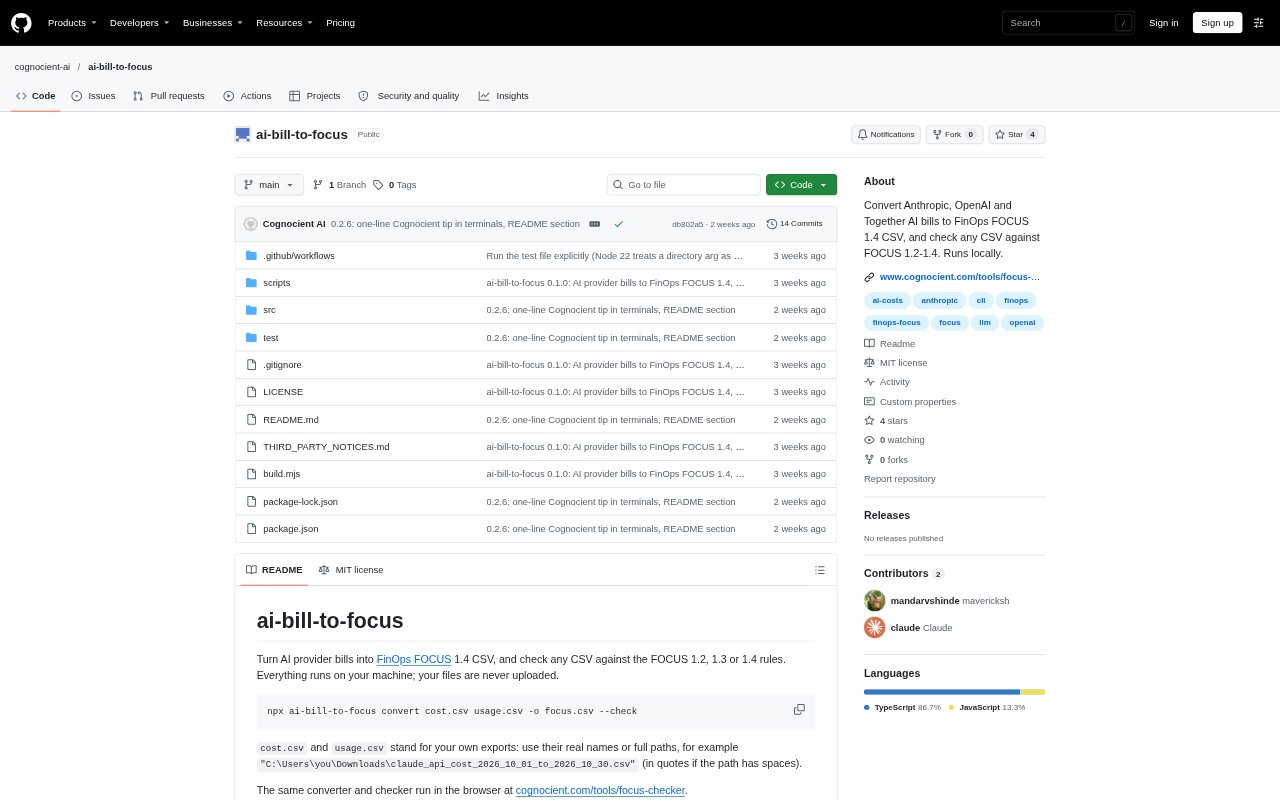
AI Bill to FOCUS converts billing exports from Anthropic, OpenAI and Together AI into FOCUS 1.4 CSV files, and checks billing CSVs against FOCUS 1.2, 1.3 or 1.4 rules. It is designed for FinOps teams and businesses that need to compare AI provider costs in a common billing format. Use it in a browser or run the open-source command-line tool locally; billing files are not uploaded.
AI Bill to FOCUS Features:
FOCUS Validation: Checks column requirements, data types, nullability, allowed values, date and currency formats, and cross-column rules such as whether ListCost matches ListUnitPrice multiplied by PricingQuantity.
Provider Conversion: Converts Anthropic, OpenAI and Together AI billing exports into FOCUS 1.4 CSV, detecting the provider and each file’s role from its headers.
Token-Level Rows: Creates separate rows by day, model and token type, including uncached input, cache reads, cache writes and output, with their own SKU and unit price.
Cost Reconciliation: Compares converted totals with provider totals and reports gaps when rows are skipped or token-based prices do not match the source bill.
Format Change Warnings: Notes unrecognised columns and flags nonnumeric cost or token cells and unreadable dates instead of silently treating them as valid data.
Local CLI: Runs conversion, validation, file detection and shareable report generation from the command line, with check results available as exit codes for scripts and CI.
AI Bill to FOCUS Benefits:
Comparable Spend: A shared FOCUS structure makes it easier to put supported AI provider costs beside other cloud and SaaS billing data for consistent analysis.
Fewer Manual Errors: Separating token types and their prices helps avoid double-counting cached tokens or overlooking provider-specific token categories when preparing billing data.
Private File Handling: Keeping billing files on the device or local machine reduces the need to send sensitive cost and usage exports to an external service.
Earlier Problem Detection: Specific rule failures, skipped rows and reconciliation gaps make problems in a converted file easier to investigate before it enters downstream reporting.
Repeatable Checks: Command-line exit codes let teams detect conversion or validation failures in automated scripts and CI jobs rather than relying on manual review.
Use Cases:
Monthly Cost Review: Convert provider exports at month end and bring the resulting FOCUS data into a wider review of cloud, SaaS and AI API costs.
AI Bill Validation: Check a billing CSV before sharing it with a FinOps team, and inspect which required columns, row values or file-level rules need attention.
Token Cost Analysis: Prepare daily model-level records to compare input, output, cache-read and cache-write usage and pricing across supported provider exports.
Automated Data Checks: Add the CLI to a script or CI workflow that converts an export, checks the resulting file and fails when conversion or FOCUS errors occur.
Conversion Issue Reports: Create a summary of file columns, row counts, date ranges and check results to help investigate a conversion problem without sharing bill amounts or account names.