
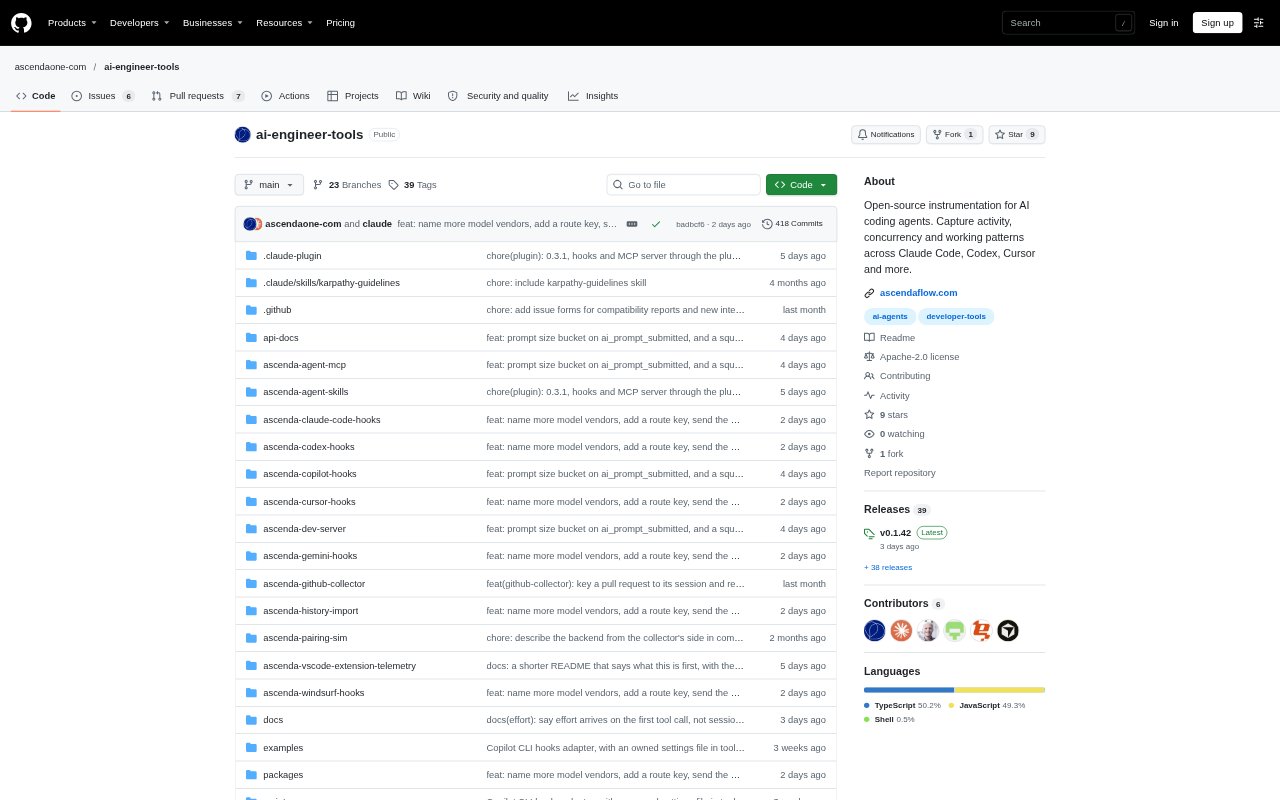
What is AI Engineer Tools?
AI Engineer Tools is an open-source set of collectors for recording activity from AI coding agents in a shared event format. It supports developers and teams who want to understand how agents are used without capturing prompts, responses, or source code. Events can stay in a local file or be collected for dashboards, internal tools, and research. The project is licensed under Apache-2.0, and its collectors can be run without an account or backend.
AI Engineer Tools Features:
Agent Support: Collectors cover Claude Code, Codex CLI, Cursor, Windsurf, Gemini CLI, and Copilot CLI, with an extension for VS Code and Cursor.
Activity Events: Events record which tools agents call, whether calls succeed or fail, when agents wait for a person, and how turns end.
Work Signals: The event stream can include context compaction, subagents, and test and build runs, alongside agent and session identifiers.
Content Exclusions: Collectors do not record prompt or response text, file contents, or command output; folder names are hashed with a salt kept on the machine.
Local Collection: When an install is unpaired, events are written to a local file, and a command-line reader can follow events as they arrive.
Open Event Format: The versioned event format includes a schema, types, and a reader, so teams can use the data in their own tools.
AI Engineer Tools Benefits:
Privacy Control: Teams can inspect patterns in agent activity without storing the prompts, responses, or code that make up the underlying work.
Shared Visibility: A common event format makes activity from different coding agents easier to bring together for review and analysis.
Local Testing: Engineers can try collection and read events on their own machines without setting up an account or backend.
Flexible Analysis: The open schema lets teams shape collected activity around their own dashboards, internal processes, or research questions.
Use Cases:
Team Activity Review: A team can collect engineers’ agent events to examine tool usage, waiting periods, and how agent turns finish across its workflow.
Collector Troubleshooting: An engineer can run the included diagnostic command when events are missing and use its guidance to address setup problems.
Custom Dashboards: A developer can read the shared event stream to build an internal dashboard for agent sessions, tool calls, and failures.
Agent Research: Researchers can study recorded activity such as subagent use, test runs, and waiting events without collecting prompt or response content.