

What is AI Exporter Hub?
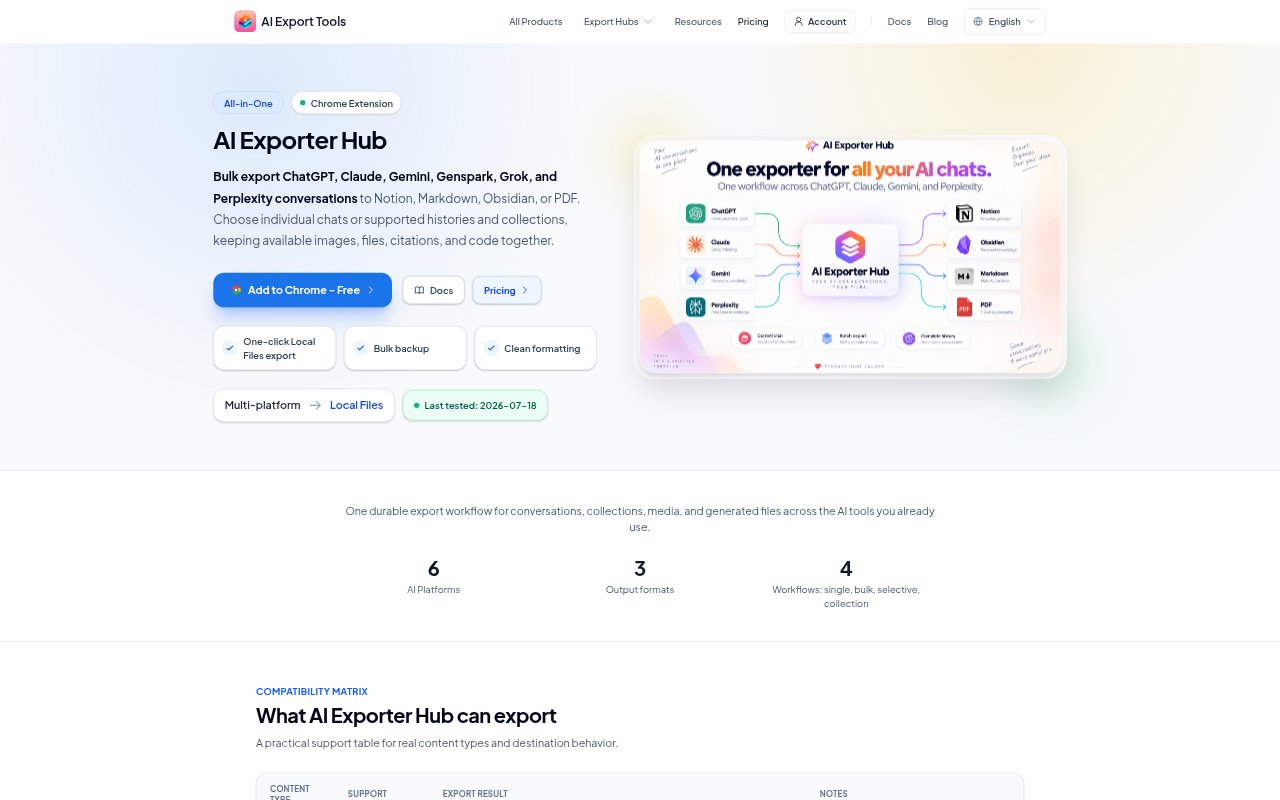
AI Exporter Hub is a browser extension for people who want to save conversations from ChatGPT, Claude, Gemini, Genspark, Grok, and Perplexity in a more durable format. It exports chats to Notion, Markdown, Obsidian-compatible Markdown, or PDF, with options for individual conversations, supported histories, and platform collections. Exports can include supported media and generated files alongside conversation content. It works through signed-in source tabs, while local Markdown and PDF exports are generated in the browser.
AI Exporter Hub Features:
Platform Coverage: Export conversations from ChatGPT, Claude, Gemini, Genspark, Grok, and Perplexity through one browser extension.
Export Selection: Save the current chat, a supported history, selected conversations, or collections such as Projects, Gems, Hubs, and Spaces.
Export Formats: Send conversations to Notion, download Markdown or Obsidian-compatible Markdown, or create a PDF.
Media Preservation: Include supported images, uploaded documents, generated files, citations, code assets, and downloadable attachments with exported conversations.
Notion Pages: Create structured Notion pages with conversation text, source links, timestamps, message counts, collection details, and supported uploaded media.
Job Controls: Monitor export progress, set delays, cancel work, retry failed items, skip previous exports, and stop cleanly when rate limits occur.
AI Exporter Hub Benefits:
Less Manual Saving: Batch and selective export reduce the need to copy conversations or save files one at a time.
Context Intact: Keeping supported media, citations, and collection details with conversations makes archived material easier to understand later.
Portable Archives: Local Markdown files and their asset folders can be kept in Obsidian, code editors, Git repositories, or other local storage.
Private Local Output: Browser-generated Markdown and PDF exports let users keep those workflows local without an intermediate cloud workspace.
Recoverable Batches: Progress tracking and retries help users handle long exports without restarting the entire job after individual failures.
Use Cases:
Research Archiving: Save Perplexity threads with citations, sources, research documents, generated images, and other supported assets for later reference.
Project Backups: Archive conversations from ChatGPT or Claude Projects, Gemini Gems, Genspark Hubs, or Perplexity Spaces with their collection context.
Obsidian Knowledge Base: Build a local archive of AI conversations as Markdown notes with images and attachments stored in adjacent folders.
PDF Review Packets: Prepare readable PDFs of conversations, with supported chat images embedded and non-image attachments downloaded alongside.
Notion Database: Gather conversations from several supported AI platforms in a Notion database with structured details and available media.