
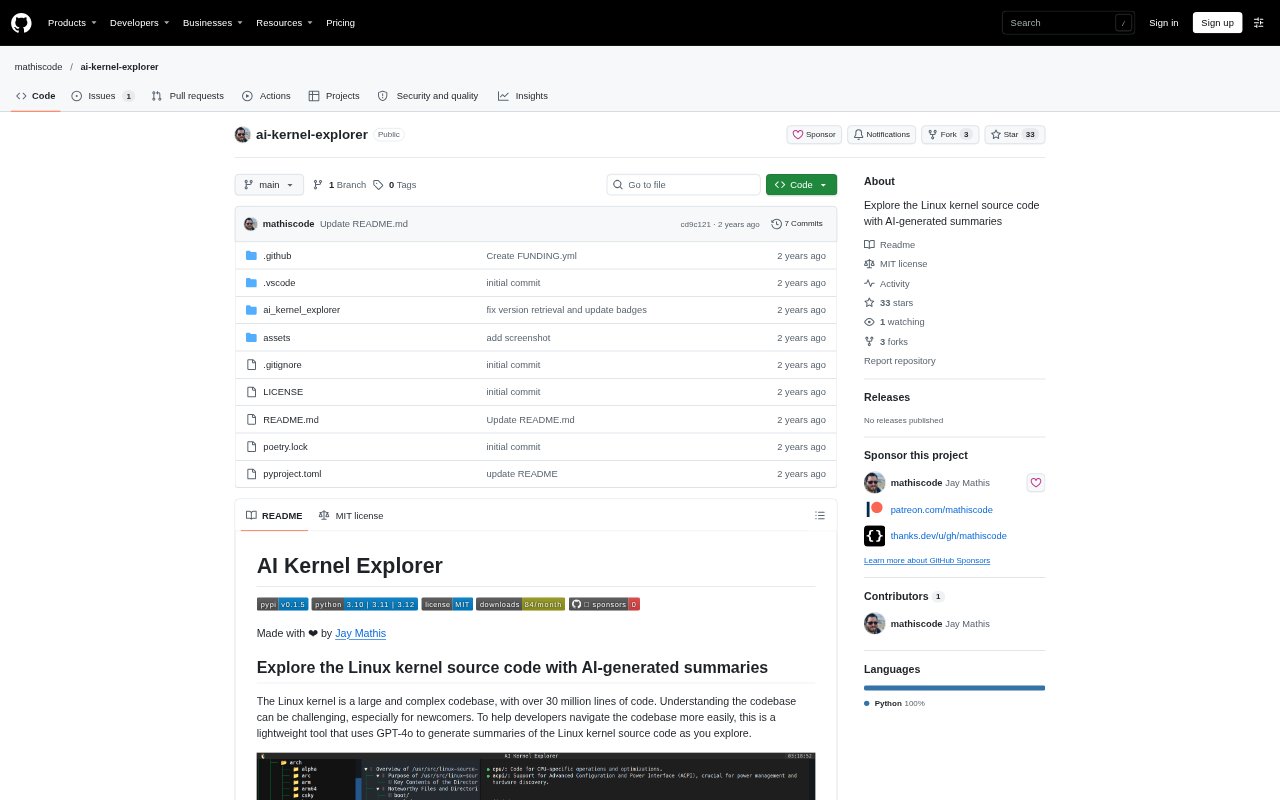
What is AI Kernel Explorer?
AI Kernel Explorer is a command-line tool for exploring the Linux kernel source code with AI-generated summaries. It is aimed at developers who need to understand this large codebase, including people who are new to it. The tool uses an OpenAI model to generate summaries as you explore, with GPT-4o as the default. You point it at a kernel source directory and provide an OpenAI API key to get started.
AI Kernel Explorer Features:
Command-Line Explorer: Run the tool from a terminal and provide the root directory of a Linux kernel source tree to explore.
AI Summaries: Generate summaries of Linux kernel source code as you explore, using an OpenAI model.
Model Selection: Choose the OpenAI model with the model option, which defaults to GPT-4o when no model is specified.
API Key Options: Supply an OpenAI API key through the OPENAI_API_KEY environment variable or the command-line option.
Response Cache: Set a location for stored AI responses, with a cache directory under your home directory as the default.
Python Installation: Install the tool with pip or pipx, then run it against a local Linux kernel source directory.
AI Kernel Explorer Benefits:
Faster Orientation: Generated explanations can help developers get a first understanding of unfamiliar kernel code without beginning with line-by-line reading.
Lower Entry Barrier: Newcomers can use summaries to approach a complex codebase that may otherwise be difficult to navigate.
Focused Exploration: Getting explanations while exploring can help developers spend their attention on the parts of the kernel relevant to their work.
Repeatable Setup: A configurable source root lets developers work with the kernel directory they have available rather than relying only on the default location.
Flexible Model Choice: Selecting an OpenAI model lets developers adjust which model generates explanations for their exploration.
Use Cases:
Kernel Onboarding: A developer new to Linux kernel work can explore source files with generated summaries as an initial guide to the codebase.
Codebase Investigation: Kernel developers can use summaries while examining unfamiliar source areas as part of investigating how the code is organized.
Learning Kernel Code: A programmer studying the Linux kernel can use the tool to get explanations while working through the source tree.
Local Source Review: A developer with a kernel source directory on their machine can point the command-line tool at that root and explore it.
Exploring New Areas: When work leads into an unfamiliar part of the kernel, developers can request summaries as they explore that source.