

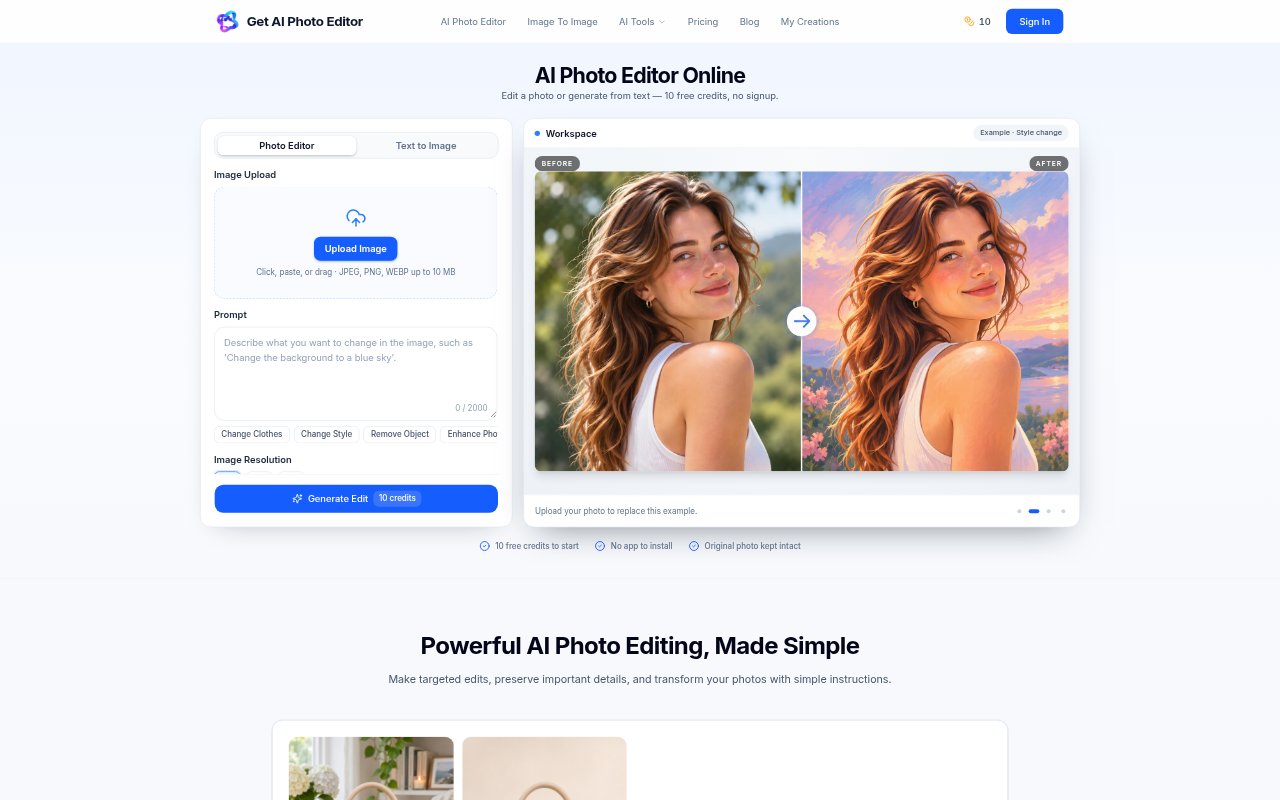
What is AI Photo Editor?
AI Photo Editor is a browser-based tool for changing uploaded photos with everyday-language instructions or creating images from text. It supports edits such as background replacement, object removal, portrait retouching, text changes, and visual restyling, with the option to review a result and refine it through follow-up prompts. It is designed for people who need practical image edits without working in layers, including product sellers, social creators, photographers, and real-estate professionals. It accepts JPEG, PNG, and WebP images up to 10 MB.
AI Photo Editor Features:
Prompt-Based Editing: Upload a photo and describe a change in plain language, such as adjusting the lighting, removing an object, or trying a different style.
Targeted Adjustments: Request changes to specific details while asking the editor to keep the rest of the image consistent, though nearby areas may also change.
Background Replacement: Create a subject cutout and place it on a studio color, preset scene, or background photo of your choice.
Image Text Editing: Change lettering already within a photo by describing replacement words, with the editor attempting to retain the original layout.
Portrait and Photo Retouching: Request skin cleanup, softer lighting, wrinkle removal, or improvements to apparent clarity, lighting, and color.
Text-to-Image Creation: Generate an image from a text description as an alternative to editing an existing photo.
Credit-Based Access: Start with 10 guest credits without an account, then buy one-time packs of 200, 500, or 1,200 credits that remain valid for 365 days.
AI Photo Editor Benefits:
Fewer Editing Steps: Describing a change instead of making selections and working with layers makes everyday edits approachable without specialist editing skills.
One Tool for Tasks: Handling cleanup, retouching, background changes, and creative restyling in one browser-based workflow reduces the need to switch between editing tools.
More Control Over Results: Follow-up prompts let you refine an image after reviewing it, so you can address remaining details rather than settle immediately on the first result.
Low-Commitment Trial: Guest credits let you try an edit before creating an account or buying a credit pack.
No Recurring Charge: One-time credit purchases avoid an automatic subscription or renewal, which suits occasional projects as well as ongoing editing.
Use Cases:
Product Listings: Clean up a product photo, remove distractions, or place the item against a more consistent background for an online listing.
Social Content: Refresh a profile picture, prepare a post image, or create a thumbnail with a different mood or visual style.
Portrait Touch-Ups: Make subtle skin or lighting adjustments to a headshot while asking the editor to keep the person recognizable.
Real Estate Photos: Explore brighter interiors or a changed sky for a property image, while checking that edits keep the listing accurate.
Signs and Menus: Update words on a sign, poster, menu, or product label when the lettering is already part of the photo.