

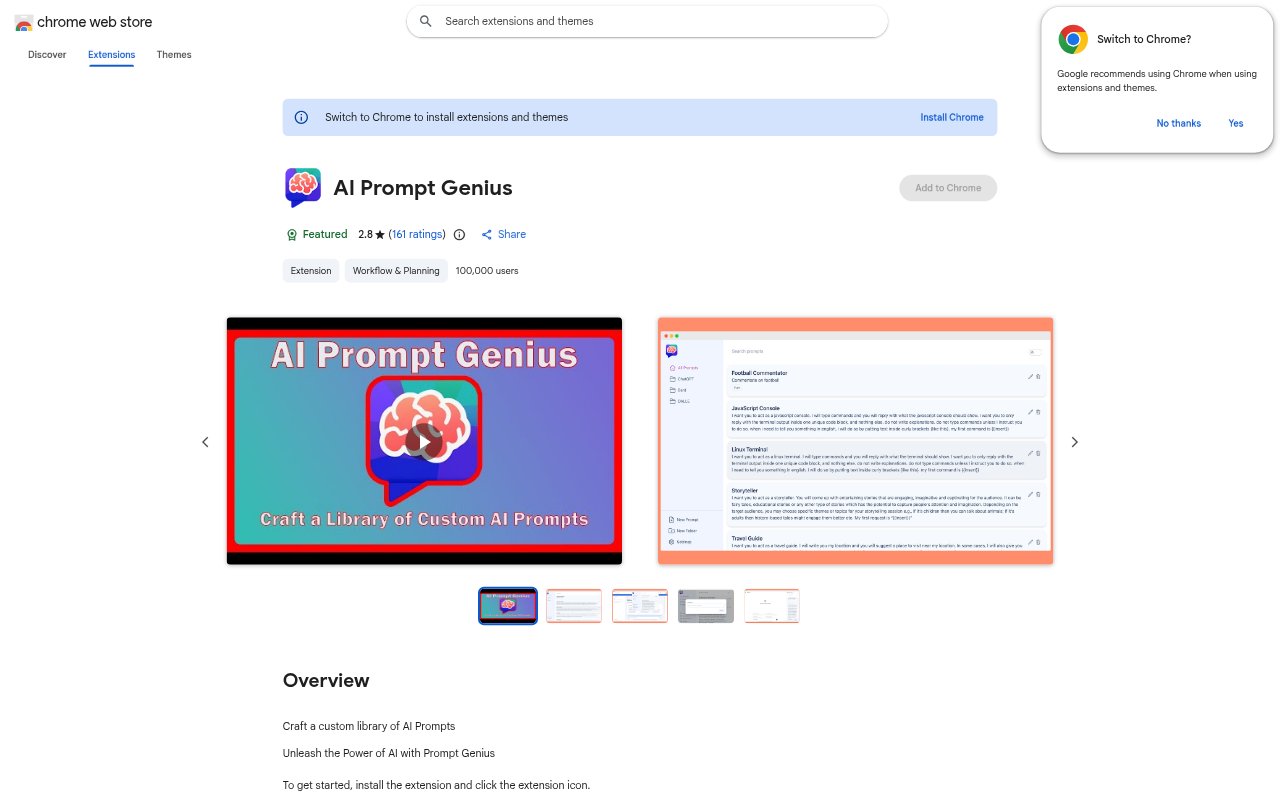
What is AI Prompt Genius?
AI Prompt Genius is a Chrome extension for building and maintaining a personal library of prompts for use with AI agents. It helps users organize, find, customize, and reuse prompts, including prompts with variable fields. The extension also supports syncing a prompt collection across devices and importing or exporting prompts, which can help people keep their prompt workflow consistent across different AI services.
AI Prompt Genius Features:
Prompt Variables: Add variables to prompts, including dropdown and number types, to tailor a saved template to the task at hand.
Folders and Tags: Organize prompts into customizable folders and tags, creating a structure that reflects how you group or manage your work.
Prompt Search: Search your prompt collection to find an existing entry without having to browse through every saved prompt.
Custom Themes: Apply custom themes to change the extension’s appearance while working with your prompt library.
Device Sync: Keep prompts synchronized across multiple devices, so the same collection is available when you switch devices.
Import and Export: Import or export prompt collections to move prompts between platforms or keep a copy for later use.
Language Support: Use the extension in one of its supported languages, including English, Spanish, French, German, and Chinese.
AI Prompt Genius Benefits:
Faster Prompt Reuse: Saved templates reduce the need to rewrite instructions every time you return to a familiar task.
More Consistent Work: Reusing an established prompt can help keep instructions consistent across repeated tasks and AI conversations.
Easier Retrieval: Search, folders, and tags make it easier to locate prompts in a growing collection instead of recreating them.
Flexible Templates: Variable fields let you adapt a saved prompt to different inputs without changing its reusable structure.
Portable Collection: Sync and import or export options help keep prompt work available across devices and easier to move between platforms.
Use Cases:
Repeated Writing Tasks: Save prompts for recurring writing work, then adjust variables for each brief, audience, or subject.
Marketing Workflows: Organize reusable prompts for campaign tasks, such as drafting different pieces of content from changing inputs.
Research Sessions: Keep prompts for recurring research questions together and search the collection when a new topic comes up.
Team Prompt Library: Export a curated collection to share or transfer prompts used for repeatable business processes.
Multi-Device Work: Use a synchronized prompt collection when moving between devices during a workday or across different work settings.