

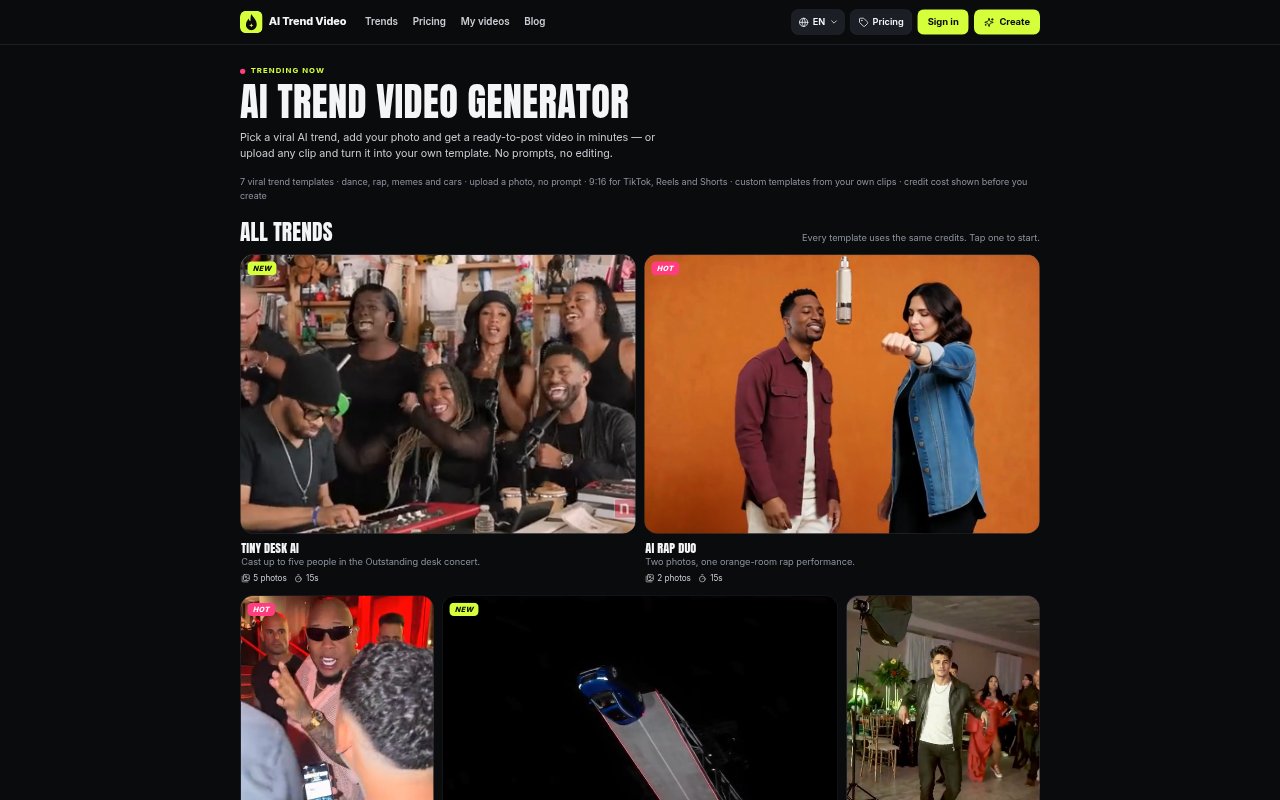
What is AI Trend Video?
AI Trend Video is a browser-based generator for making short videos that place a person, friend, or car into a selection of viral AI video trends. Choose a preset, add a clear front-facing photo, and download a finished MP4 without writing a prompt or editing the result. People can also make private templates from clips they own or have permission to use, then add a photo to create their own version.
AI Trend Video Features:
Trend Templates: Choose from templates for dances, rap videos, memes, cars, and other trends, with the moves, camera, and timing already set.
Photo-Based Videos: Add one clear, front-facing photo to most templates, or two photos for duo trends, without writing a prompt.
Custom Templates: With a monthly plan or Mega pack, upload a clip, select a 4–15 second section, and make a template that keeps the original sound.
Video Downloads: Download the finished video as an MP4 without a watermark, ready for TikTok, Reels, or Shorts.
Quality Options: Choose 480p or 720p HD when creating a video, using one credit for 480p or two credits for HD.
Flexible Credits: Buy one-time credit packs starting at $9.99 that do not expire, or choose a monthly plan with custom templates and early trend access.
AI Trend Video Benefits:
Less Editing: Preset movement and timing mean you can make a trend video without arranging shots, writing prompts, or editing the finished clip.
Faster Posting: A ready-to-post vertical video helps you move from choosing a trend to sharing a clip in a few minutes.
Clear Costs: The credit cost appears before you create, so you can choose a video quality and understand the credit use in advance.
Private Creation: Photos and videos stay out of a public gallery, making it easier to create personal clips without displaying your uploads publicly.
Reuse Your Ideas: Turning a permitted clip into an account-only template lets you return to its sound and timing for a new photo-based version.
Use Cases:
Short-Form Trends: Make a version of a current dance, rap, or meme trend to post on TikTok, Instagram Reels, or YouTube Shorts.
Friends and Family: Add a friend or family member’s photo to a trend template for a personalized clip, including duo formats that take two photos.
Car Videos: Use a car photo with a car-focused template to create a short stunt-style video for social media.
Product Promotion: Create a flying product ad from a product photo using the preset stunt, without planning or filming the action yourself.
Clip Remakes: Use a clip you own or have permission to use to build a private template, then make a photo-based remake with its original sound.