

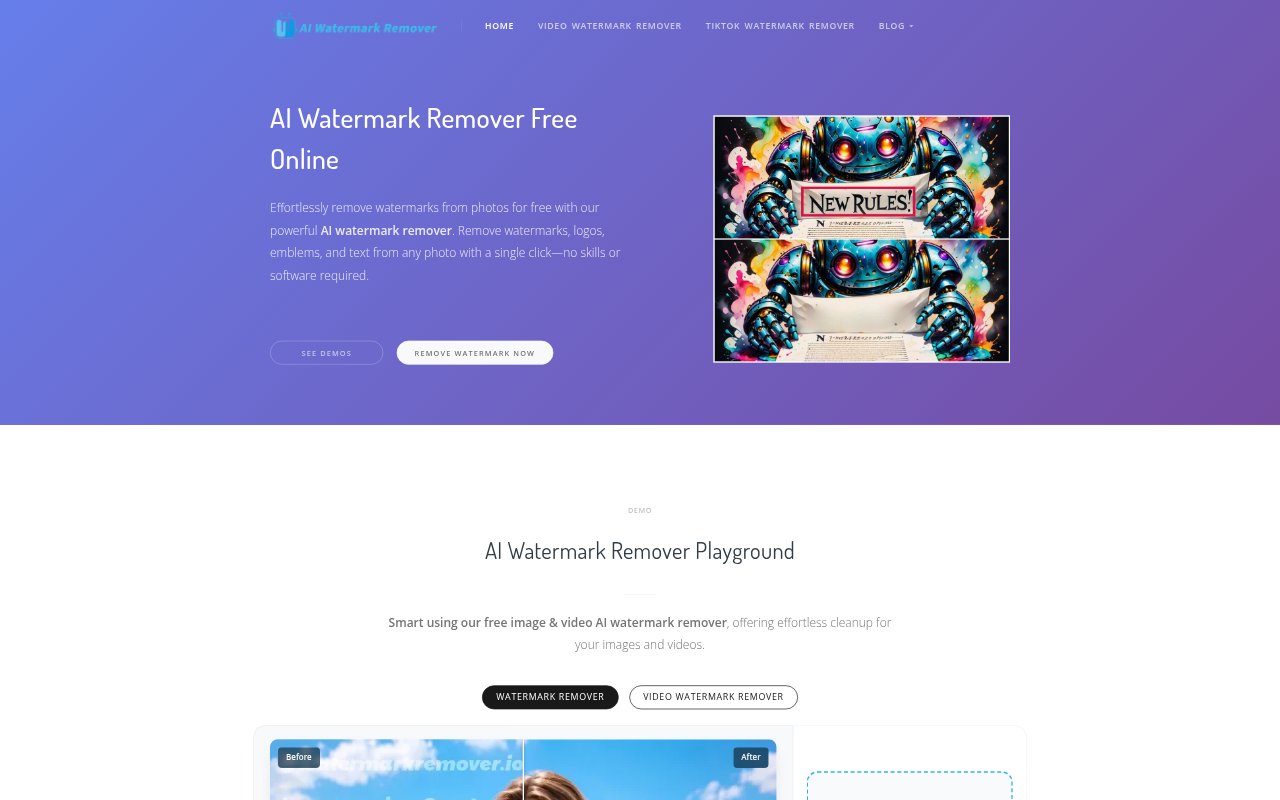
What is AI Watermark Remover?
AI Watermark Remover is a browser-based tool for removing watermarks, logos, emblems, and text from photos. It provides automatic removal and a manual brush for marking areas to clean up, with controls for brush size. The site also presents a video watermark-removal mode. It is aimed at people who want to prepare images or videos for social media or other work without using photo-editing software.
AI Watermark Remover Features:
Photo Watermark Removal: Upload a photo to remove watermarks, logos, emblems, or text, then download the processed image.
Automatic Removal: Choose automatic removal for marked photo content instead of manually painting over each part.
Manual Brush: Brush over the area to remove when you want to specify exactly which part of an image to clean up.
Adjustable Brush Size: Change the brush size to suit the object or watermark area you are marking for removal.
Video Removal Mode: The tool includes a video watermark-removal mode alongside its photo watermark-removal workflow.
No Added Watermark: The service says it does not add a new watermark to processed images.
AI Watermark Remover Benefits:
Less Editing Setup: People who do not have photo-editing software or experience can handle basic watermark cleanup in a browser.
More Control: Manual marking and brush-size adjustment help users target the particular area they want removed.
Ready to Share: Downloading a cleaned photo gives users an image to prepare for social media or use in their work.
Lower Cost: The service is presented as free, so users can try photo cleanup without paying for this tool.
Privacy Assurance: The service states that it does not store user data, addressing a concern when uploading images for processing.
Use Cases:
Social Media Images: Prepare a photo for a social post by removing a watermark or logo before downloading the cleaned image.
Work Materials: Clean up an image intended for work when a visible text mark or emblem distracts from its use.
Targeted Cleanup: Use the manual brush to mark a specific watermark or object when automatic removal is not the preferred approach.
Photo Text Removal: Remove text from a photo when it is the unwanted element affecting the image.
Video Watermarks: Use the site's video-removal mode when looking to remove a watermark from video content.