
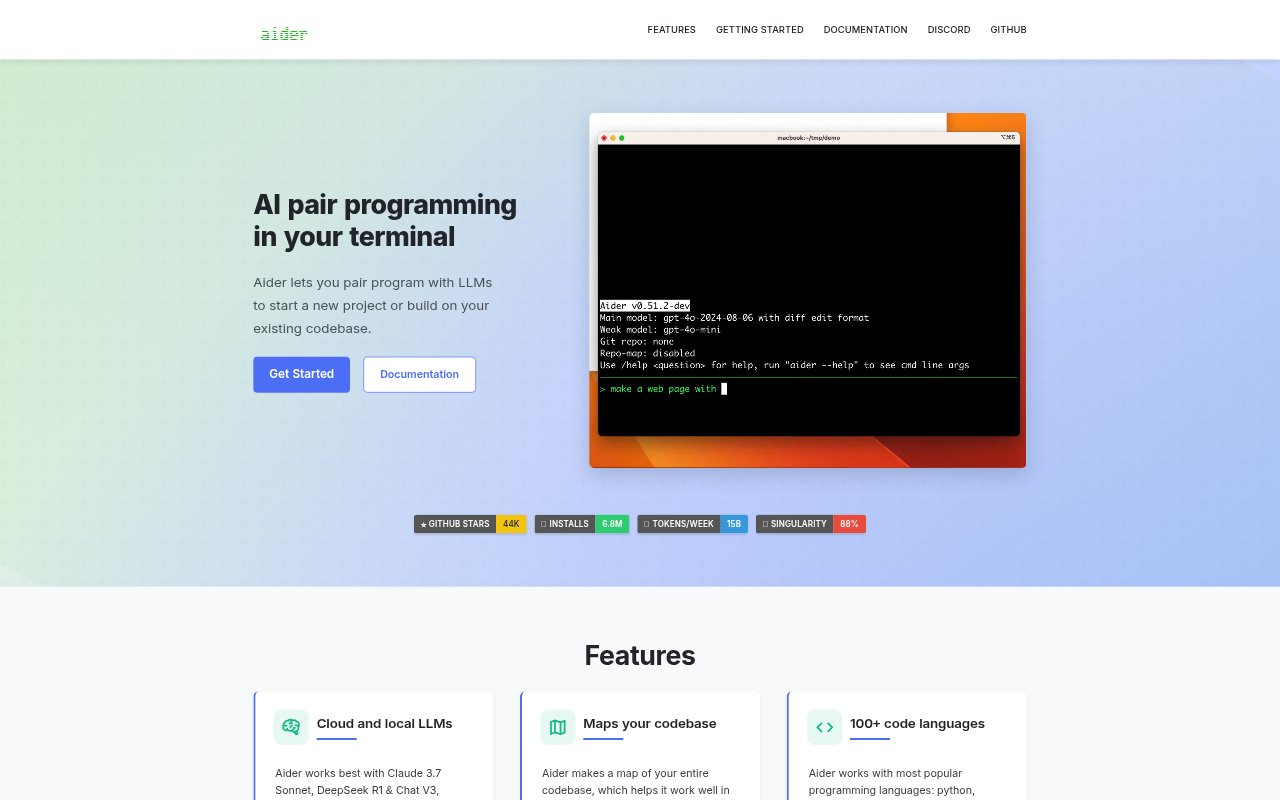
What is Aider?
Aider is an AI pair-programming tool that runs in a terminal and helps developers start projects or change existing codebases. It connects to cloud or local language models and can also work through an LLM’s browser-based chat interface. Aider is for programmers who want to describe code changes, tests or fixes in conversation, then review and manage the resulting edits within their usual development workflow.
Aider Features:
LLM Options: Connect Aider to cloud models such as Claude 3.7 Sonnet, DeepSeek R1 and Chat V3, OpenAI o1, o3-mini and GPT-4o, or use local models.
Codebase Mapping: Aider creates a map of the codebase to support work on larger projects.
Language Support: Use Aider with more than 100 programming languages, including Python, JavaScript, Rust, Ruby, Go, C++, PHP, HTML and CSS.
Git Changes: Aider commits edits automatically with commit messages, while Git tools let you inspect diffs, manage changes and undo AI work.
IDE Workflow: Run Aider from a preferred IDE or editor, or add comments to code to request changes while working there.
Visual Context: Include images and web pages in a conversation as visual references, screenshots or documentation for a coding task.
Linting and Tests: Aider can run linters and tests after making changes, then work on fixing problems they detect.
Aider Benefits:
Clearer Reviews: Descriptive commits and familiar diffs make it easier to see what the AI changed before deciding whether those edits belong in the project.
Less Project Setup: A codebase map can reduce the background a developer needs to provide when asking for work in a larger repository.
Earlier Feedback: Running checks as edits are made can bring coding problems to attention during the work session, rather than leaving all validation until later.
Provider Flexibility: Support for cloud and local models gives developers options to continue working with a model that suits their setup.
Fewer Ambiguities: Sharing visual or written references in the conversation can make a request easier to understand when the task depends on those materials.
Use Cases:
Project Kickoff: Ask Aider to help build an initial project structure or implement early code when starting a new software project.
Bug Fixes: Describe a defect in an existing codebase and work with Aider on a fix, then review the resulting changes.
Test Creation: Request test cases for a feature or bug fix and use the project’s test suite to check the resulting code.
Reference-Based Work: Provide a screenshot, image or web page when asking for a code change that needs visual context or reference documentation.
Editor-Based Changes: Add a request as a comment in code and have Aider work on the change from within an IDE or editor.