

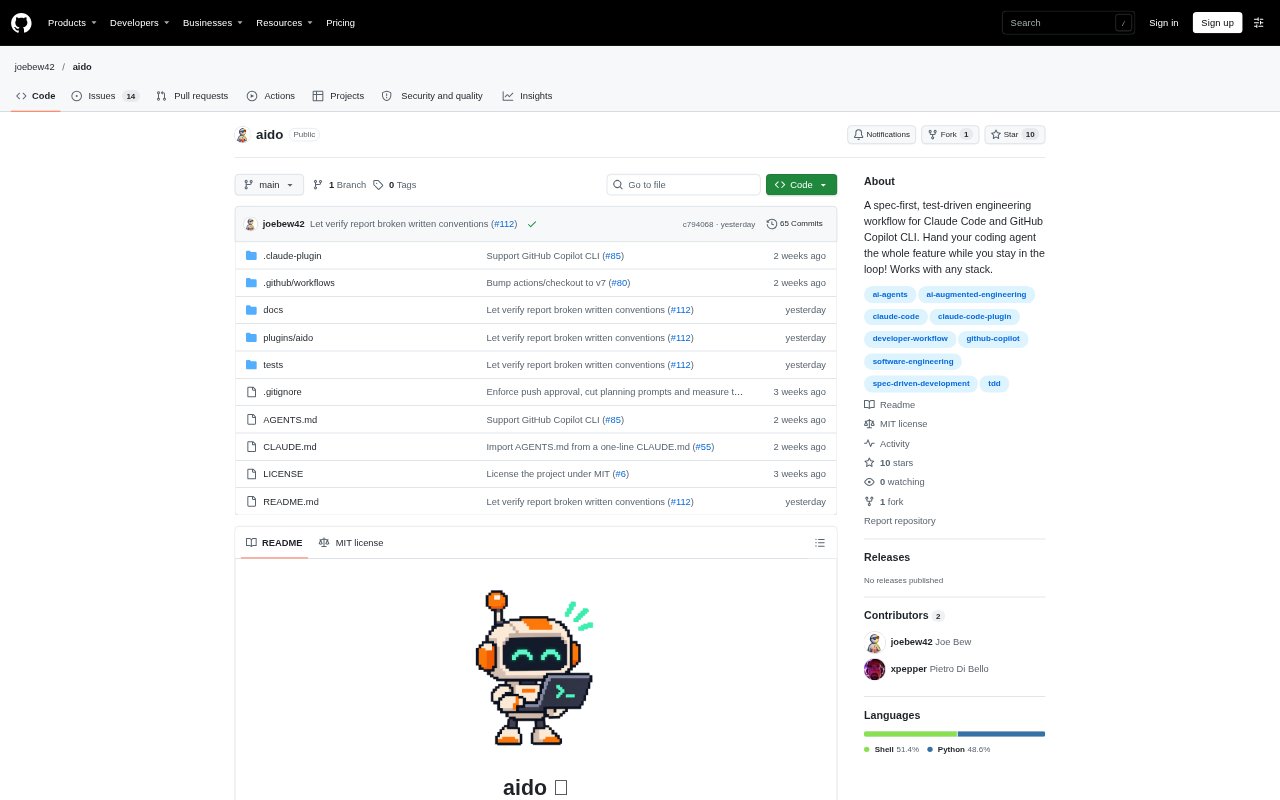
What is aido?
aido is a spec-first engineering workflow plugin for Claude Code and GitHub Copilot CLI, designed for developers who want coding agents to handle feature work while they remain involved in decisions. It guides a feature from an approved specification and plan through test-driven implementation, commits, a pull request, and review. The workflow is intended to work with any stack and follows the conventions already present in the repository.
aido Features:
Specification Planning: The planning skill creates a feature specification and plan in SPEC.md, starting from a GitHub issue, a draft specification, or a conversation.
Test-First Implementation: The implementation skill builds tests before code, maps plan items to acceptance criteria, and checks each criterion before it finishes.
Repository Conventions: Planning and implementation check the repository's code and its CLAUDE.md and AGENTS.md files, and flag conflicts with the specification.
Commit Organization: A dedicated skill organizes the work into a clean, reviewable commit history and addresses how the temporary feature specification should be settled.
Pull Request Workflow: The pull request skill offers verification, asks before pushing, and opens a pull request based on the feature specification.
Review Handling: The review skill considers comments one at a time and lets the developer choose whether to fix them, respond, or defer them to an issue.
Independent Verification: A verification skill checks a branch or pull request against its agreed requirements in a fresh context and reports unmet requirements or insufficient evidence.
aido Benefits:
Clearer Requirements: Keeping the feature's purpose, scope, and acceptance criteria together gives the developer and coding agent a shared reference throughout the work.
Visible Progress: Linking plan items and implementation checks to acceptance criteria makes it easier to see what is covered and what still needs attention.
Reviewable Changes: Organized commits and a pull request grounded in the specification give teammates a clearer account of what changed and why.
Human Oversight: Approval points for the specification, plan, and push let developers delegate implementation without handing over decisions about what to build or publish.
More Useful Reviews: A fresh-context verification separates checking the agreed requirements from judging code quality, helping teams identify gaps without relying only on the implementing agent.
Use Cases:
Issue to Feature: Start from a GitHub issue and turn its request into an approved specification, implementation plan, and pull request.
Drafted Project Work: Bring an existing SPEC.draft.md into the workflow to refine its requirements against the repository before coding begins.
Exploratory Requests: Use a conversation to clarify a feature when its requirements are not yet written down, then review the resulting specification and plan.
Phased Development: Use the optional design exploration and multi-phase planning steps when a feature needs design comparison or delivery in stages.
Pull Request Checks: Verify a completed branch or pull request against its specification, description, and linked issues before deciding it is ready.