

What is Airgap-check?
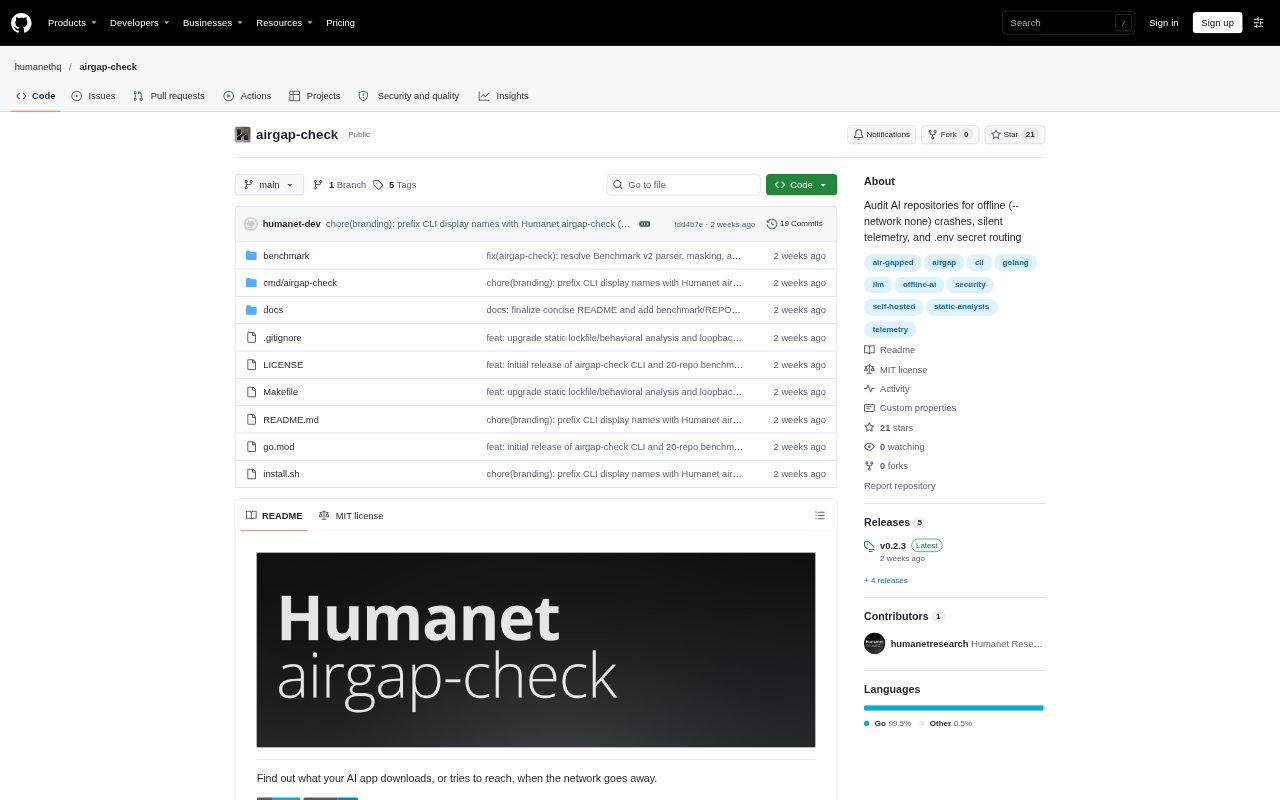
Airgap-check is a command-line auditor for AI applications that need to run without internet access. It scans project manifests and source code for dependencies and calls that may download assets, check for updates, or send telemetry, then can run Python or Node applications in a network-isolated Docker container to observe attempted connections. It is aimed at developers preparing AI services for air-gapped environments, such as private cloud deployments, hospitals, or defense networks.
Airgap-check Features:
Dependency Scanning: Scans manifests and supported lockfiles across Python, JavaScript, Rust, Go, and Ruby projects, with scope tags for findings.
Source Heuristics: Flags code patterns associated with runtime downloads, model loading, external pricing checks, installers, cache writes, and telemetry.
Isolated Runtime: Runs Python or Node applications in a Docker container with networking disabled and records attempted DNS, TLS, and HTTP connections.
Custom Run Commands: Accepts a run command and can build a project Dockerfile first, letting teams exercise specific startup or smoke-test paths.
Remediation Output: The --fix option prints Dockerfile environment flags and pre-warming commands for caches and model assets.
Rules and Env Review: Supports repository-specific rules and classifies .env key names and Git tracking status without reading or logging secret values.
Airgap-check Benefits:
Earlier Failure Checks: Teams can discover network-dependent startup behavior before deployment, rather than first encountering failed downloads or long retries in an offline environment.
Clearer Egress Visibility: Recorded connection attempts make otherwise quiet telemetry and external requests easier to investigate during an offline-readiness review.
More Focused Testing: Developers can check the particular application paths they care about instead of treating a static scan as proof that every path is safe.
Practical Remediation: Suggested environment settings and cache-warming commands give developers concrete starting points for preparing an image to run offline.
Safer Secret Review: Checking environment-variable names and tracking status helps teams review configuration handling without exposing secret values to the audit.
Use Cases:
Air-Gapped Deployment: Audit an AI service before placing it in an isolated VPC, hospital network, defense environment, or container with no internet access.
Model Startup Checks: Run a service startup command or smoke test offline to see whether model loaders, tokenizers, or embedding libraries reach for assets.
Telemetry Review: Inspect an application for telemetry endpoints and observe connection attempts before approving it for a restricted production environment.
Container Preparation: Use the remediation output while building an image that needs model files and other runtime assets available from local caches.
Repository Triage: Review an AI codebase's dependencies, source patterns, and environment-key handling as part of an offline-readiness assessment.