

What is Airlock?
Airlock runs Claude Code or Codex inside a virtual machine on an Apple silicon Mac, where the agent works on a copy of a project instead of the real folder. It is for developers who want to use coding agents without giving them access to the rest of their Mac. After a session, developers can review file changes and choose which ones to apply. Airlock requires macOS 26 or later, plus a Claude subscription for Claude Code or a ChatGPT account for Codex.
Airlock Features:
Project Copy: Claude Code or Codex works on a copy of the selected project; the real project folder is not shared with the virtual machine.
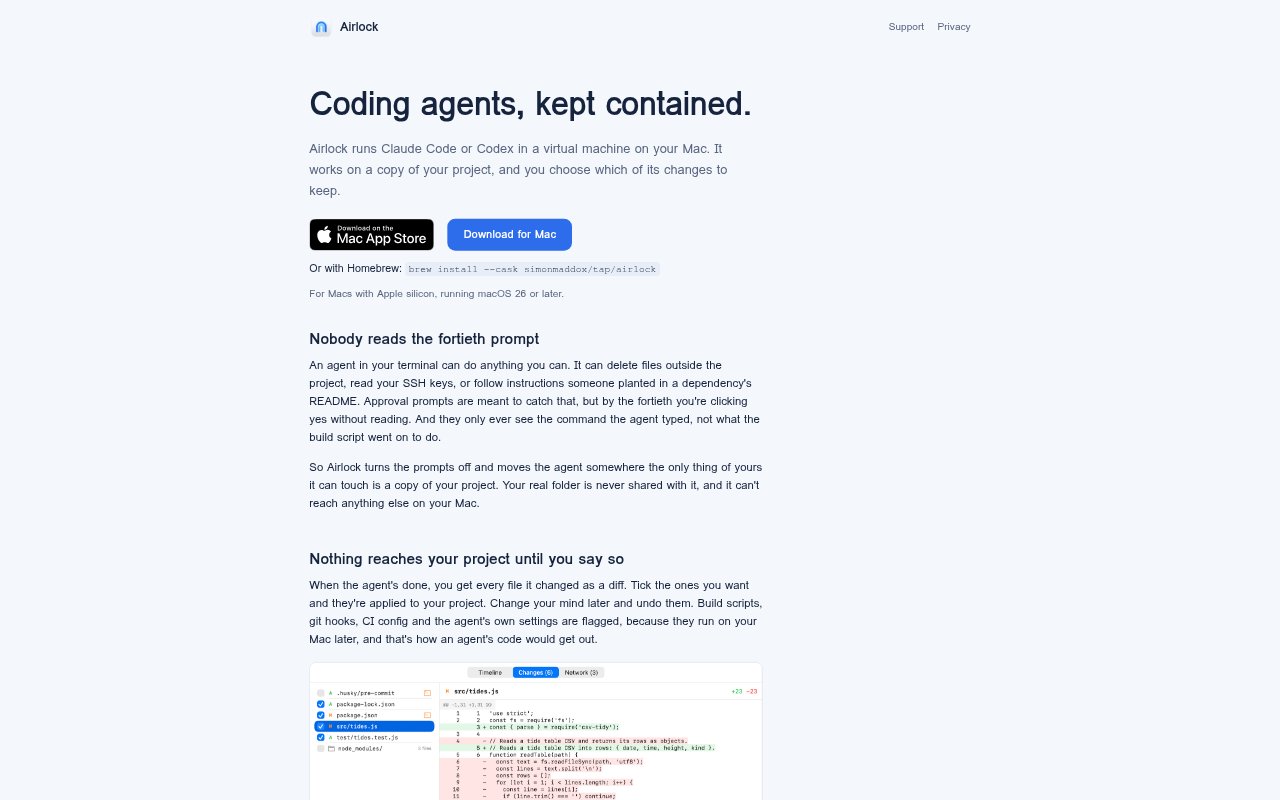
Selective Change Review: Airlock presents every changed file as a diff, lets you choose which changes to apply, and allows applied changes to be undone later.
Activity Timeline: A timeline records processes launched, files touched, and servers contacted from inside the virtual machine as activity happens.
Network Host Limits: Sessions flag destinations outside common code hosts and package registries, and can be restricted to a host list you select.
Terminal Agent Launch: Run airlock run claude or airlock run codex in a project folder to open the agent in the terminal with its project instructions, skills, and memory.
Xcode Session Support: Xcode projects and React Native projects with an ios folder can use a macOS virtual machine that borrows the Xcode already installed on the Mac.
Airlock Benefits:
Limit Accidental Damage: Keeping the agent to a project copy reduces the risk that a mistaken command affects personal files elsewhere on the Mac.
Keep Useful Edits: Choosing which changes enter the working project lets developers retain helpful output without accepting every generated edit.
Understand Agent Activity: Seeing processes and connections as they happen gives a clearer account of agent behavior than relying on typed commands alone.
Maintain Familiar Workflows: Launching from the terminal keeps Claude Code or Codex in a familiar working environment without manually setting up a separate virtual machine.
Avoid Duplicate Xcode: Reusing the Mac’s Xcode avoids downloading and maintaining a second installation for supported projects.
Use Cases:
Isolated Claude Code Work: Use Claude Code on a repository when you want it to edit project files without accessing other files on your Mac.
Review Codex Changes: Run Codex in a project folder and inspect its generated changes before deciding which edits belong in the real project.
Check Executable Files: Review changes to build scripts, git hooks, CI configuration, or agent settings that could run on the Mac after they are applied.
Work on Xcode Projects: Develop or test an Xcode project in an isolated macOS session while using the Xcode installation already on the Mac.
Work on React Native: Use Airlock’s macOS virtual machine support for a React Native app whose ios folder contains an Xcode project.