

What is Amigent?
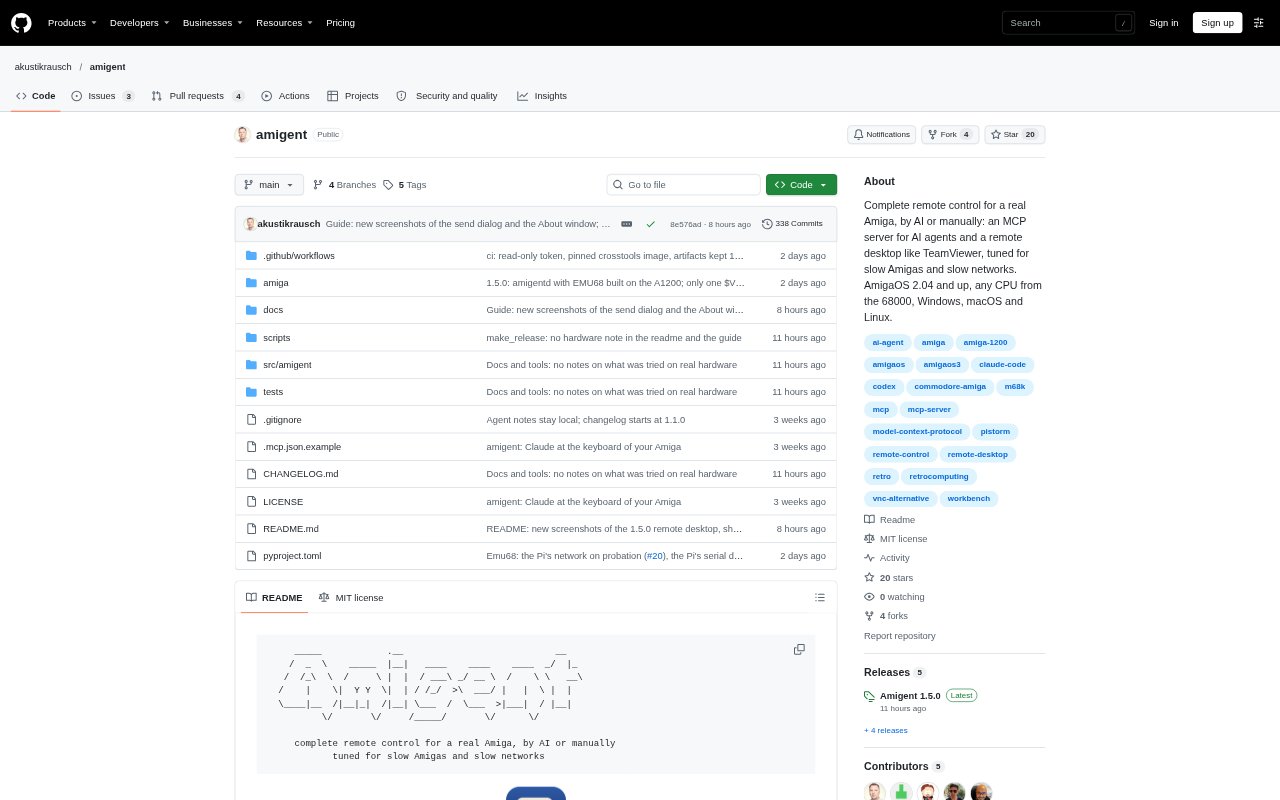
Amigent connects a real Amiga to a Windows, macOS or Linux computer over a home network. It combines a remote desktop for manual use with an MCP server that lets compatible AI agents control the Amiga, including installing software, changing settings and copying files. The person at the computer can see the agent’s actions and take over at any time. It is designed for AmigaOS 2.04 and newer, including systems with a 68000 CPU and slower network connections.
Amigent Features:
AI Agent Control: An MCP server gives an AI agent tools to run Amiga commands, interact with programs, change settings, install software and copy files.
Remote Desktop: A desktop viewer displays the Amiga screen and supports mouse and keyboard input, file transfer and a shared clipboard.
Multiple Screens: The viewer can display Amiga programs on separate screens and provides a menu for bringing a screen to the front.
Amiga Diagnostics: The agent can inspect task waits, lock holders and CPU use, interpret guru codes, and investigate memory leaks or window delays.
Software Recovery: Amigent can record a software installation so the agent can undo it, and can fetch programs from Aminet.
Developer Support: The agent can build and run Amiga programs, read kprintf and Enforcer output, and keep a PC-side copy of a growing log.
Amigent Benefits:
Less Manual Work: Common setup and maintenance tasks can be delegated, so users do not have to carry out every command or menu action themselves.
Human Oversight: Seeing the agent’s actions in the remote desktop makes it possible to check its work and step in when needed.
Legacy Hardware: Support for slow processors and network links makes remote control practical on older Amigas and modest connections.
Safer Experiments: Reversing a recorded installation gives users a way to return to the prior state after trying unfamiliar software.
Useful Debug Context: Diagnostic details and logs that persist on the PC can help developers investigate problems, including output from a crashed Amiga.
Use Cases:
Install Amiga Software: Ask an AI agent to fetch a program from Aminet, install it, or check which installed programs need updates.
Remote Workbench Access: Use a PC or Mac to operate the Amiga desktop, move files, enter commands and work with programs on separate screens.
Investigate System Problems: Trace an Amiga that has frozen, explain a guru code, or find out what is slowing down window movement.
Build and Test Programs: Build an Amiga application, run it on the machine, and inspect its debug output and logs from the computer.
Manage PiStorm Systems: Check the Raspberry Pi and Emu68 setup, try JIT settings, or change boot options with a backup and a way back.