

What is Amni-CAD?
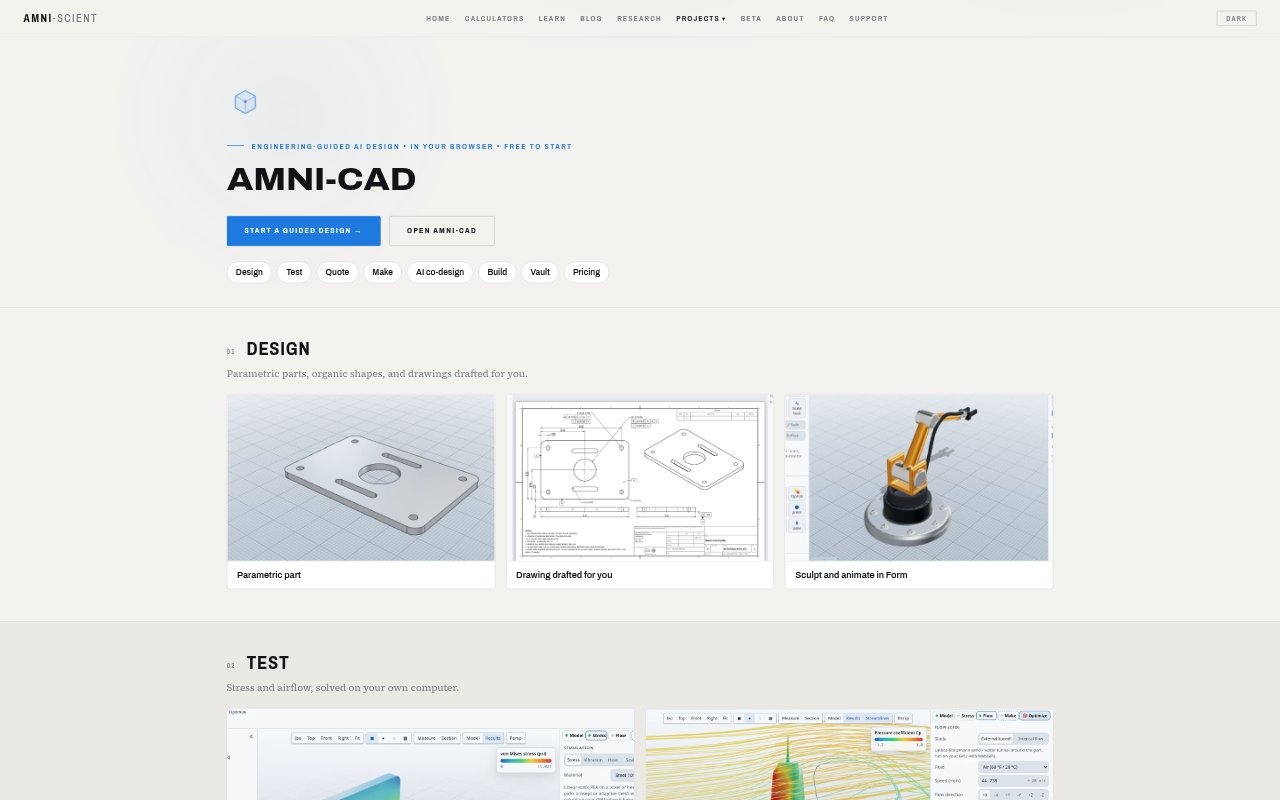
Amni-CAD is a browser-based parametric 3D CAD tool for designing parts and assemblies, creating drawings, and checking designs with engineering analysis. It combines guided workflows with an AI assistant that can build a part, check its work, and run a study, while leaving approval of changes to the user. Engineers and drafters can also use it to bring in older PDM data or paper drawings and prepare design and manufacturing outputs.
Amni-CAD Features:
Parametric Modeling: Create parametric parts, organic shapes, and assemblies with OpenCascade solids, using inches or millimeters.
AI Co-Design: Describe a design in plain language and have the assistant build the part, check its work, and run a study; you approve each change.
Guided Workflows: Follow step-by-step design guidance with point-and-click help, and choose between Workshop and Blueprint layouts.
Engineering Analysis: Run stress and airflow studies on your computer, including GPU-based stress and modal analysis.
Drawings and Exports: Generate 2D drawings with tolerances and export drawings as PDF, SVG, or DXF, plus models as STEP and mesh formats.
Legacy Design Import: Bring in older PDM material or paper scans, which can be redrawn as vector drawings and rebuilt in 3D from their views.
Quotes and CAM: Get shop pricing while designing, and prepare toolpaths, G-code, setup sheets, and flat DXF using CAM tools in beta.
Amni-CAD Benefits:
Earlier Design Checks: Testing stress or airflow during design can help teams identify potential problems before sending a part into production.
Less Drafting Work: Generated, toleranced drawings can reduce the manual effort involved in preparing a design for review or handoff.
Controlled Changes: User approval for AI-made changes keeps engineers and drafters in control of decisions as designs develop.
Fewer Tool Handoffs: Design, analysis, drawing, quoting, and manufacturing preparation can happen within one browser-based workflow.
More Accessible Archives: Turning paper drawings into clean vectors and 3D parts makes legacy design information easier to work with.
Use Cases:
Part Design: Model a dimensioned mechanical part, inspect it with an engineering study, and export it as a STEP file for another CAD program.
Airflow Checks: Evaluate airflow around a design during development before deciding whether it is ready for a manufacturing handoff.
Paper Drawing Recovery: Convert a drawer of scanned drawings into vector versions and rebuild 3D parts from the views shown on the pages.
Assembly Planning: Put designed parts together as an assembly and prepare a bill of materials for the project.
Manufacturing Preparation: Review a shop quote and prepare CAM outputs such as G-code, setup sheets, or flat DXF for a production job.