
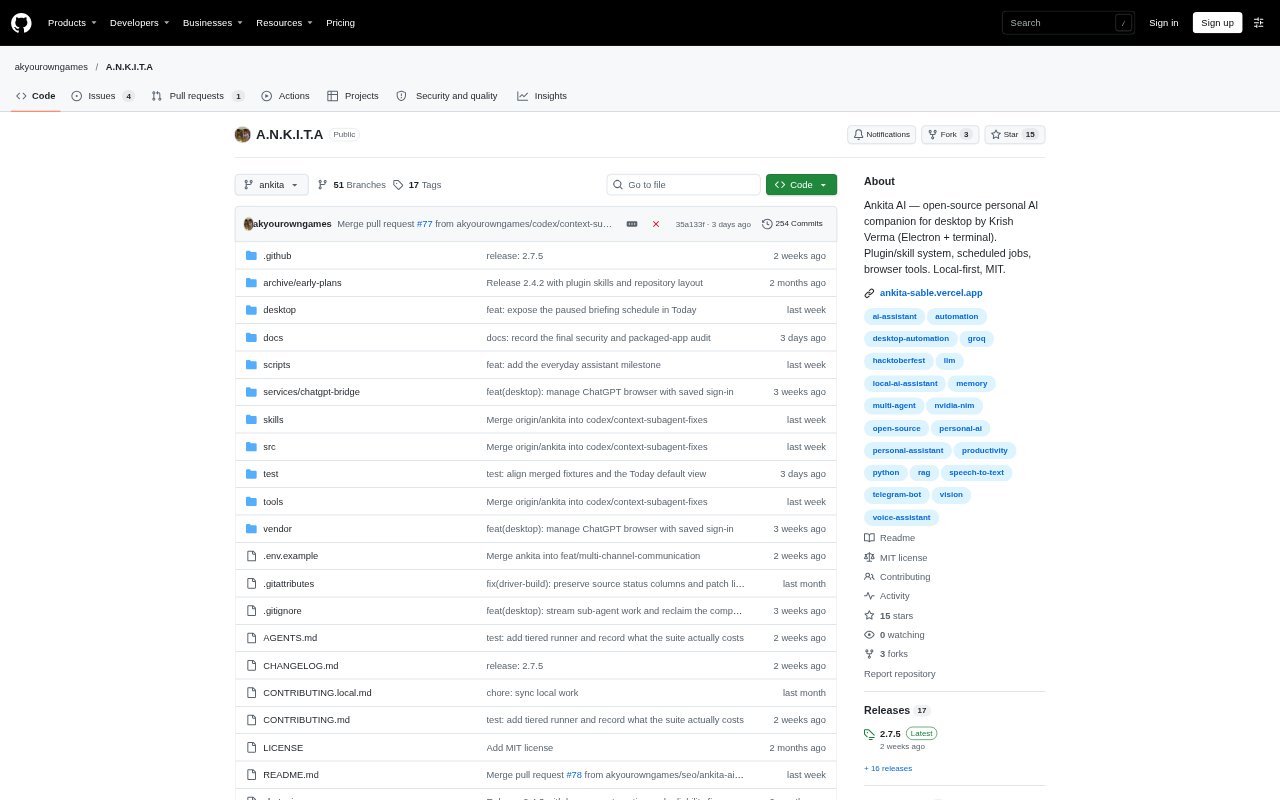
What is Ankita?
Ankita is an open-source AI workspace and personal assistant for Windows and Android. On Windows, it brings chat together with file, terminal, browser, and desktop controls, including a floating companion that shows activity; it can connect to an existing ChatGPT conversation or other model providers. Its separate Android app runs chats, tools, memory, and tasks on the phone, with no computer required.
Ankita Features:
Desktop Control: On Windows, Ankita can open apps, fill fields, and carry out actions while a visible pointer tracks the work; users can hide the pointer or stop a session.
ChatGPT Connection: Connect a saved ChatGPT conversation and use its current model, with separate connections for Ankita’s files, commands, browser, and desktop tools.
Browser Work: Ankita can navigate webpages, read their content, and perform browser tasks, keeping source material close to the answer.
Phone Assistant: The Android app includes chat, memory, tasks, files, notes, documents, maths, and public web reading without a PC or connected-app account.
Action Approvals: Phone tools allow reads by default and request approval before changing data; each tool can be set to ask, always allow, or disable.
Persistent Jobs: Pair a worker you run yourself to queue longer tasks that continue through disconnects and resume from a saved checkpoint; desktop pairing is optional.
Ankita Benefits:
Less Repeated Work: Moving from a request through app actions to a saved, checked result can reduce manual copying between chat and Windows programs.
Visible Progress: The pointer and activity updates make it easier to see what the assistant is doing and decide when to intervene.
Reviewable Actions: Inspecting tool arguments and returned results gives users a way to review what happened before relying on an answer.
Existing ChatGPT Setup: Connecting an existing ChatGPT chat lets desktop users work with its current model and account limits without an API chat key for ordinary chat.
Work Away From PC: Running tools, memory, and tasks on Android lets users handle assistant work away from a computer, with no account or cloud sync.
Use Cases:
Windows File Tasks: Ask Ankita to draft a short note in a Windows app, save it, and check that the file was created.
Web Research: Gather information across webpages and keep the source content near the answer when preparing a research summary.
ChatGPT Tool Access: Continue a saved ChatGPT conversation while giving it access to separate file, command, and desktop-tool connections.
Phone-Based Planning: Use Android to keep tasks, memory, and imported files available while working without a desktop computer.
Long-Running Jobs: Queue a task that may outlast a phone session, then reconnect to a self-run worker to pick up its result.