
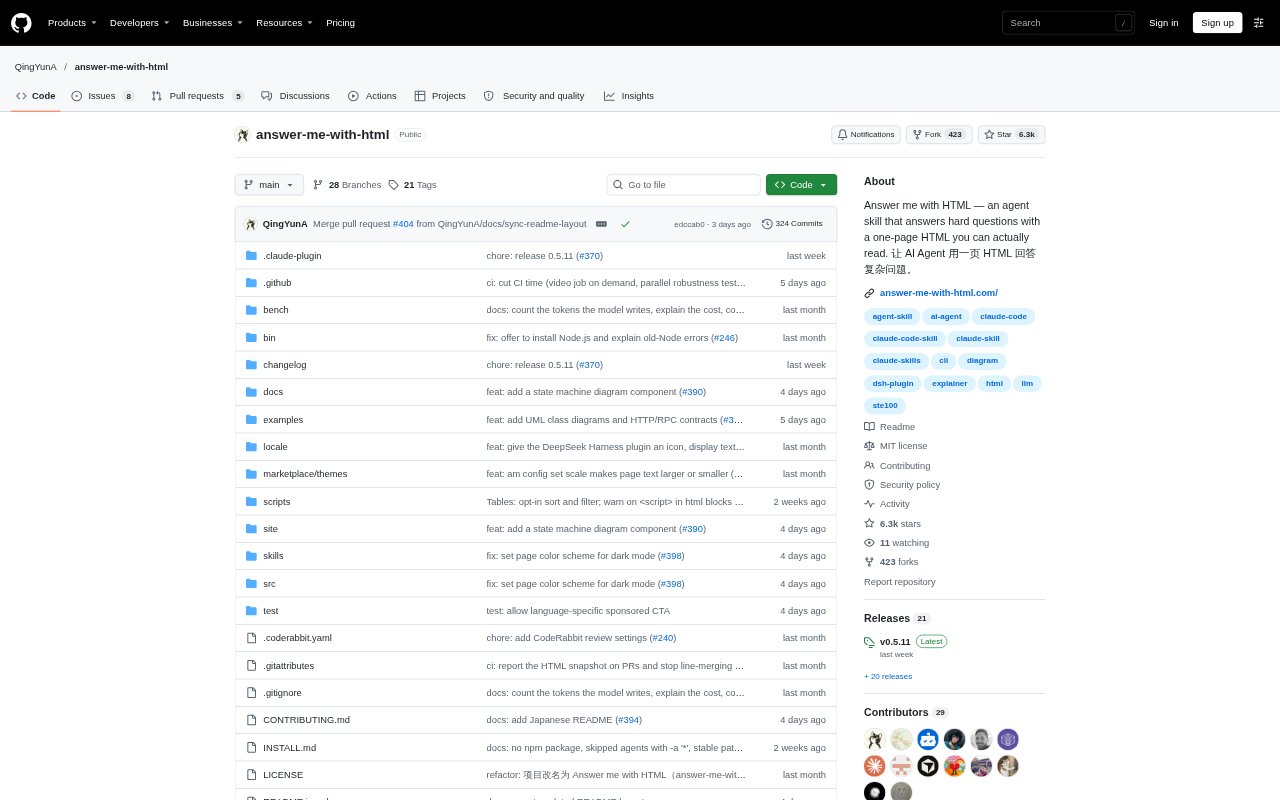
What is Answer me with HTML?
Answer me with HTML is an agent skill and bundled command-line renderer that turns an agent’s short Markdown answer into a single HTML page. It is designed for people using Claude Code, Codex, Cursor, OpenCode, Pi, DeepSeek Harness and other shell-capable agents who want complex explanations presented visually. The agent decides when a page is useful, while the CLI handles its layout and can also render explainer videos on request.
Answer me with HTML Features:
Markdown Rendering: The agent drafts content in Markdown, and the bundled CLI turns it into a page with text, diagrams, tables and layout.
Diagram Components: Components cover flows, entity relationships, classes, APIs, sequences, folder trees, timelines, limits, annotations, callouts and decision prompts.
Code References: A code block can quote a real file through a source reference, which the CLI uses when rendering the page.
Theme Options: Pages include light and dark modes, three themes, and a switch for changing theme and mode in the page.
Explainer Videos: On request, the video command pairs narrated lines with diagram steps, camera focus, scene transitions and a chapter strip.
Writing Check: The CLI checks drafts against machine-checkable parts of ASD-STE100, including sentence and paragraph length rules and word choices.
Always-On Mode: An optional agent rule adds a small page to conclusions, summaries, plans and comparisons without automatically opening it.
Answer me with HTML Benefits:
Less Waiting: Because the model writes the content rather than hand-writing HTML, CSS and diagram coordinates, it has less output to generate.
Faster Understanding: Seeing relationships, steps and comparisons together can make a complex answer easier to follow than reading a long block of text.
Fewer Follow-Ups: Decision prompts let readers respond to open choices directly on the page instead of having to describe their selection in a separate reply.
Reusable Answers: Saved pages and copied Markdown make it easier to revisit an explanation or reuse the draft that produced it.
Clearer Writing: The writing checks help catch overly long steps, descriptions and paragraphs before they become part of an explanation.
Use Cases:
Technical Concepts: Ask an agent to explain a protocol such as the TCP handshake and present its messages, states and flags as diagrams and a table.
Codebase Orientation: Use a folder tree and call graph to understand how a repository’s modules are organized and connected.
Product Comparisons: Ask which of two options, such as Redis or Memcached, suits a project and review the comparison table and verdict.
Text Review: Have an agent annotate a paragraph sentence by sentence, pointing out problem wording and possible fixes.
Change Planning: Plan a code change with references to real files, then answer unresolved decisions using options shown on the page.