

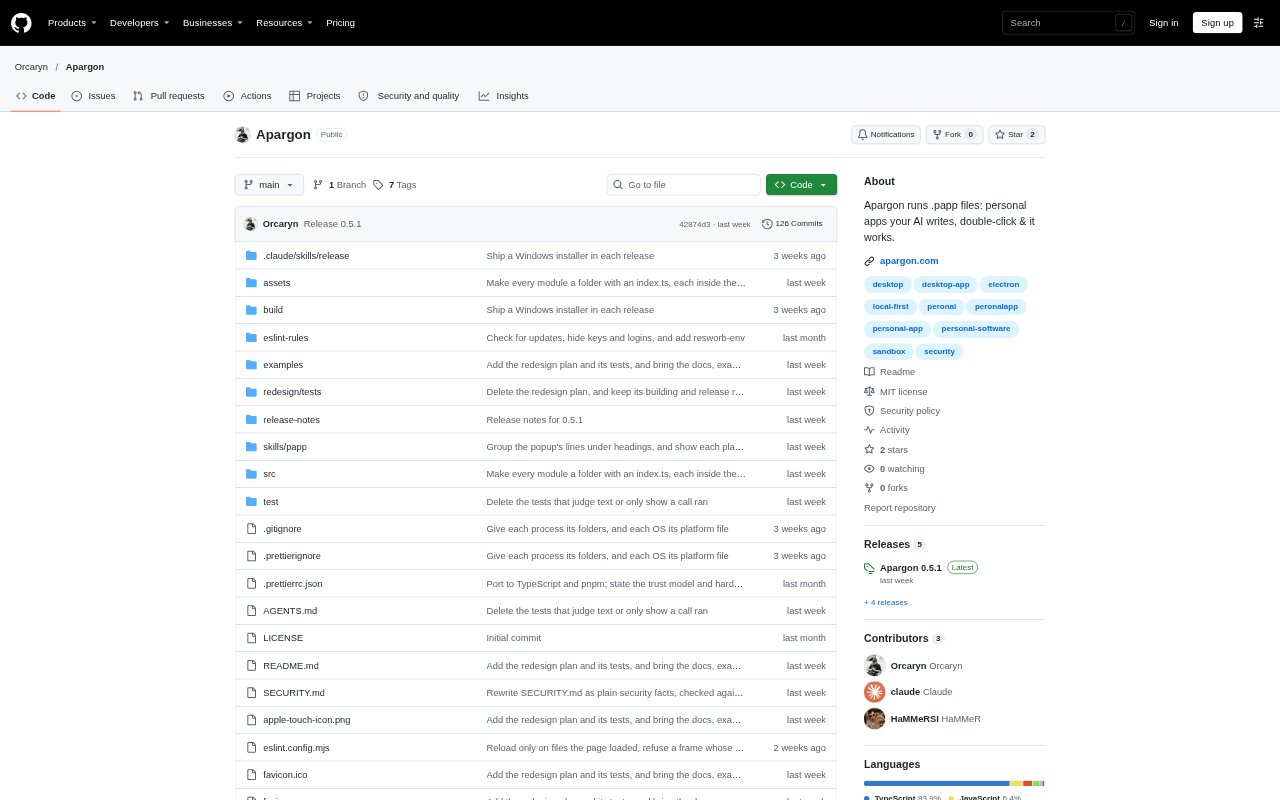
What is Apargon?
Apargon is a desktop app for opening small personal apps packaged as single .papp files. A coding agent can create a papp from a prompt, and Apargon runs it in a sandboxed window on macOS, Windows, or Linux. It is for people who want custom utilities made by AI to work with their local files without needing a separate server or app installation for each one.
Apargon Features:
Single File Apps: Each papp is an HTML file with extra tags that define the app’s identity, window, and requested permissions.
Agent Skill: Apargon can install a guide that helps compatible coding agents create papps from a description of the app you need.
Sandboxed Runtime: Double-clicking a papp opens it in Apargon, where it runs within a sandbox rather than in a standard browser.
File Permissions: By default, a papp can read local disks and write only to its own folder, with other write access requiring approval.
Network Controls: Papps have no network access by default, and approved connections are limited to the sites named in the app’s permission tags.
Permission Prompts: A popup describes requested access in plain language, and changes to a papp require the user to approve it again.
Apargon Benefits:
Less Setup: You can try a purpose-built utility without setting up a server, building a conventional desktop app, or installing a separate package for it.
Local Workflows: Apps can work with files on your computer, so tasks involving personal documents or folders need not be moved to a hosted service.
Clearer Decisions: Seeing the requested file and site access before an app runs helps you decide whether its permissions fit the job.
Easier Sharing: Sending one papp file gives someone a direct way to open the app on their own computer, without sending a separate setup.
User Control: Recipients choose whether to grant access, so the person who made an app does not make that decision for them.
Use Cases:
Photo Culling: Ask an AI agent to make a folder-based photo picker that lets you keep or reject images and moves rejected files into a separate folder.
Notes Organizer: Create a local app that presents notes as cards or lists Markdown files in a folder for editing.
Event Seating: Make a seating chart app for an event and share the papp with someone who needs to open it alongside the guest files.
Personal Utilities: Use a coding agent to build a small app around a particular task or set of local files that does not warrant a conventional software setup.
Shared App Handoffs: Send a papp to family members, colleagues, or a shop team so each person can run it locally and approve its requested access.