

What is Apgar?
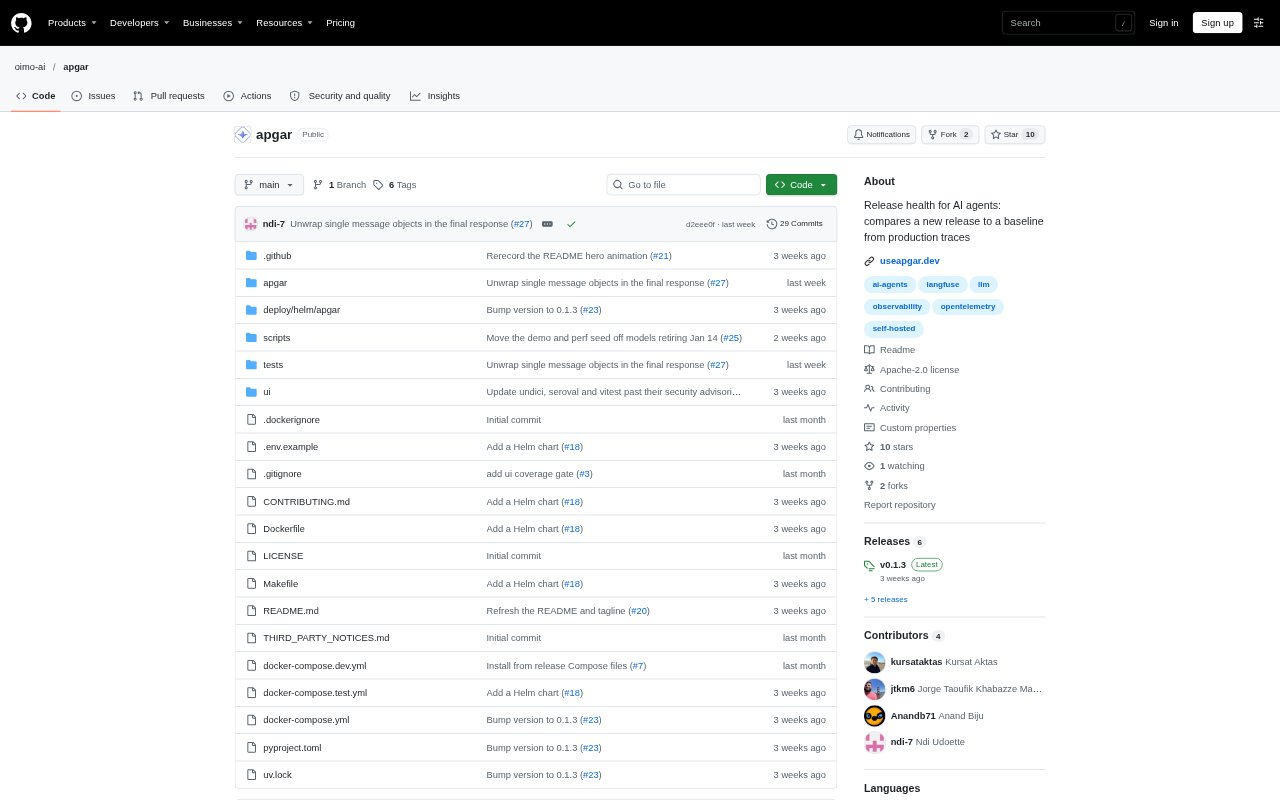
Apgar is a self-hosted release monitoring tool for teams building AI agents. It compares each new agent release with the preceding one using production traces, flagging behavioral regressions that may not cause request failures. It tracks behavior, reliability, cost, and latency without an LLM judge or storing prompt and completion text, then reports confirmed changes through Slack or a webhook.
Apgar Features:
Behavior Signals: Apgar tracks tool-call volume, turns without tools, retries, repeated-call loops, answer length, JSON format failures, and turns per conversation.
Reliability Signals: It measures tool error rates and model-call error rates to identify reliability changes between an agent’s latest release and its predecessor.
Cost and Latency: It checks cost per turn and 95th-percentile turn latency, using cost reported in traces and timing data from agent turns.
Release Comparisons: A release attribute from the deploy pipeline identifies each version, which Apgar compares with the previous release every five minutes.
Trace Ingestion: Teams can send traces over OpenTelemetry and OpenInference using OTLP, or connect a Langfuse project, without adding a new SDK.
Confirmed Alerts: Each signal has a configurable tolerance, and Apgar reports a regression only after the change exceeds normal variation and persists on a later check.
Apgar Benefits:
Catch Quiet Regressions: Teams can spot deteriorating agent behavior even when requests still succeed and standard service health checks remain green.
Faster Diagnosis: A report identifies which signal changed and whether the change is concentrated around a tool, model, or prompt version.
Less Alert Noise: Requiring a change to exceed a set tolerance and hold on a later check helps teams focus on sustained regressions.
Protect Existing Workflows: Using traces already collected lets teams add release checks without replacing their tracing, evaluation, or dashboard setup.
Keep Prompts Private: Because prompt and completion text are not stored, teams can monitor releases without keeping that content in Apgar.
Use Cases:
Prompt Revisions: After changing an agent prompt, compare the new production release with its predecessor to check for shorter answers, fewer tool calls, or other behavior shifts.
Model Changes: When swapping the model behind an agent, review whether tool errors, answer length, cost, or latency moved after deployment.
New Tool Deploys: When adding a tool to an agent, monitor whether it is used in conversations and whether calls lead to more retries or errors.
Framework Upgrades: After upgrading an agent framework, use production traces to check whether the release changed tool use, reliability, or response behavior.
Release Pipelines: Send a release result into CI or an on-call workflow through a webhook so the team can review a confirmed regression in its existing process.