
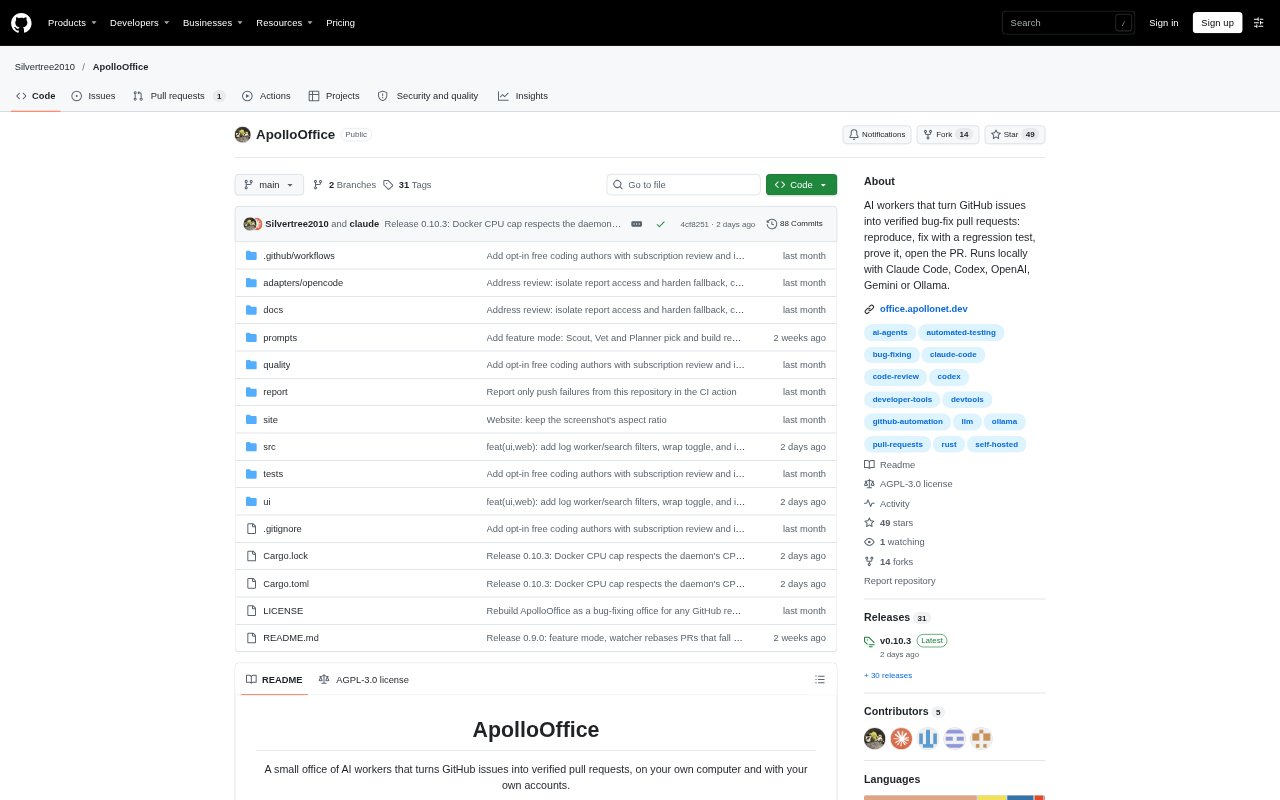
What is ApolloOffice?
ApolloOffice runs a team of AI workers on your computer to turn GitHub bug reports into pull requests. It reproduces issues, writes fixes with regression tests, checks that the tests demonstrate the fix, and runs the project’s test command. Developers can connect repositories and choose a model provider for each worker. The tool runs on Windows, macOS, and Linux, using the developer’s own GitHub and AI accounts, with repository code run locally or on a machine reachable over SSH.
ApolloOffice Features:
Bug Fix Pipeline: A sequence of workers handles issue checks, reproduction, fixing, testing, review, pull request submission, and follow-up.
Regression Test Proof: ApolloOffice checks that a new test fails without the fix and passes with it, and that the project’s test command stays green.
Model Provider Choice: Each worker can use Claude Code, Codex, Claude, OpenAI, Gemini, or a local model through Ollama.
Local Execution: The single binary runs on Windows, macOS, and Linux, and repository code can run in Docker locally or over SSH.
Pull Request Review: Pull requests wait for approval by default and include the diff, proof, and editable text; repositories can also be set to submit automatically.
Issue and Alert Intake: Alongside GitHub issues, reports can come through an API, Sentry or GlitchTip webhooks, and failed GitHub Actions runs.
PR Follow-Up: A watcher tracks open pull requests for merges, maintainer change requests, reviewer requests, and merge conflicts, which it rebases.
ApolloOffice Benefits:
Less Manual Triage: Teams can route bug reports into a repeatable workflow instead of manually coordinating every reproduction, fix, and review step.
Evidence Before Review: A test that demonstrates the fix gives maintainers a concrete way to check a proposed change before approving it.
Controlled Changes: Default approval keeps a person in the decision path before a pull request is submitted for review.
Flexible Model Spend: Per-worker provider selection and job cost tracking help teams compare model use and choose providers for their needs.
Keep Code Local: Running without an ApolloOffice server lets teams keep repository execution on their own machine or a machine they access.
Use Cases:
GitHub Bug Backlog: Use it to take reported repository bugs through reproduction, a regression-tested fix, and a proposed pull request.
Failed CI Runs: Send a failed GitHub Actions run on the default branch to the office as a report for investigation.
Error Alert Triage: Route Sentry or GlitchTip alerts into the same workflow as GitHub issues for a possible code fix.
Small Feature Requests: Enable feature mode for a repository to check clearly specified, small feature requests and build them test-first.
Maintaining Open PRs: Use the watcher to follow merges, requested changes, and merge conflicts on pull requests the tool has opened.