

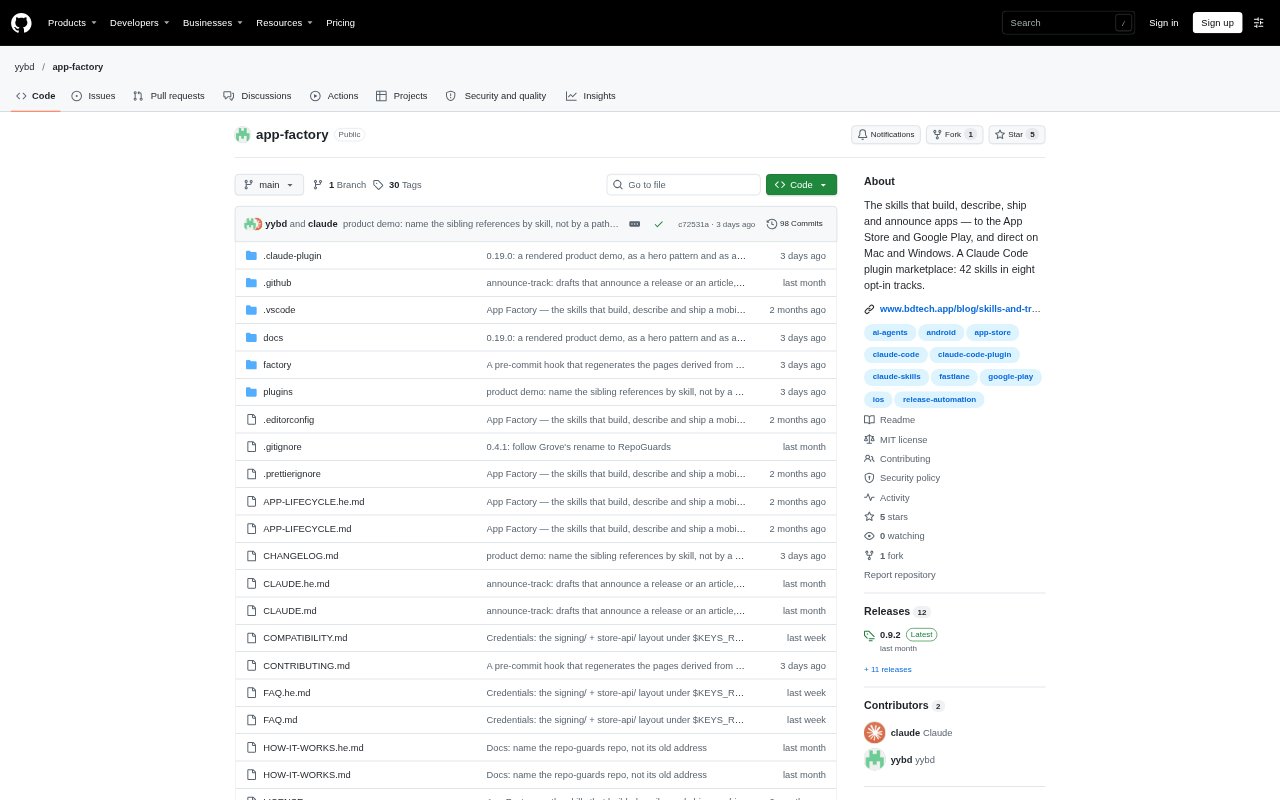
What is App Factory?
App Factory is a collection of Claude Code plugins for developers who build and distribute apps. Its skills guide work from app identity and compliance checks through store media, listing copy, releases and follow-up tasks. Skills are grouped into tracks that can be enabled for the repositories where they apply, covering Apple platforms, Android, websites, Capacitor apps, Windows distribution and release announcements. It is built for Claude Code and tested only there.
App Factory Features:
Repo-Specific Tracks: A setup script detects whether a repository contains an Xcode project, Gradle project, Capacitor app or website, then proposes relevant tracks to enable.
App Compliance Checks: Before a build, scripts scan for issues such as missing permission descriptions, privacy manifests, Sign in with Apple, Android target API levels and permissions.
Store Media Capture: The Apple media workflow captures simulator screenshots with device frames and captions, while the Android workflow captures images using adb.
Listing Copy Checks: Skills prepare store-specific text within each store's field limits and compare claim counts across languages to catch possible translation omissions.
Listing Change Review: Before uploading store listings, a script pulls the live version and compares it with the local version, stopping when conflicting text is found.
Release Orchestration: Release skills coordinate tasks such as builds, validation and uploads for Apple and Google Play, with support for Play drafts and partial rollouts.
Desktop and Web Tasks: Separate skills cover direct Mac distribution, Windows installers with self-updating, website SEO audits and measured WebView checks for Capacitor apps.
App Factory Benefits:
Less Instruction Clutter: Loading skills only in repositories that need them keeps unrelated platform and release guidance out of the coding agent's working context.
Earlier Issue Detection: Finding common compliance problems before a build gives developers a chance to address them before submitting an app to a store.
Fewer Manual Checks: Automated comparisons can catch missing translated claims and listing conflicts before they pass unnoticed into a store update.
Safer Release Control: People retain control over consequential actions because the workflow does not submit apps for review, change prices or push to git.
Consistent Launch Progress: A saved state for a first launch lets work continue across sessions without having to restart the launch process from scratch.
Use Cases:
First App Launch: Use the launch workflow to take a newly finished app through identity, compliance, media, store copy and release preparation.
Routine App Updates: Run release preparation for a new version that needs updated builds, store materials and uploads to Apple or Google Play.
Store Listing Changes: Compare local listing edits with the live store listing before uploading, especially when someone may have changed text in the store console.
Desktop App Distribution: Prepare direct Mac distribution or create a Windows installer that can update itself outside an app store.
App Website Review: Audit the website for an app's structure and SEO as part of preparing its online presence around a release.