

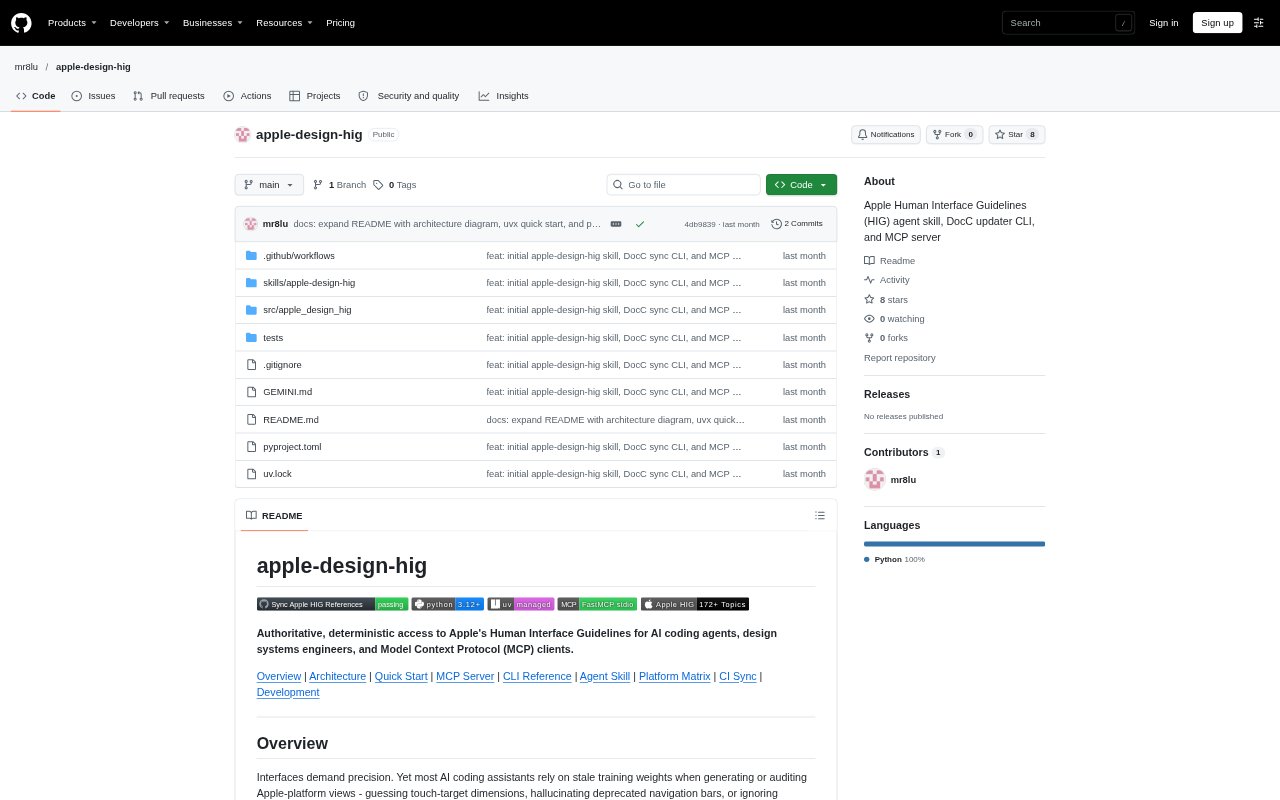
What is apple-design-hig?
apple-design-hig provides searchable access to Apple’s Human Interface Guidelines for AI coding agents, interface designers, and design-systems engineers. It retrieves Apple’s DocC content and converts articles into Markdown, with access through a command-line interface, a Model Context Protocol server, and a bundled agent skill. The project covers more than 172 HIG topics, including guidance for Apple platforms, interface components, accessibility, and input methods.
apple-design-hig Features:
Catalog Search: Search by keyword across topic titles, slugs, and section names, with an optional section filter and up to 50 results per call.
Topic Retrieval: Fetch a complete HIG article using its slug, relative path, or Apple developer documentation address and render it as Markdown.
MCP Tools: The FastMCP server provides tools to list sections, search topics, retrieve articles, and synchronize reference files over standard input and output.
CLI Commands: Terminal commands search the catalog, print articles, synchronize local files, install the skill, or launch the MCP server.
Offline References: Synchronization generates a topic catalog and six pillar reference files from Apple’s DocC endpoints.
Bundled Agent Skill: The portable skill package includes design principles, accessibility guidance, platform heuristics, and pre-rendered references across six HIG pillars.
apple-design-hig Benefits:
Less Guesswork: Consulting Apple’s published guidance gives teams a reference point when checking interface decisions instead of relying only on an AI model’s learned knowledge.
Faster Research: Keyword search and section filters help narrow a broad set of guidelines to topics relevant to a particular design question.
Consistent Reading: Articles rendered as Markdown are easier to scan and use in terminal sessions or agent workflows than unprocessed structured documentation.
Prepared References: Local synchronized files make the selected catalog and pillar references available without repeating the initial preparation step.
Flexible Access: The CLI, MCP server, and skill provide different ways to consult the same guidelines, according to the tools a team already uses.
Use Cases:
Accessibility Review: Look up accessibility and contrast guidance while reviewing an interface or checking the choices in an implementation.
Platform Design: Consult platform-specific guidance while planning screens for iOS, iPadOS, macOS, watchOS, tvOS, or visionOS.
Navigation Audit: Search for navigation topics and read the relevant article when assessing how an app organizes movement between its screens.
Agent Assistance: Connect an MCP client or install the skill so an AI coding agent can search HIG topics and retrieve articles during interface work.
Offline Preparation: Synchronize the catalog and pillar references before a design review or workflow that will use the local Markdown files.