
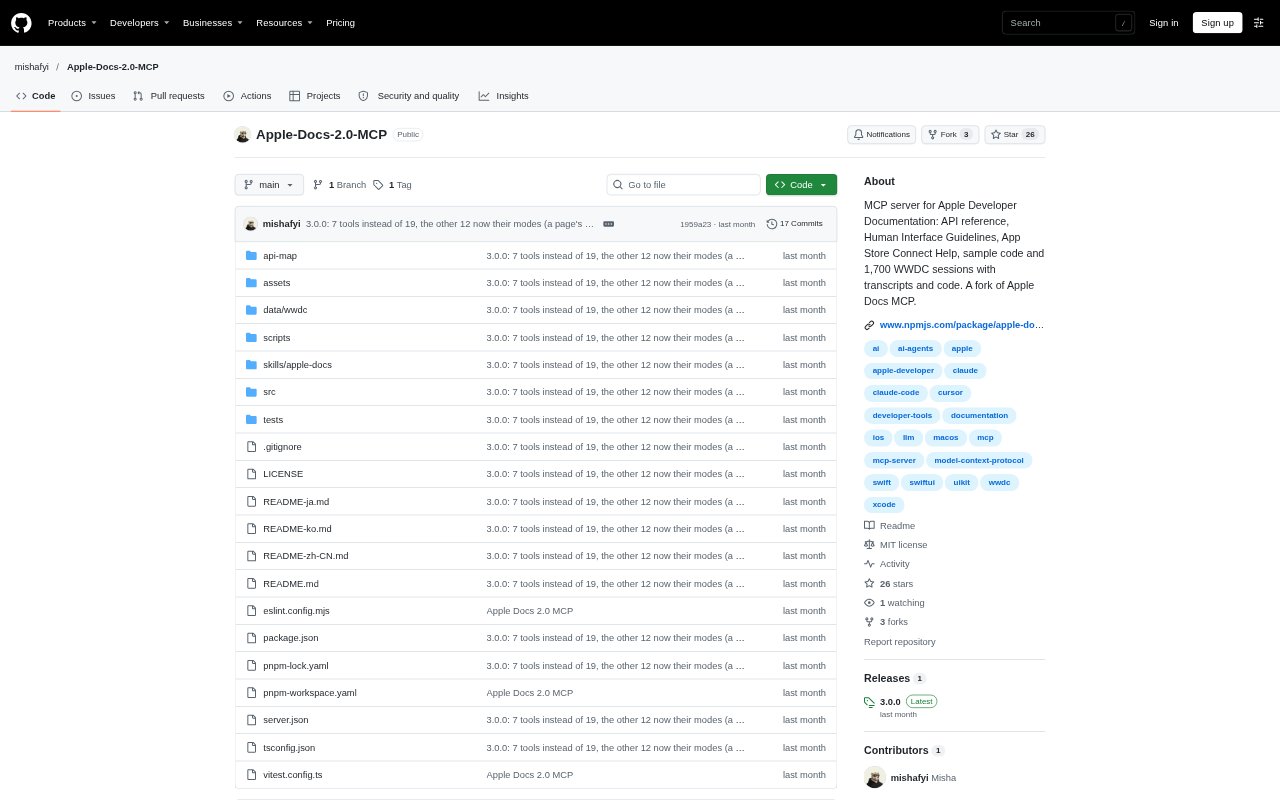
What is Apple Docs 2.0 MCP?
Apple Docs 2.0 MCP connects AI assistants to Apple developer documentation through the Model Context Protocol. It is for developers building Apple-platform apps who want to look up APIs, design guidance, sample projects, App Store Connect help, and WWDC material from an MCP client such as Claude, Cursor, VS Code, or Zed. The server can search Apple resources, retrieve full pages, and provide related code and session references.
Apple Docs 2.0 MCP Features:
Apple Docs Search: Search API references, articles, sample code, Human Interface Guidelines, App Store Connect Help, and WWDC sessions, with filters for resource type.
Offline Title Map: Find pages by title or partial title in an offline index of 336,723 entries, including API symbols, entitlement keys, guidelines, and web-service endpoints.
Full Page Retrieval: Read documentation as Markdown with declarations, signatures, inheritance, related APIs, code, and platform availability, as well as tutorials and App Store Connect articles.
WWDC Session Library: Browse 1,700 sessions from 2014 to 2026, with transcripts for 1,416 sessions, chapters for 480, and timed code samples for 715.
Framework Exploration: Browse framework types and members, search technologies by category or subject, and see which frameworks are marked beta.
API Relationships: Look up related, similar, referenced, and replacement APIs, along with the platform versions that introduced or deprecated an API.
Sample Code Access: Search Apple sample projects and the Sample Code Library by framework or section, with summaries and download links.
Apple Docs 2.0 MCP Benefits:
Less Searching: Developers can find Apple material across several documentation areas in one assistant workflow instead of visiting each resource separately.
Fewer Guesswork Loops: Grounding questions and code tasks in Apple’s own references gives an assistant a clearer basis for its answers.
More Complete Context: Full declarations, relationships, and availability notes help developers assess an API without piecing details together from partial snippets.
Faster API Discovery: Title lookup and framework browsing can help move from a symbol, error, or task description to relevant Apple resources.
Easier Learning: Transcripts, timed code, tutorials, and sample projects let developers compare written guidance with examples and session explanations.
Use Cases:
SwiftUI Implementation: Ask an assistant to look up a SwiftUI view or modifier, check its declaration and availability, then find a WWDC example that uses it.
App Store Preparation: Research App Store Connect fields, review processes, TestFlight workflows, or API endpoints while planning a release.
Design Guidance: Find Human Interface Guidelines for a component such as tab bars when deciding how to structure an app screen.
Framework Selection: Compare Apple technologies for a task such as machine learning or audio before choosing which framework to explore.
Legacy API Updates: Check an older API’s deprecation information and related replacements while updating an existing iOS or macOS project.