
What is Apple Reminders MCP?
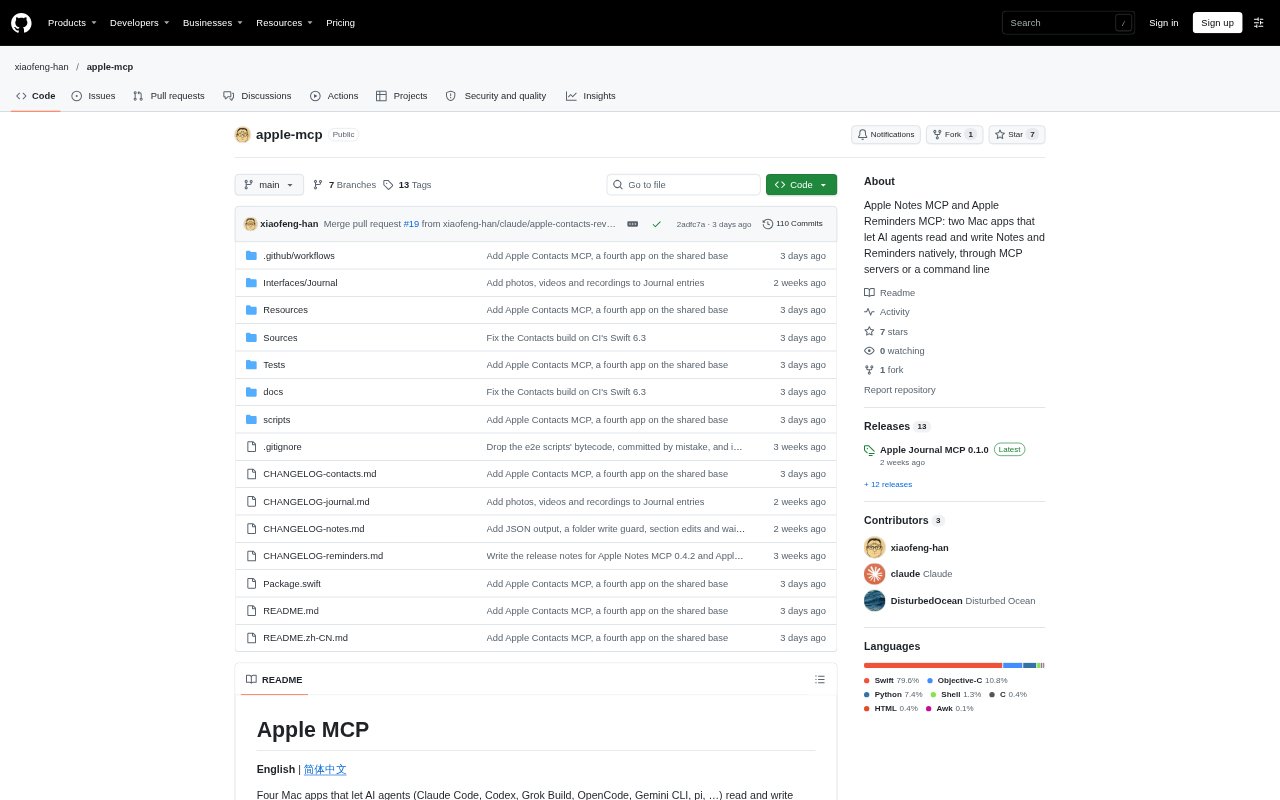
Apple Reminders MCP is a Mac app that lets AI agents read and write Apple Reminders through an MCP server or command line. It is for people who want an agent to work with their reminders while keeping them in Apple’s own app. The app uses Reminders’ framework and supports the app’s tags, subtasks, sections, and smart lists. It requires Apple silicon and macOS 26 or later.
Apple Reminders MCP Features:
Read and Write: AI agents can read and change reminder data through the app’s MCP server or command-line interface.
Native Reminders: The app connects to Apple Reminders through its own framework rather than offering a separate task manager.
Tags and Subtasks: Agents can work with tags and subtasks, keeping those organizational details available alongside reminders.
Sections and Lists: The integration includes sections and smart lists, as well as other capabilities available in Reminders.
Standalone App: Apple Reminders MCP has its own app, command, server, tools, permissions, settings window, and version.
Agent Setup: Documentation covers installation, agent setup, and the requirements for using the app.
Apple Reminders MCP Benefits:
Fewer App Switches: Working through an AI agent can keep reminder-related tasks within an existing assistant workflow instead of requiring every change to be made by hand in Reminders.
Keep Existing Organization: Using Reminders’ own framework lets people retain the organizational structure they already use rather than recreating it in another task system.
Focused Installation: Because the Reminders integration is a separate app, people can install it without adding the repository’s Notes, Journal, or Contacts apps.
Clearer Permissions: Its own permissions and settings give users a dedicated place to manage the Reminders integration separately from the other apps.
Flexible Workflows: Having both MCP and command-line access gives users two ways to connect reminder work with their chosen tools.
Use Cases:
Agent-Assisted Updates: Use an AI agent to read reminders and make changes when handling a task through an MCP-compatible assistant.
Subtask Planning: Work with an agent on organizing a larger task into subtasks while keeping that structure in Apple Reminders.
Tag-Based Sorting: Use tags when an agent helps organize reminders according to the labels already used in Reminders.
Section Organization: Work with reminder sections through an agent rather than moving the organization into a separate task tool.
Smart List Work: Include Reminders smart lists in an agent-assisted workflow for reviewing and managing reminders.