

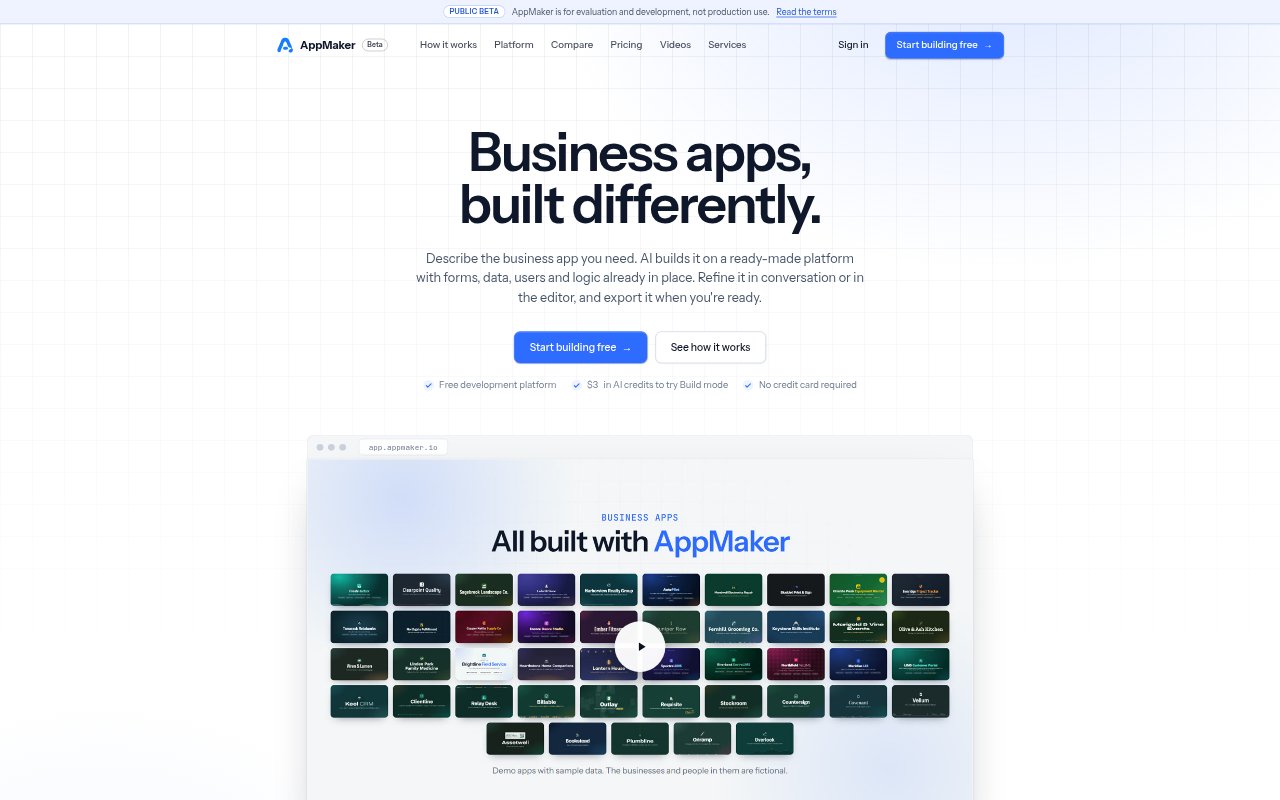
What is AppMaker?
AppMaker is an AI-first builder for structured, data-driven business applications. Describe an app in plain language and its AI creates a working project on a platform that already includes data, users, roles and other foundations. You can refine the result by chatting, editing visually or changing code, then export it as a standalone Node.js application. The platform is in public beta and is intended for evaluation and development, not production use.
AppMaker Features:
Conversational Building: Describe screens, data and rules in plain language, then watch the AI update the running app as you work.
Visual Editing: Switch to Design mode to adjust forms, controls and layouts visually without regenerating the project.
Code Access: Inspect and edit tables, SQL, client and server JavaScript, workflows and jobs in the editor.
Built-In Foundations: Projects use a built-in database, sign-in, users and roles, file storage, workflows and background jobs.
Reviewable Changes: After an AI task, see a report of what changed and undo the task if you do not want the result.
Standalone Export: Export a project as a standalone Node.js application to run on infrastructure you choose.
AppMaker Benefits:
Less Setup: Starting with common app foundations means teams can focus their building effort on the forms, rules and workflows specific to their needs.
More Oversight: Visible project parts and reviewable AI changes make it easier to check how an app works and decide what to keep.
Flexible Ownership: Exporting the application gives teams the option to continue running and developing it outside AppMaker.
Lower Entry Cost: The development platform has no subscription or per-user fees, so teams can explore and build without those charges.
Adjustable Workflow: Moving between conversation, visual editing and code lets people choose how hands-on to be as a project develops.
Use Cases:
Inventory Tracking: Build a tool for recording stock, locations and movements, then monitoring reorder levels.
Approval Workflows: Create request processes where different roles handle successive steps and decisions.
Customer Management: Organize contacts, companies and deals in a CRM with a sales pipeline.
Operational Dashboards: Create dashboards that present server-computed KPIs, charts and ranked lists for business operations.
Client Applications: Develop a tailored business app for a consulting client, such as a service desk or project tracker.