

What is AQVEN?
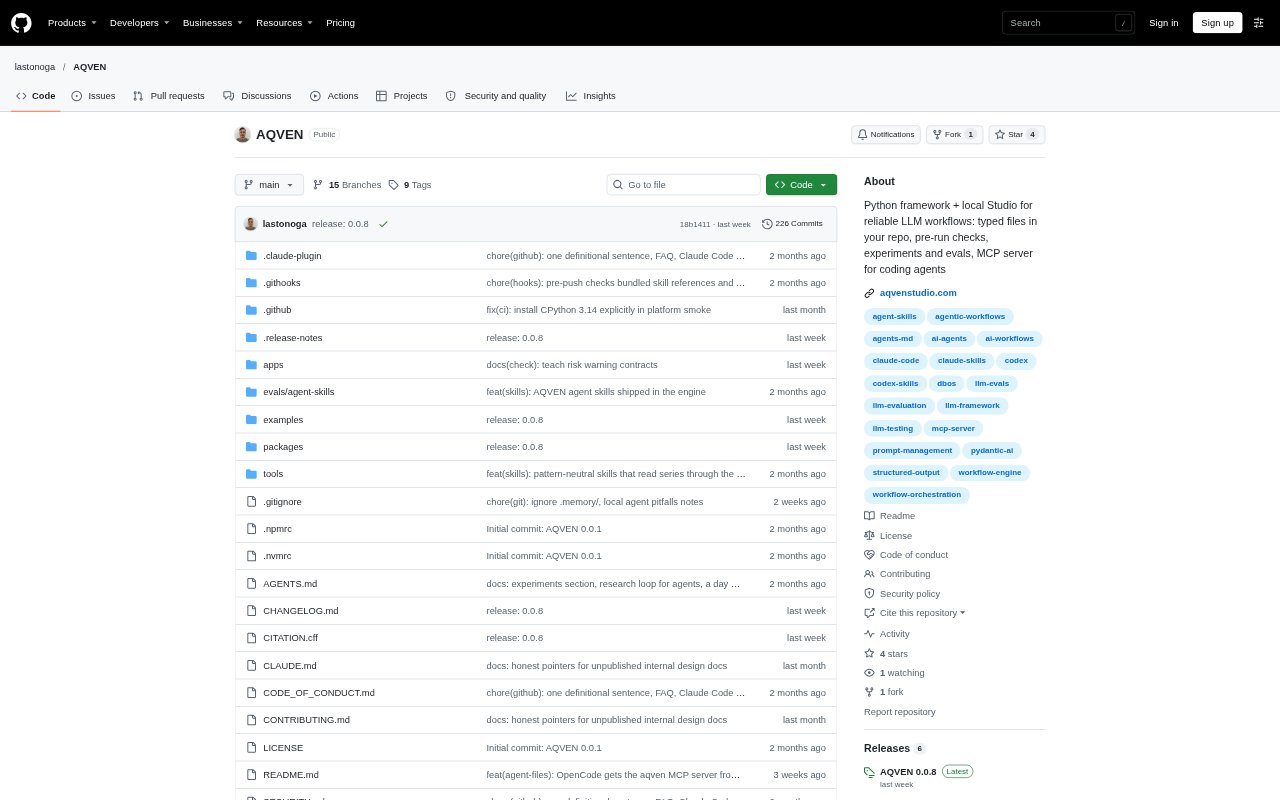
AQVEN is a Python framework and local Studio for building, running and evaluating multi-step LLM workflows. It keeps workflow definitions, prompts and datasets as files in your repository, while a coding agent such as Claude Code or Codex can help run experiments through its MCP server. AQVEN is designed for developers who want to inspect workflow behavior, compare changes and check results before deciding what to ship; it is in alpha and source-available under a license that restricts commercial redistribution.
AQVEN Features:
Typed Workflow Files: Define flows, nodes, prompts, types, agents and tools in separate files that can be read, edited and reviewed alongside the rest of your project.
Pre-Run Checks: Run aqven check to validate workflow files, check connections and simulate flows with stand-ins for model calls before spending tokens.
Step-by-Step Traces: Inspect each run in the local Studio and follow its event log to see which step produced an answer or failure.
Workflow Experiments: Run experiments on your own cases to explore failure modes and compare prompt or model variations, including their cost and latency.
Held-Out Verdicts: Keep cases apart during exploration, then assess a change on held-out cases with a verdict of confirmed, refuted or inconclusive.
Cost And Latency: Track dollar cost and latency for each step of a run, with calls AQVEN cannot price recorded as unknown rather than free.
Coding Agent Access: Use the MCP server to let Claude Code, OpenCode, Codex or another MCP client work with workflow files and run experiments.
AQVEN Benefits:
Earlier Error Detection: Catching broken references, incompatible types and other wiring problems before a model run helps avoid spending tokens on a workflow that cannot run correctly.
Clearer Debugging: Tracing a poor answer back to the step that produced it gives you a more direct starting point for fixing the underlying issue.
Better Change Decisions: Comparing results on working cases and checking changes against held-out cases helps distinguish promising signals from evidence strong enough to support a decision.
Reviewable Collaboration: Keeping workflow changes in ordinary project files makes them visible in diffs and available for teammates to review through pull requests.
Spend Awareness: Seeing cost and latency by workflow step helps you weigh quality against expense and spot calls that may need attention.
Use Cases:
Support Email Triage: Build a flow that classifies incoming support email by intent and produces a short summary, then test its behavior on cases kept aside for confirmation.
Prompt Failure Investigation: When a workflow returns an invalid or overlong answer, inspect its trace to find the step responsible and create an experiment around that failure.
Model Comparison: Compare candidate models on the same workflow cases when deciding which one meets your quality needs at an acceptable cost and latency.
Prompt Change Review: Evaluate a proposed prompt edit on working cases, then use held-out cases to check whether the change meets the criteria you set.
Growing Workflow Maintenance: Keep a multi-step workflow understandable as it expands by defining its steps and prompts in typed files and checking their connections before runs.