
What is Archwhere?
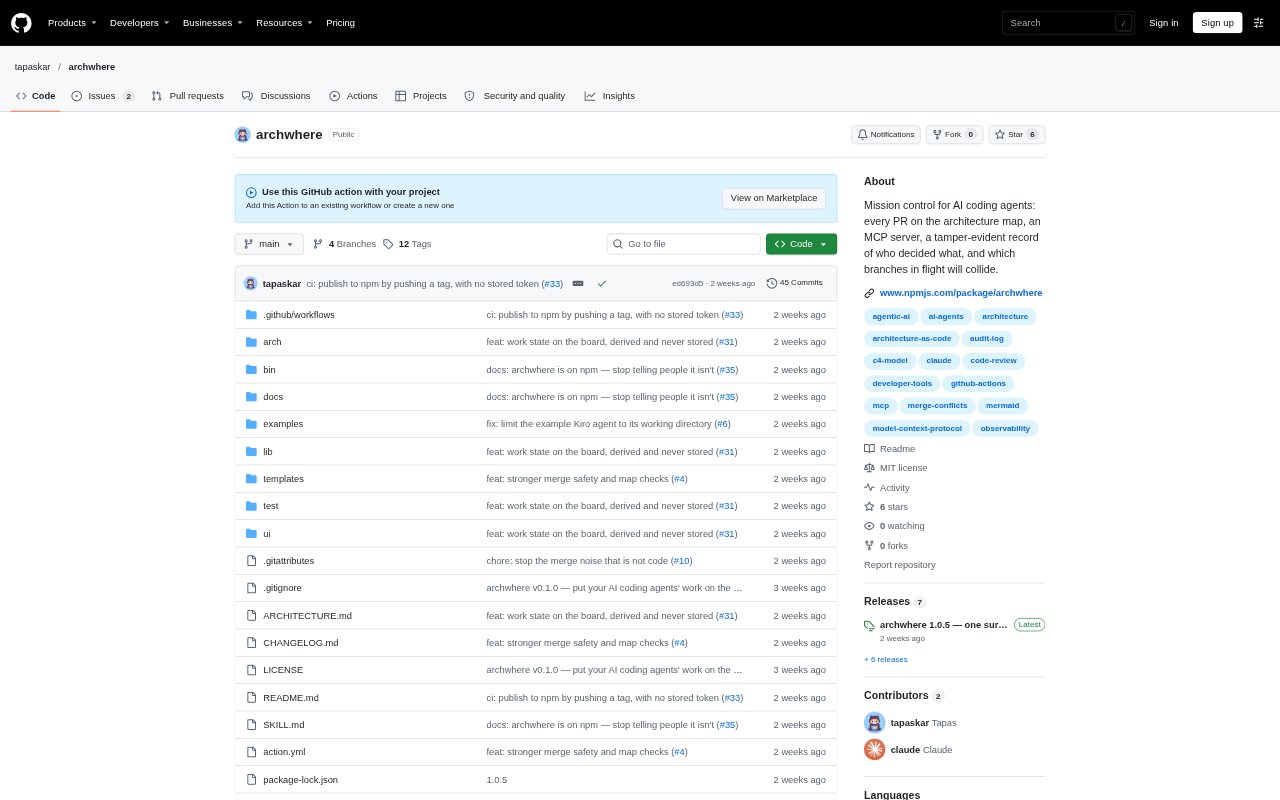
Archwhere is a command-line tool and local mission-control interface for mapping code changes to declared software components. It helps teams using AI coding agents track which parts of a system their agents change, review pull requests against that map, and spot work needing attention. The project uses GitHub as the communication channel for pull requests and agent conversations, and can work with Claude or other agents that can see GitHub.
Archwhere Features:
Architecture Map: The JSON model assigns files to components, records component kinds and security zones, and can include system relationships and process flows.
Model Setup: The init command drafts a model from repository directories, package workspaces, and import edges, then creates a prompt for an agent to refine it.
CI Checks: The check command validates the model, finds unmapped files and stale globs, and can adopt unmapped files into a nearby component with --fix.
Pull Request Reports: A GitHub Action comments on each pull request with its touched components, kinds, files, security flags, and a system map highlighting affected components.
Mission Control: A local interface combines a component map, attention rail, pull requests, component threads, and health or Git churn views on one screen.
Branch Collisions: The collide command uses git merge-tree to compare branches against a base and one another, reporting file overlap and affected components.
Agent Interface: An MCP server exposes the tool, while component threads use GitHub issues and can send events to a configured agent webhook.
Archwhere Benefits:
Review by Component: Teams can assess the architectural area affected by a change instead of having to supervise agent work diff by diff.
Less Map Upkeep: Suggested model patches and automatic adoption reduce the manual bookkeeping needed to keep file ownership mappings current.
Earlier Attention: A shared view of open pull requests, component health, and alerts makes it easier to notice work that needs intervention.
Safer Security Changes: Checks against the base model make it harder for a pull request to quietly weaken security classifications or watch patterns.
Fewer Merge Surprises: Comparing branches before merging helps teams identify genuine overlap and choose a less entangled merge order.
Use Cases:
Agent PR Oversight: Use the pull request map and component report to review a batch of changes produced by coding agents across a repository.
Architecture CI: Run archwhere check in CI when teams want merges blocked if the architecture model is invalid or leaves files unmapped.
Security Review: Use base-model enforcement when a pull request changes a security component, watch pattern, or files assigned to a security zone.
Concurrent Branches: Run collision checks when several agents have branches in flight and the team wants to find conflicts before merging.
Component Discussions: Open a component thread in mission control when a team wants to discuss an area of the system with an agent through GitHub.