

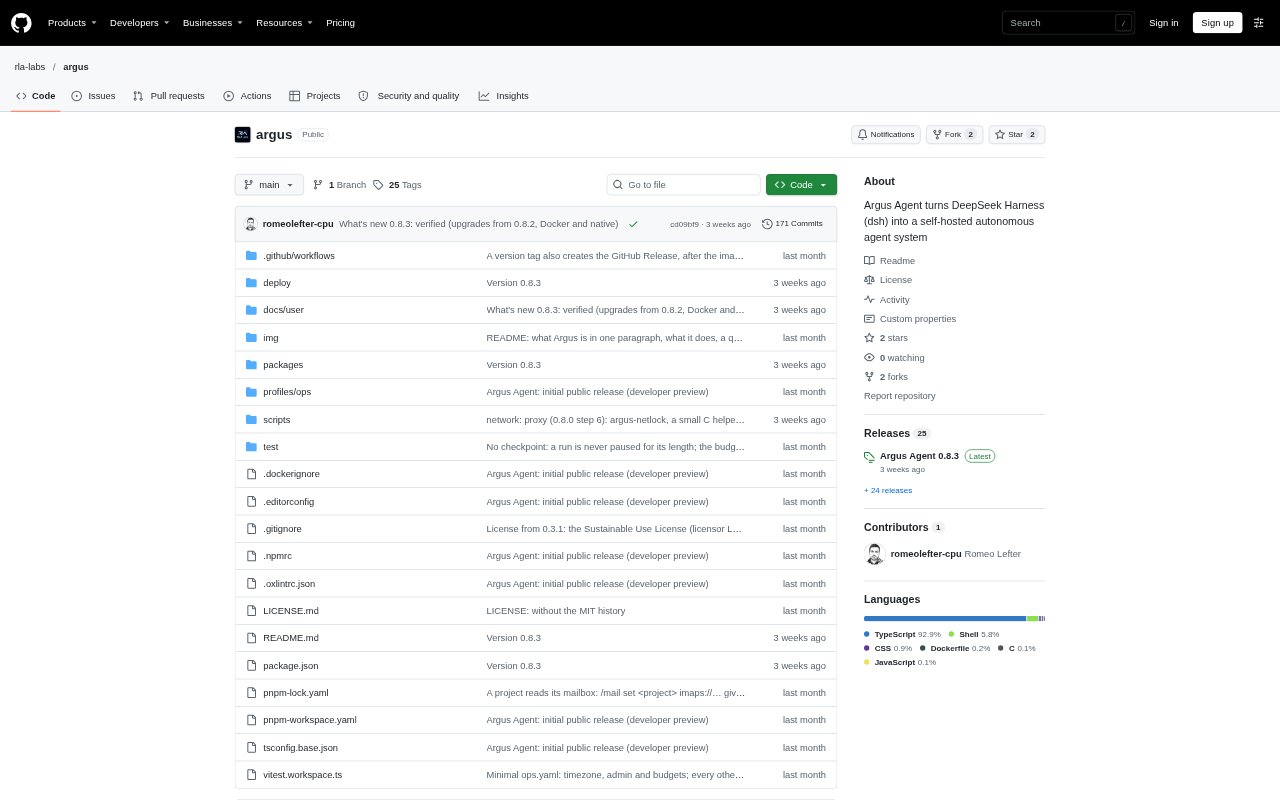
What is Argus Agent?
Argus Agent is a self-hosted system for running AI agents on projects that may continue for days or weeks. Each project has its own folder, model, instructions, memory and budget, with built-in templates for website, research, reports and DevOps work. You manage agents through a web interface or Telegram, and can assign one-off tasks or set schedules. It requires a Linux server and a model-provider API key, and is described as an early-stage product.
Argus Agent Features:
Project Templates: Create separate projects with their own folder, model, instructions, memory and budget, using built-in templates for website, research, reports or DevOps work.
Tasks and Schedules: Run one-off tasks or create cron schedules designed to fire once even across restarts, with results delivered to your chat.
Run Budgets: A central governor checks spending limits before a run and at every step, while /panic stops all work in under five seconds.
Action Approvals: Set read, write, shell and web permissions per project; risky actions wait for approval, and a missing response counts as a refusal.
Sandbox and Undo: Kernel-level confinement limits agent commands to the project's folder, and /undo restores that folder to its state before a run.
Crash Recovery: Interrupted runs return as retryable tasks, and a broken project file can be isolated without sidelining other projects.
Git and Extensions: Manage project repositories through Argus, upload files up to 2 GB, and add pinned extensions such as office tools, a headless browser, PDF utilities and media tools.
Argus Agent Benefits:
Spending Boundaries: Per-run limits and step-by-step checks make it easier to keep autonomous work within a defined budget rather than relying on an agent to stop itself.
Safer Automation: Approval gates and folder-level confinement help reduce the risk of an agent taking an unwanted action or changing files outside its project.
Work Continues: Recovery after crashes lets you resume interrupted work instead of rebuilding the task and its context from scratch.
Separate Contexts: Keeping each project's conversation, memory and budget independent helps prevent one agent's work from spilling into another project's process.
More Control: Plain-code commands for status, stopping and budget checks remain available even when a model is wrong or offline.
Use Cases:
Website Projects: Start a site-focused agent with its own instructions and folder for a longer-running website task.
Ongoing Research: Give a research project its own memory and budget when work needs to continue across multiple sessions.
Scheduled Reports: Set a report project to run on a cron schedule and send its result to your chat.
DevOps Tasks: Use the built-in DevOps template for agent work that needs shell access, with permissions and approvals configured for that project.
Document and Media Work: Add extensions to handle office documents, PDFs, images or media files within a project's confined environment.