

What is Arize Phoenix?
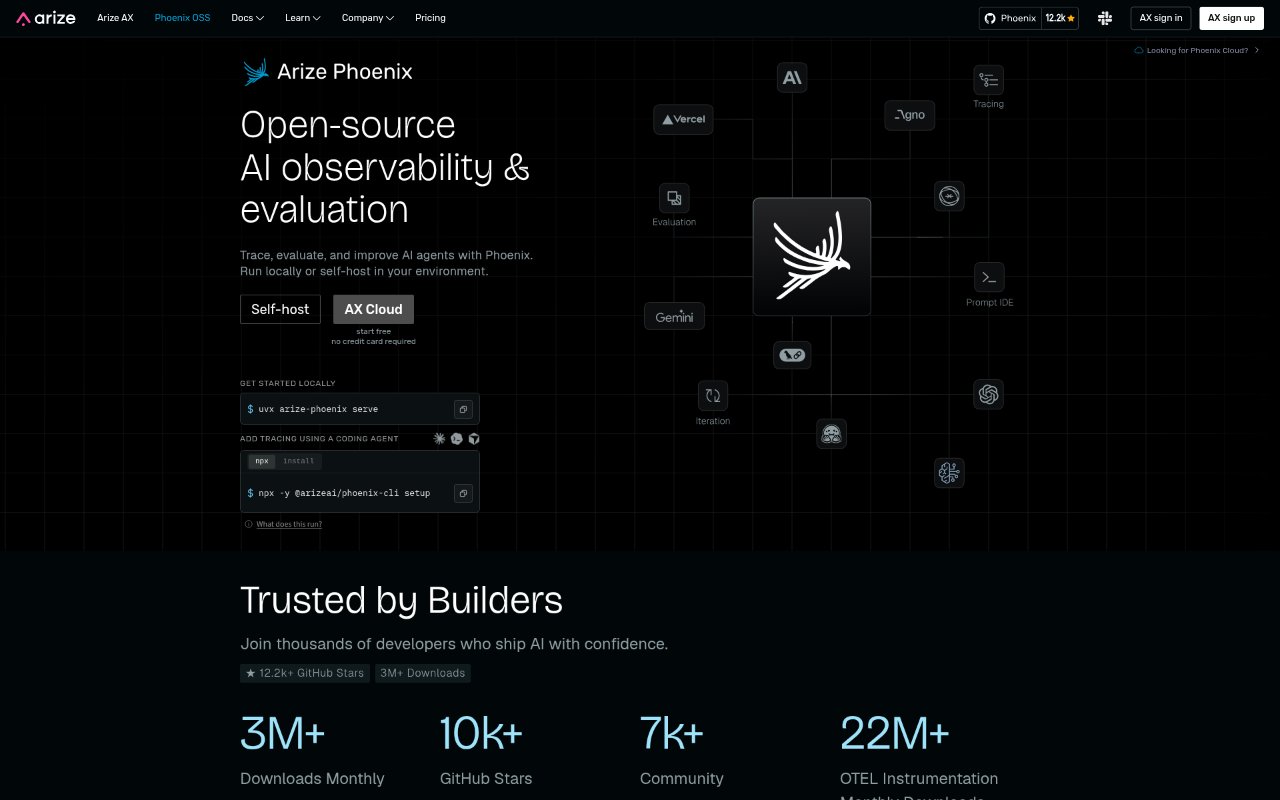
Arize Phoenix is an open-source, local-first platform for tracing, evaluating, and improving LLM applications and AI agents. It records the steps behind requests, helps teams investigate behavior, and provides tools to test changes before deployment. AI engineers and developers can run it on a laptop or host it in their own environment, keeping trace data on their infrastructure while working with different models, frameworks, and languages.
Arize Phoenix Features:
Request Tracing: Inspect prompts, retrievals, tool calls, and outputs across the steps of an LLM or agent request.
Output Evaluation: Create evaluations that score model outputs, including checks for relevance, toxicity, and response quality using an LLM as judge.
Trace Annotations: Mark successful or problematic results with labels through human review or LLM-assisted judging.
Datasets and Experiments: Create datasets from traces and run experiments that compare application changes under the same conditions.
Prompt Iteration: Work with prompts and test changes against examples before deploying them to production.
OpenTelemetry Support: Use native OpenTelemetry support and OpenInference conventions to capture traces without a proprietary trace format.
Local Deployment: Run Phoenix locally, start it in Docker, or deploy and manage it on Kubernetes with Helm.
Arize Phoenix Benefits:
Faster Debugging: Seeing each stage of a request makes it easier to locate whether an issue arose in prompting, retrieval, or tool execution.
Earlier Issue Detection: Scoring outputs and reviewing flagged results helps teams find quality problems before they reach users.
Evidence-Based Changes: Comparing experiments under consistent conditions gives teams a clearer basis for deciding whether a change improves results.
More Useful Reviews: Trace annotations give teams a way to record what worked and what needs attention for later evaluation.
Data Control: Local and self-hosted deployment lets teams keep sensitive traces within their own environment.
Use Cases:
Agent Failure Analysis: Investigate a production agent response by following its prompts, retrievals, tool calls, and outputs.
Retrieval Troubleshooting: Find where a retrieval workflow is failing when an application returns an unexpected or poor answer.
Prompt Change Testing: Compare a revised prompt with the current version using a dataset built from application traces.
Response Quality Review: Review and score model responses for relevance, toxicity, or quality before releasing an application change.
Self-Hosted Observability: Set up tracing and evaluation for an AI application when the team needs to keep trace data on its own infrastructure.