

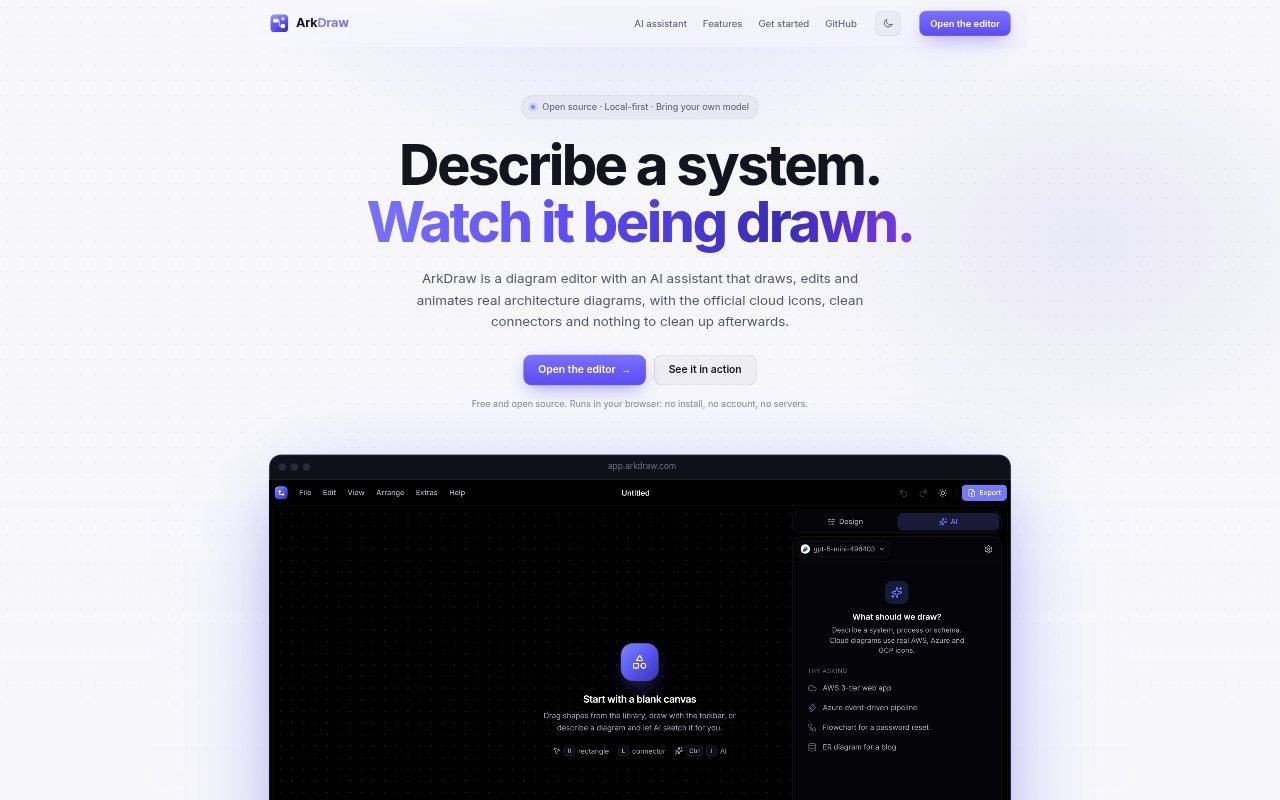
What is ArkDraw?
ArkDraw is an open-source diagram editor with an AI assistant for creating, editing and animating system architecture diagrams. It is designed for engineers and teams who need to explain cloud systems, including architectures built with AWS, Azure, Google Cloud, Oracle or Kubernetes. The editor runs in a browser, keeps diagram files on the user’s disk and works with a model the user already has access to or one running locally.
ArkDraw Features:
AI Diagram Editing: Describe a system or request a change in plain language, and the assistant draws on an empty canvas or edits the diagram already there.
Contextual Changes: The assistant reads the current canvas, can work with a selected item, and can add, rewire or restyle elements in a single request.
Animated Flows: Animate connectors with marching dashes, travelling dots or pulse effects, create step-by-step build sequences, and export animations as GIFs.
Cloud Icon Library: Search more than 14,000 icons, including official AWS, Azure, Google Cloud, Oracle and Kubernetes assets, with support for typos and acronyms.
Diagram Formats: Open and save Visio files, and import diagrams or data from Mermaid, Graphviz, CSV and SQL.
Local Files: Save diagrams as plain JSON files on disk, with no account or cloud storage, and install the browser app for offline work.
ArkDraw Benefits:
Less Manual Drawing: Turning written instructions into diagram changes reduces repetitive placement and connector work when putting a system on the canvas.
Easier Revision: Changes happen on the existing diagram and can be undone, making it easier to test a revision without rebuilding the whole picture.
Clearer Explanations: Animated flows and build sequences help viewers follow how data, requests or system components move through an architecture.
Fewer Cleanup Steps: Provider icons, routed connectors and groups with provider logos help diagrams look organized with less manual tidying.
More Control: Keeping files on disk and sending API keys only to the chosen model provider lets users work without an ArkDraw account or cloud storage.
Use Cases:
Cloud Architecture: Map services, networks and resource groups for an AWS, Azure, Google Cloud, Oracle or Kubernetes system using provider-specific icons.
Architecture Updates: Revise an existing system diagram when adding a cache, changing a connection or restyling a component, while keeping the rest of the canvas intact.
Data Flow Slides: Create an animated GIF showing requests or data moving through an architecture for a presentation or technical explanation.
Versioned Diagrams: Save diagrams as JSON files that can be diffed in git, so diagram changes can be reviewed alongside other project changes.
Existing Diagram Imports: Bring a Visio diagram into the editor, or start from Mermaid, Graphviz, CSV or SQL content.