

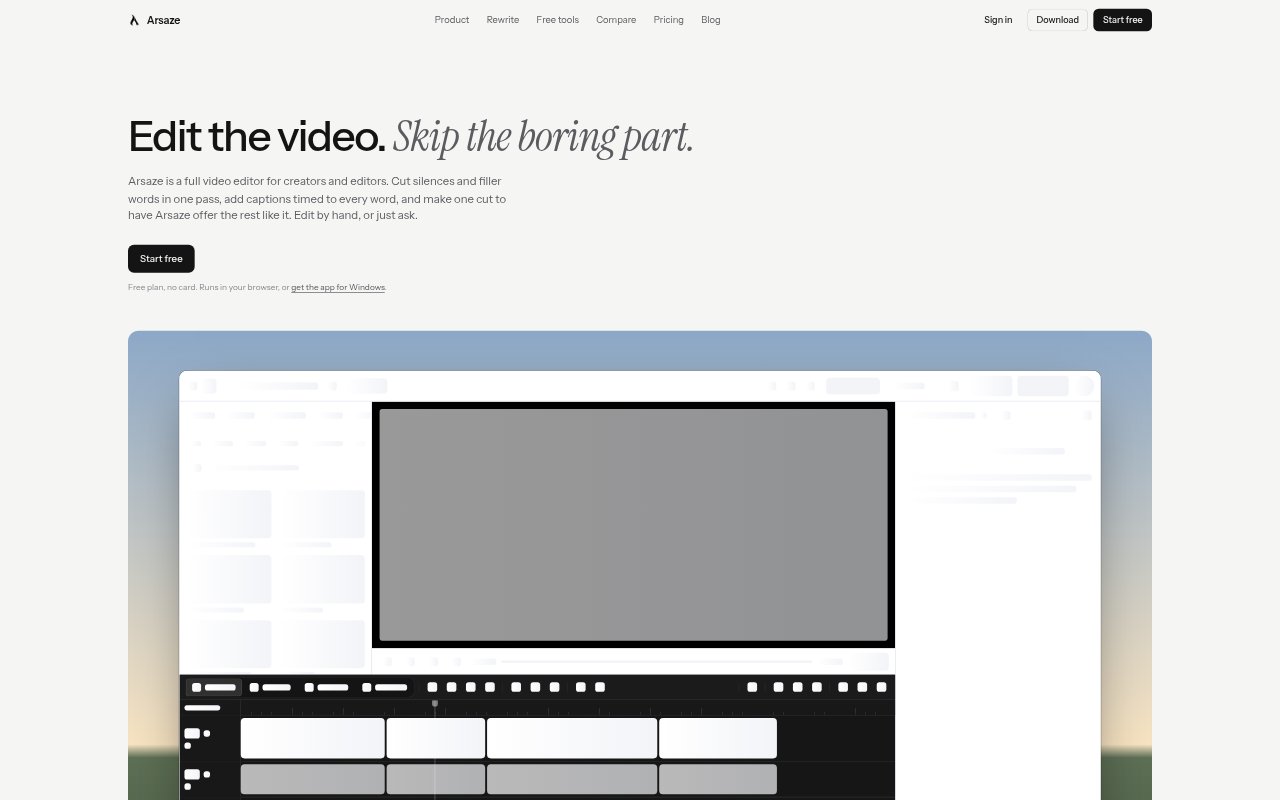
What is Arsaze?
Arsaze is a video editor for creators, editors and teams, with a multi-track timeline for manual work and AI-assisted editing. It can handle repetitive edits such as removing pauses, and lets users make changes directly in a transcript or by describing the edit they want. It runs in a browser or as a desktop app for Windows, Mac and Linux, with a free plan that does not require a credit card.
Arsaze Features:
Transcript Editing: Edit a video through its transcript by deleting words, removing filler words or shortening pauses, with cuts recorded as changes that can be restored.
Tab Suggestions: Make an edit, then review similar proposed edits on the timeline and accept them with Tab, take them one at a time with Shift+Tab or dismiss them with Esc.
AI Editing: Connect Claude, ChatGPT, Gemini or Grok to request edits in natural language, with the changes applied to the same timeline and available to undo.
Captions and Color: Create captions with word-level timing and reusable styles, then adjust color with wheels, curves, HSL controls, LUTs and shot matching.
Audio Tools: Work with voice isolation, noise reduction, loudness controls and automatic ducking under speech, alongside video, music and sound effects on the timeline.
Client Review: Share a review link without exporting first so clients can watch, draw on a frame and leave notes tied to the moment they mean.
Desktop Export: Use the desktop app for local transcription, background removal, private projects and exports without a watermark, or export an MP4 or FCPXML project.
Arsaze Benefits:
Less Repetitive Work: Editors can spend less of a session making the same kind of cut repeatedly and more time shaping the pacing and content of a video.
Reviewable Changes: Tracked edits, undo and saved versions make it easier to test an approach, compare cuts and recover an earlier decision.
Clearer Feedback: Notes attached to specific frames and moments give editors a more precise way to understand client feedback and make requested changes.
Flexible Workflow: Teams can choose hands-on timeline editing or delegate selected changes to an AI assistant without moving the work into a separate edit.
Local Editing Options: Desktop processing and private projects give users a way to work with footage on their own computer and avoid cloud rendering for exports.
Use Cases:
Talking-Head Videos: Prepare interviews, tutorials or creator videos by tightening long pauses, removing filler words and adding timed captions.
Client Revisions: Collect feedback on a draft when a client needs to point out a specific frame or explain where a change belongs.
Social Video Edits: Turn a recorded conversation or presentation into a more concise video by cutting dead time and reviewing suggested edits.
Collaborative Editing: Use an AI assistant to carry out requested timeline changes while an editor reviews the result, adjusts it or rolls it back.
Finishing and Handoff: Complete color and audio adjustments, then deliver an MP4 or pass the edit to DaVinci Resolve or Premiere Pro as FCPXML.