

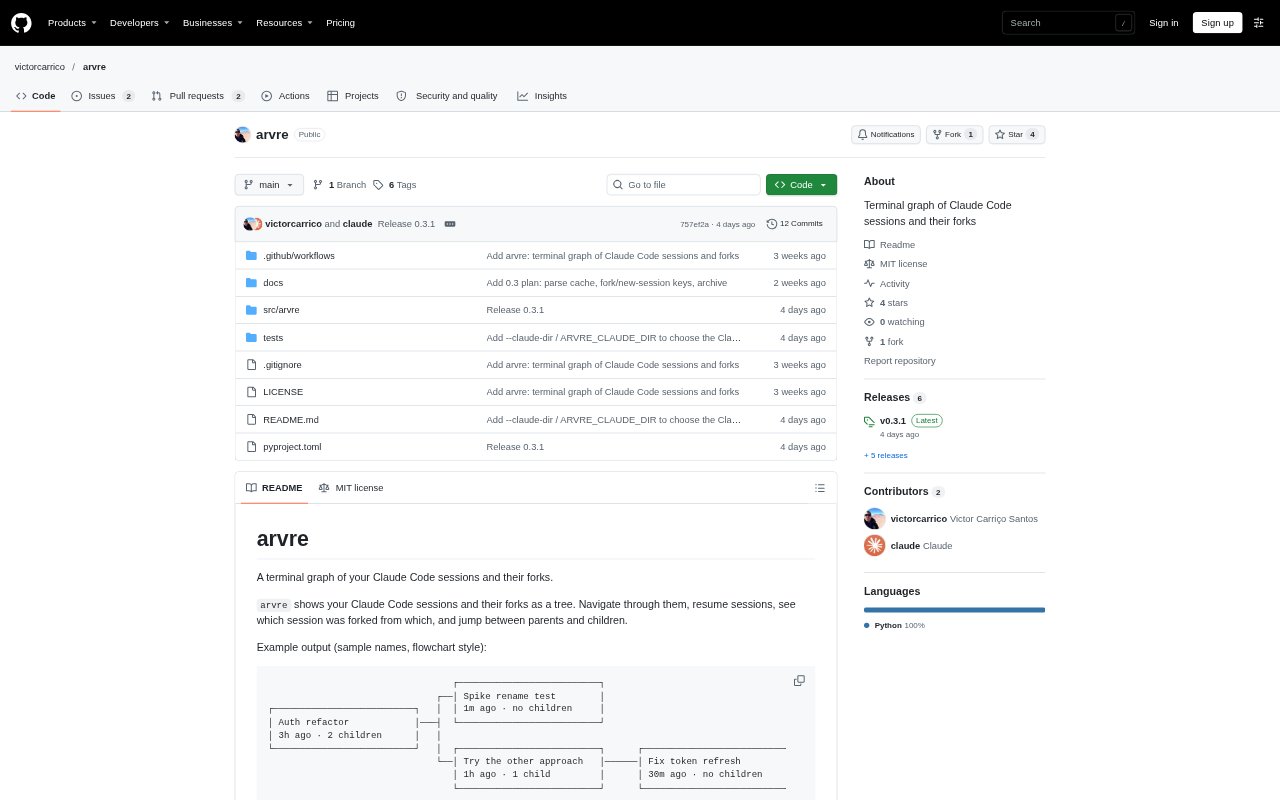
What is Arvre?
Arvre is a terminal-based browser for Claude Code sessions, displaying sessions and their forks as a navigable tree. It is for developers who work across multiple Claude Code conversations and want to see how work branched, move between related sessions, or resume one. It reads session data from Claude Code’s projects directory by default and can show sessions from the current directory or across projects and time ranges. Arvre runs on macOS and Linux and requires Python 3.11 or later.
Arvre Features:
Session Tree: View Claude Code sessions and their forks in a flowchart or compact tree, with each session’s age and child count.
Fork Detection: Arvre links a session to an earlier one by comparing shared message IDs, since Claude Code does not record a direct parent link.
Session Navigation: Move through the tree, select a parent or child, and open an action menu for the selected session.
Resume Sessions: Open a selected session in the current terminal with Claude Code, or copy a resume command for another terminal.
Session Actions: Fork a selected session, start a new session in its directory, or archive and unarchive it from the graph.
View Controls: Switch between the last 24 hours and all time, filter to the current directory or all projects, and show archived sessions.
Arvre Benefits:
Clearer Lineage: Seeing related conversations together makes it easier to understand which experiments or follow-up tasks came from an earlier session.
Quicker Context Recovery: Resuming a past conversation lets you continue from its existing Claude Code session instead of reconstructing the discussion from memory.
Focused Browsing: Narrowing the graph by directory or time period reduces unrelated sessions when looking for a particular piece of work.
Safer Cleanup: Hiding an old session keeps the graph manageable without deleting or modifying its session file.
Faster Repeat Scans: The cache skips unchanged session files on warm starts, so revisiting a large session collection can take less time.
Use Cases:
Comparing Approaches: Inspect forks from a coding session to see how alternate implementation attempts relate to the original work.
Returning to Work: Find and resume a previous Claude Code conversation when picking up a task after a break.
Project Session Review: Limit the view to the current directory to review conversations associated with the project you are working on.
Archiving Old Sessions: Hide completed or inactive sessions from the graph while keeping their session files intact.
Starting Follow-Up Work: Create a new Claude Code session in the directory of a selected session when beginning related work.