

What is AstrBot for Android?
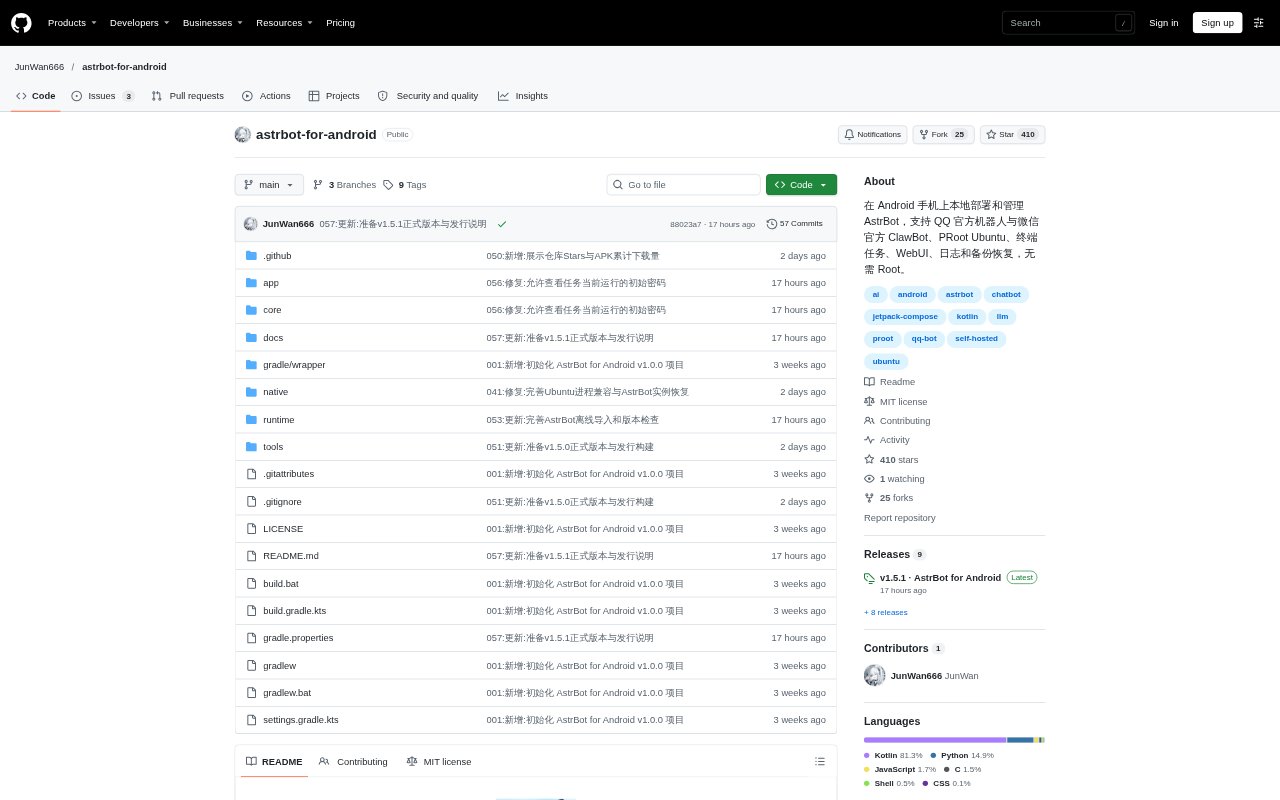
AstrBot for Android is an Android app for installing and managing AstrBot locally on an ARM64 phone, without requiring root access. Its APK includes a PRoot Ubuntu environment and AstrBot, with a native control interface and an embedded web dashboard. From the app, users can configure official QQ bots and WeChat ClawBot, manage other Ubuntu programs, and access logs, backups, and extensions. AstrBot uses the models configured by the user.
AstrBot for Android Features:
Local Bot Runtime: Initialize the included Ubuntu environment, start, stop, or restart AstrBot, and check service readiness and component versions.
Official Bot Setup: Configure official QQ bots and WeChat ClawBot, scan QR codes for authorization, manage credentials, and check connection status.
Embedded Dashboard: Open AstrBot's web interface in an in-app browser to configure models, plugins, and personas, or use an external browser.
Logs and Resources: Follow or pause live service logs, copy or share them, export redacted logs, and view memory and storage use.
Terminal and Tasks: Use a multi-session terminal and run custom Ubuntu programs with their own directories, startup commands, controls, and logs.
Backup and Updates: Create local snapshots, export or import ZIP backups across phones, import AstrBot update packages, and roll back updates.
AstrBot for Android Benefits:
Fewer Setup Steps: The included runtime means users can prepare AstrBot without separately downloading Ubuntu or installing the project's runtime dependencies.
Phone-Based Management: Starting the bot, adjusting its settings, and checking its status can all be handled from the Android device running it.
Faster Troubleshooting: Service readiness, live logs, and process resource details give users useful information when a bot or program does not behave as expected.
Portable Bot Data: Exportable backups and cross-phone imports make it easier to move saved data when changing Android devices.
One Device for More: The terminal and independent task controls let users run other Ubuntu programs alongside their AstrBot setup.
Use Cases:
QQ Bot Hosting: Set up an official QQ bot on an Android phone, authorize it by QR code, and manage its connection from the app.
WeChat Bot Setup: Connect WeChat's official ClawBot flow to a local AstrBot instance and manage its authorization and connection.
Model Configuration: Open AstrBot's dashboard to configure a model, plugins, or a persona for a bot running on the phone.
Ubuntu Program Runs: Define a program's working directory and launch command, then start it separately and review its run logs.
Device Migration: Export selected data as a backup and import it on another phone when moving an AstrBot setup.