
What is Atticus?
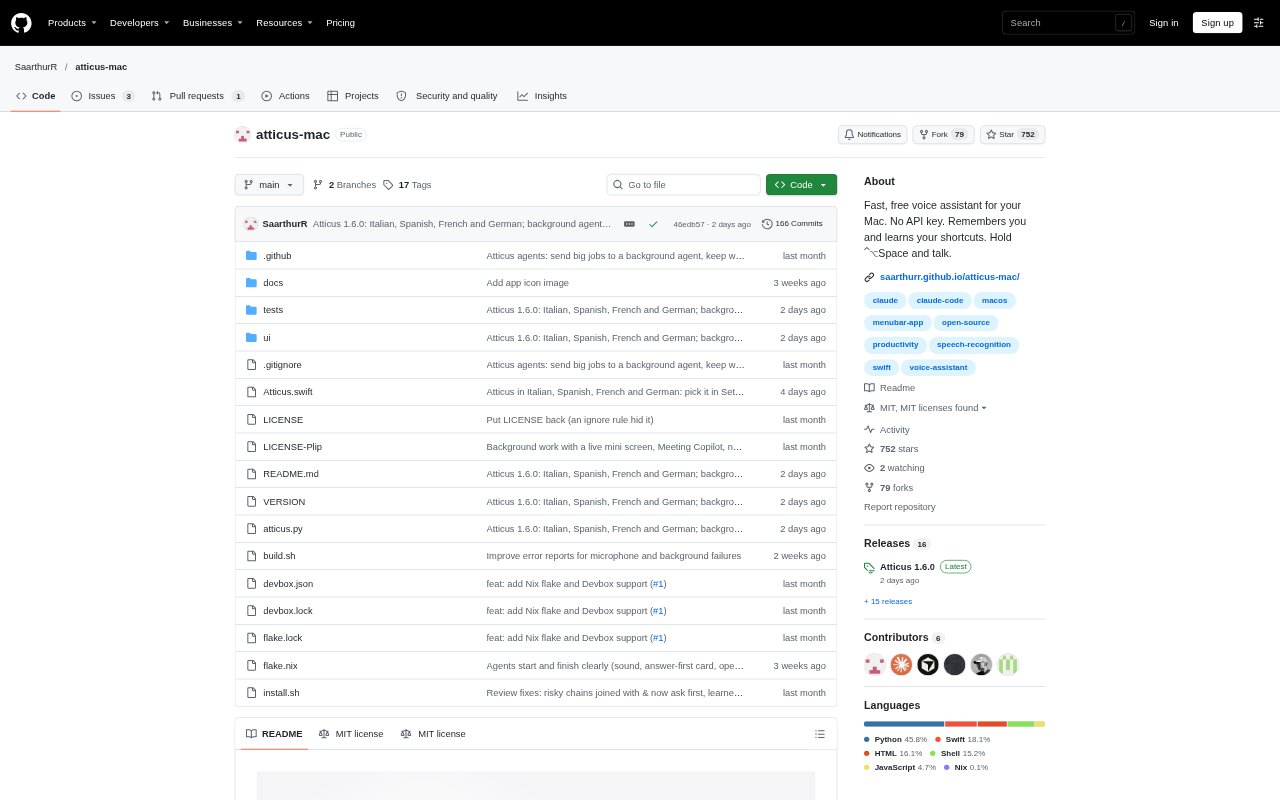
Atticus is a voice assistant for macOS that carries out tasks across your Mac from spoken or typed requests. It can manage windows, search files, inspect what is on screen, dictate into text fields and run learned shortcuts. It is aimed at Mac users who want to control everyday desktop tasks without switching between apps and commands. Atticus is free and open source, requires macOS 26, and works with Claude Code on a Claude plan, Devin, Pi or a local model.
Atticus Features:
Voice Commands: Hold Control, Option and Space, say a request, and Atticus can act on it; a wake word is also available in settings.
Instant Mac Tasks: Open apps, arrange windows, search the web and play music using built-in commands that do not need AI.
Screen Awareness: Ask questions about visible content, mark an area for Atticus to inspect, or get a visual pointer to a screen location.
Dictation and Cleanup: Dictate into text fields with on-device speech recognition, then choose a verbatim transcript or an AI cleanup pass.
Learned Shortcuts: Describe a new task once and Atticus can learn its steps, then run the shortcut again when you ask.
Meeting Copilot: Get answers and notes during calls, with meeting information saved on your Mac.
Safety Controls: Atticus asks before actions such as deleting, sending, buying or changing a file, and blocks certain system commands.
Atticus Benefits:
Less App Switching: Handle common desktop tasks from one request instead of moving between apps and performing each step manually.
Faster Repetition: Turn a recurring multi-step routine into a learned shortcut, so later requests take less effort.
Clearer Screen Help: Get guidance anchored to the actual screen, which can make unfamiliar settings or interfaces easier to navigate.
More Control: Confirmation prompts and blocked commands give users a chance to review consequential actions before they happen.
Private Speech: On-device speech recognition keeps voice audio on the Mac rather than sending it away for transcription.
Use Cases:
Window Arrangement: Ask Atticus to place a code editor, browser and terminal across two displays before starting a work session.
File Discovery: Find notes about a trip by asking for the subject matter, rather than remembering the filename.
Email Drafting: Ask it to read an email on screen and draft a reply for insertion at the cursor without sending it.
Guided Settings: Ask where to change a Mac setting and follow the on-screen pointer to the relevant control.
Hands-Free Notes: Dictate a message or rough notes into a text field and use cleanup to remove filler words and format spoken lists.