Overview Is it worth it? FAQ
What is Autodesk and What Does it Do?
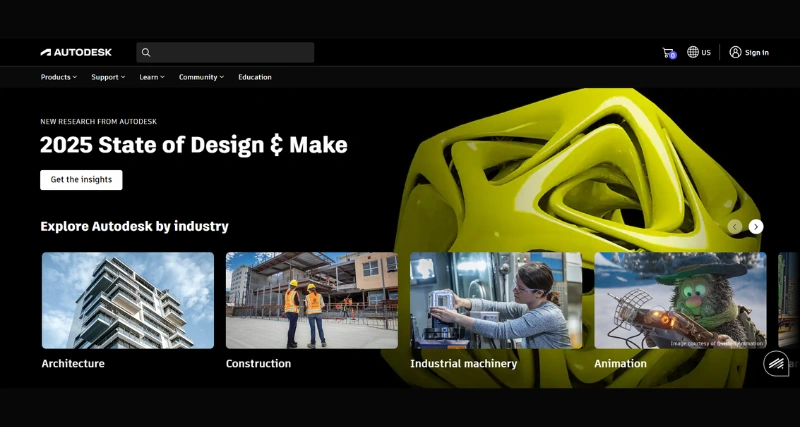
Autodesk is a cloud platform designed to help architects, planners, and designers manage projects more effectively. It offers tools to improve project planning and early design by combining collaboration features with insights backed by data. Teams use Autodesk to analyze, visualize, and enhance layouts focusing on making projects practical and efficient. From detailed building models to large-scale urban designs, Forma helps users bring accuracy and creativity into their workflows through advanced automation and analysis.
Standout Features/Capabilities
Easy 3D Modeling: Forma has a user-friendly setup for creating detailed 3D models. It helps turn ideas into visual designs.
Automated Workflows: Automated tools take care of repetitive jobs. This saves time and helps users spend more effort on creative tasks.
Performance Analysis: Built-in features let users check sunlight exposure, wind patterns, and energy use. It helps them understand performance better.
Real-Time Collaboration: Cloud-based tools let team members and project stakeholders work together. They can share their designs, add feedback, and collaborate .
Seamless Integration: Forma connects with Autodesk products like AutoCAD and Revit. This creates one shared system for AEC experts to work on projects together.
Data-Driven Decisions: The software provides clear data insights. Designers can use this inside the design tool to make smarter choices in the early project stages.
How It Works
Autodesk helps people design by using cloud-based models and analysis. Its simple modeling tools let users create basic models right after logging in. The platform runs automatic simulations to examine environmental factors like sunlight and wind as they happen in real time. Users can work together with teammates by sharing designs on the cloud using workflows with version control, and integrating tools like Revit. Demos, tutorials, and Autodesk support guides make it easier for new users to learn how to use the software.
Add Your Heading Text Here
Lorem ipsum dolor sit amet, consectetur adipiscing elit. Ut elit tellus, luctus nec ullamcorper mattis, pulvinar dapibus leo.
Add Your Heading Text Here
Lorem ipsum dolor sit amet, consectetur adipiscing elit. Ut elit tellus, luctus nec ullamcorper mattis, pulvinar dapibus leo.
Versions/Models
Autodesk includes a single version of its software, but members get regular updates through its subscription program. These updates keep the software cutting-edge and introduce the latest technologies.
Pros
Simplifies early design work with tools that are easy to use.
Provides detailed simulations and tools to optimize early-stage designs.
Enhances teamwork using cloud access and shared files.
Works with Autodesk platforms to keep projects consistent.
Supports eco-friendly goals with metrics that track environmental performance.
Cons
Advanced features may take time to learn for new users.
Depends on internet access to function at its best.
Might be pricey for smaller businesses with tight budgets.
Benefits
Browser and Platform Compatibility
Since Autodesk is web-based, it runs on modern browsers like Google Chrome, Safari, and Edge. This setup simplifies teamwork because it skips the need for local setups or costly hardware. It does not yet include a stand-alone iOS app or a Chrome Extension but is used directly through browsers.
Available Pricing
Autodesk follows a software-as-a-service model. While there might be trial versions or free basic plans additional features come with paid subscription plans.
Monthly Plan – Starts at $460 each month
Annual Plan – Starts at $3675 per year
Disclaimer:These prices might not show the latest rates. To get up-to-date pricing information, visit the official Autodesk website.
Is It Worth It?
Autodesk costs a lot but offers strong value to AEC professionals aiming to improve collaboration, work faster, and keep environmental factors in mind. Its tools and features make sense for medium to large firms. However smaller teams should think about the return on investment based on how complex and frequent their projects are.
1. Can Autodesk take over Revit's role?
Not at all. Forma works alongside Revit. Forma handles early design and analysis, while Revit manages detailed modeling and documentation.
Autodesk works through the cloud so you need an internet connection to use it.
3. Is there a no-cost version?
Trial versions might be an option, but you need a paid subscription to unlock all its features.
4. Can smaller teams work with Autodesk?
Yes, but small teams need to look at the cost and see if it fits the size of their project.
Yes, Autodesk provides many tutorials, community forums, and support so users can make the most of the platform.