
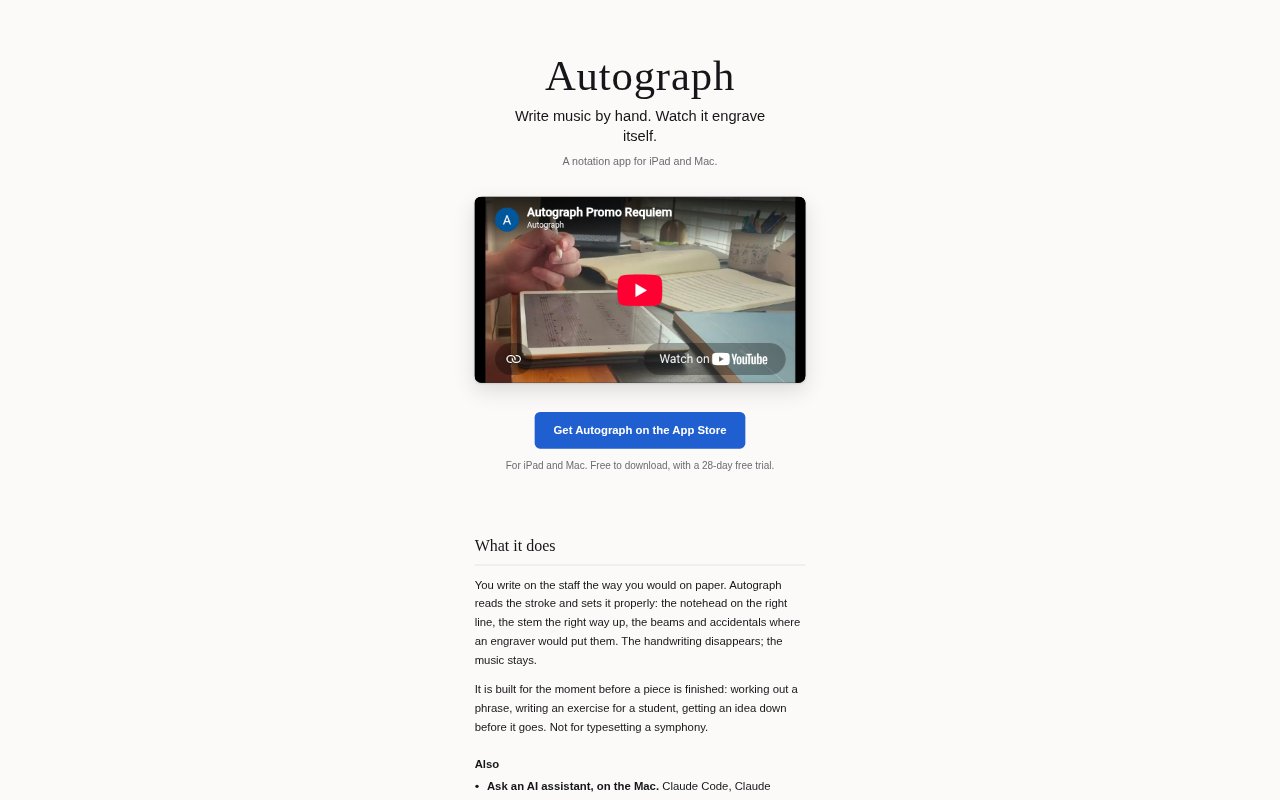
What is Autograph?
Autograph is a handwritten music-notation app for iPad and Mac, designed for composers and teachers who want to capture or develop music directly on a staff. Write with Apple Pencil and it turns your strokes into engraved notation, or enter notes with a keyboard or MIDI keyboard. Scores play back as you work and can be exported for printing or further editing. The app is aimed at the working stage of a piece, rather than full-scale typesetting.
Autograph Features:
Handwritten Entry: Write on the staff with Apple Pencil, and Autograph recognizes strokes and places noteheads, stems, beams and accidentals in standard notation.
Score Playback: Play back every bar of a score as you work, so you can hear the music you have written.
Keyboard Input: Enter notes using a keyboard or a MIDI keyboard when handwriting is not the right fit.
AI Score Editing: On Mac, an assistant that supports MCP can read the open score and make edits such as transposing a passage or adding a dynamic.
Score Structure: Write for grand staff, use multiple voices on a staff and add lyrics beneath the notes.
Import and Export: Open MusicXML and MEI files, and export scores as PDF, MusicXML or MEI for printing, other notation apps or scholarly work.
Autograph Benefits:
Quick Idea Capture: Writing directly on a staff lets you get a phrase down without interrupting the idea to place each note through a conventional notation workflow.
Earlier Error Checks: Hearing a passage during composition can help you notice a wrong note while the score is still in progress.
Low-Risk Changes: Each assistant request can be undone as one step, making it easier to try score edits and return to the previous version.
Flexible Score Handoff: Export options make it possible to print a score, continue working in another notation app or prepare material for scholarly use.
One-Time Editing Cost: Editing is unlocked for 28 days, then costs $29.99 once; the purchase covers iPad and Mac and includes future updates, with no subscription.
Use Cases:
Sketching a Phrase: Capture a melodic or harmonic idea on a staff while developing a piece, before it is ready for formal typesetting.
Preparing an Exercise: Write a notation exercise for a student and export it as a PDF for printing or sharing.
Trying Score Revisions: Ask a Mac-based MCP assistant to draft a bass line, transpose a passage or add a dynamic while you review the open score.
Checking a Passage: Play back a newly written bar to check how the notes sound before continuing with the rest of the score.
Continuing Imported Work: Open a MusicXML or MEI score from another source, make edits in Autograph and export it in a format suited to the next step.