

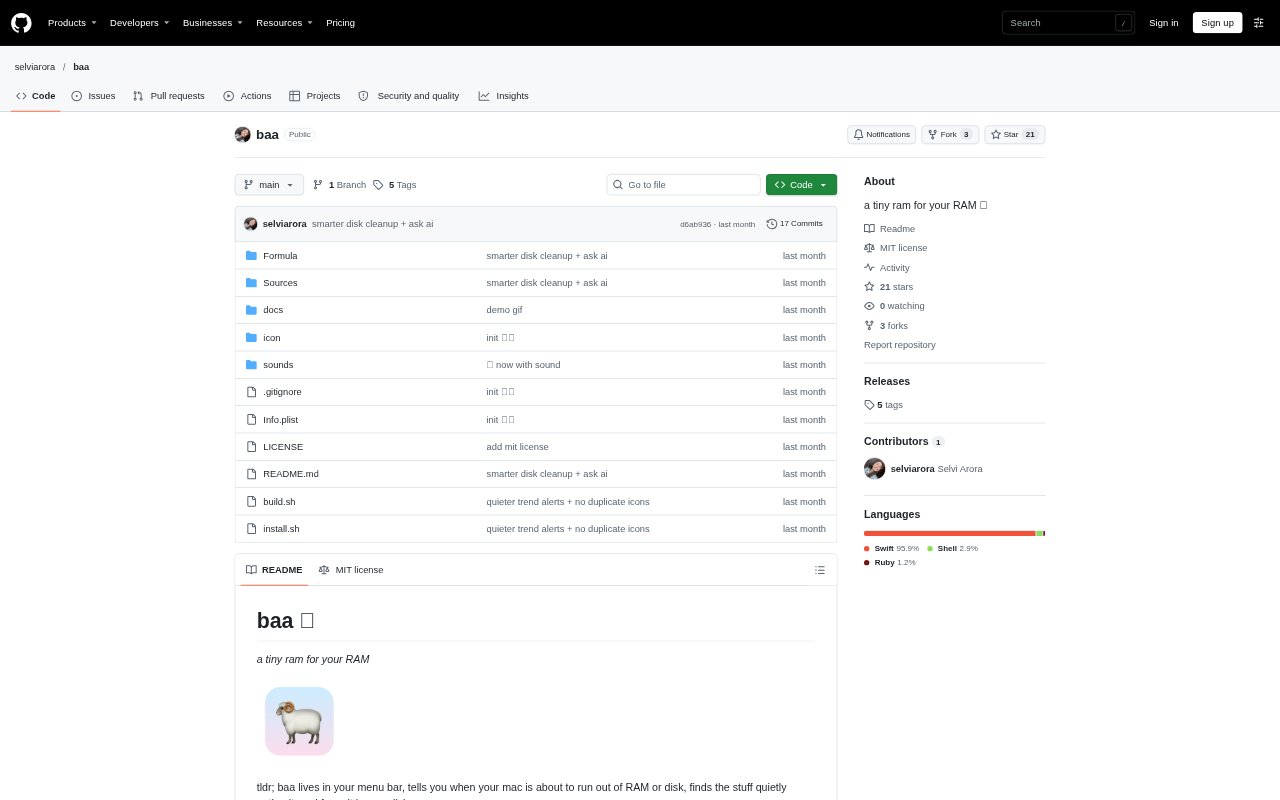
What is baa?
baa is a macOS menu-bar utility for monitoring free RAM and finding processes or files that may be safe to clear. It is aimed especially at people whose Macs accumulate development servers, build leftovers, or work started by AI agents. The app shows memory status, warns as available RAM gets low, and offers controls for clearing selected items; a companion command-line tool provides RAM and disk readouts and cleanup commands. It requires macOS 14 or later.
baa Features:
RAM Status: The menu bar shows free RAM and changes color as memory gets tight, with adjustable yellow and red warning thresholds.
Leftover Detection: baa identifies apps and scripts that remain open after their app or terminal closes, idle agent processes, large inactive processes, and certain high-CPU leftovers.
One-Click Cleanup: For detected processes, it estimates how much RAM could be recovered and lets you free an individual item or everything it found.
Memory Alerts: Notifications warn a few minutes before RAM runs out, and an optional heads-up can flag a sustained drop in available memory.
Disk Cleanup: It finds development-related disk clutter such as old builds and package caches, then lets you clear selected items or all results.
Folder Review: A view of the largest folders can ask Claude Code or Pi to assess what may be safe to delete, sending only folder names and sizes and deleting nothing.
Terminal Commands: The baa command reports RAM leftovers and disk usage, frees selected items, cleans disk results, and displays the largest folders.
baa Benefits:
Faster Triage: A readout of likely leftovers and their potential memory recovery helps narrow down what is consuming RAM without searching through every running process.
Fewer Surprises: Advance warnings give you a chance to respond before available memory becomes critical, rather than discovering the problem only when RAM is nearly gone.
More Disk Space: Finding common development clutter and clearing it from the same utility makes it easier to reclaim storage without hunting through folders manually.
Controlled Cleanup: You choose which detected processes or files to remove, so baa does not unexpectedly terminate work or delete data on its own.
Flexible Access: Using either the menu-bar panel or terminal commands lets you check and clean up in the way that suits your current workflow.
Use Cases:
Stale Dev Servers: A developer can check for servers, scripts, or builds left running after closing a terminal and free the ones no longer needed.
Agent Cleanup: When AI agents have started processes that are now idle, baa can identify those leftovers and show how much RAM they may be holding.
Idle Workloads: A Mac user can look for idle Docker setups with no containers or an Ollama model still loaded and decide whether to release them.
High CPU Processes: If fans are running or battery is draining, users can check for processes stuck using CPU and clear qualifying leftovers.
Developer Disk Space: Before a development task that needs more storage, users can review old builds, package caches, and the largest folders for cleanup.
Low RAM Checks: Someone running memory-heavy work can monitor free RAM and use advance alerts to decide when to close or clear unneeded processes.