
What is Backwords?
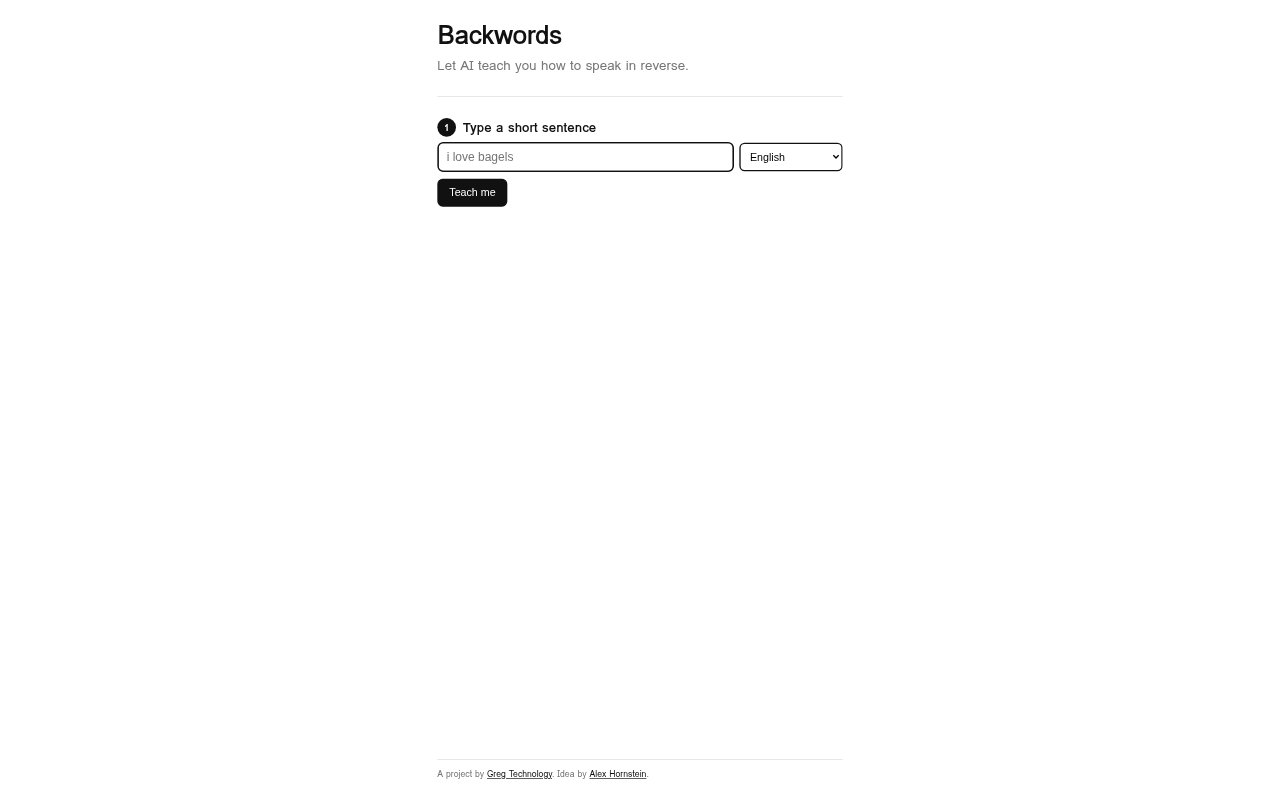
Backwords is a small interactive tool for practicing how to speak a sentence in reverse. Type a short sentence and listen to an AI voice say it backwards, then record your own attempt and play it back in reverse. It is suited to people curious about reverse speech who want a simple way to hear a target and try reproducing it, without needing to work out the sound transformation on their own.
Backwords Features:
Short Text Input: Enter a short sentence as the text you want to practice speaking in reverse.
AI Reverse Speech: The tool generates a reversed version of the entered sentence and plays it as a listening target.
Practice Recording: Record your own attempt after listening to the AI version, using the same sentence as your practice prompt.
Recording Playback: Play your recording back in reverse to hear how your attempt compares with the target sound.
Reversed Download: Download the reversed version of your recording for listening outside the practice session.
Backwords Benefits:
Clear Sound Target: Hearing the AI version first gives you a concrete sound to work toward instead of relying on an imagined reverse pronunciation.
Immediate Self Review: Reversing your own recording makes it easier to notice how your spoken attempt sounds when played in the intended direction.
Focused Practice: Working with a short sentence keeps each attempt centered on a manageable piece of speech rather than a long passage.
Takeaway Audio: Downloading the reversed recording lets you keep an audio version of your attempt for later listening.
Use Cases:
Reverse Speech Practice: Use a short phrase to practice producing speech that can be heard as words when the recording is reversed.
Sound Experiment: Try a sentence out of curiosity and listen to how ordinary speech changes when heard in reverse.
Pronunciation Exercise: Choose a brief phrase, listen to the AI target, and make repeated attempts to approximate its reversed sound.
Audio Comparison: Record a phrase and compare its reversed playback with the AI version to inspect differences by ear.
Personal Practice Clip: Download the reversed playback of your attempt when you want to revisit the result after using the tool.